
תבנית application form 4
עם סט התכונות המסורתי לצפייה ומילוי של מסמך PDF, בשילוב עם היתרונות של אפליקציית אינטרנט ופריסה רספונסיבית, תוכל להשלים את application form 4 בתוך דקות.


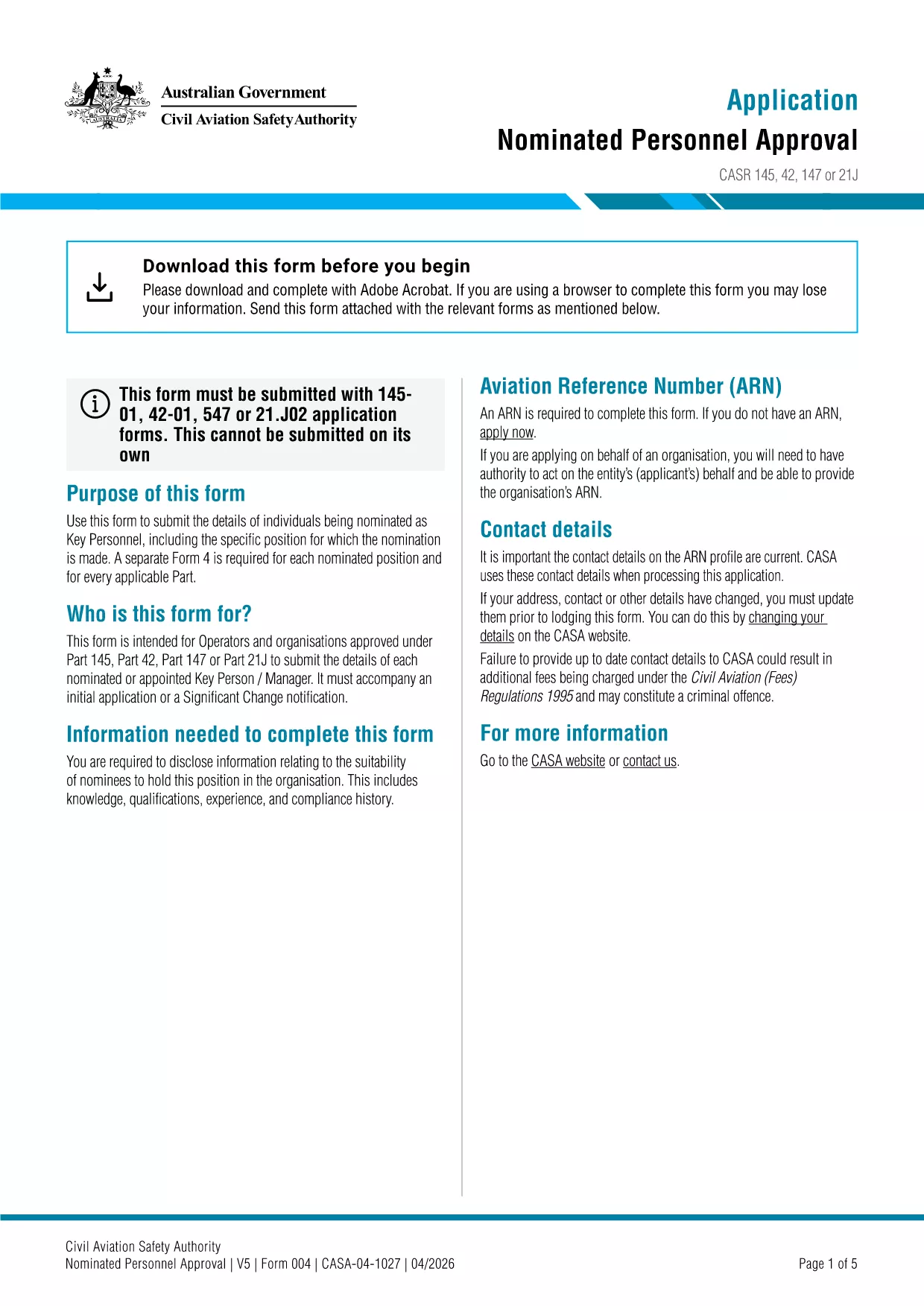
Application Form No. 4 is the official Application for Nominated Personnel Approval used by the Australian Civil Aviation Safety Authority (CASA). The form is required when you need approval for personnel who will act under a nominated aviation operation.
This form collects detailed information about the nominated individual, the operation they will support, and the relevant qualifications. It is a mandatory part of CASA’s safety oversight process.
Instead of downloading the PDF and opening a separate editor, simply click the "Fill out this form" button on this page. The Formize PDF Filler app will load in your browser and let you complete every field directly online.
After you have saved the signed PDF, email it to casasubmissions@civilaviation.gov.au or upload it through the CASA online portal. Keep a copy for your records.
Need more help? Review CASA’s guidelines for nominated personnel for detailed instructions.
No. The Formize PDF Filler runs in any modern browser, so you can complete the form without installing additional software.
Yes. The filler automatically saves your work locally. When you reopen the form, you’ll be prompted to continue where you left off.
Enter dates in the DD/MM/YYYY format, as required by CASA.
CASA accepts digital signatures generated through the Formize PDF Filler. Ensure the signature matches the one on your official ID.
Email the signed PDF to casasubmissions@civilaviation.gov.au or upload it via the CASA online portal.
Contact CASA’s support team immediately. You may need to submit a corrected form with a brief explanation of the changes.
עם סט התכונות המסורתי לצפייה ומילוי של מסמך PDF, בשילוב עם היתרונות של אפליקציית אינטרנט ופריסה רספונסיבית, תוכל להשלים את application form 4 בתוך דקות.
הדרך הקלה ביותר למלא טפסי PDF באינטרנט
מחק הפעלת מילוי
מחק סשן עריכה