
בחר שפה

Application Form Z – Fillable PDF

  1. שפה אנגלית
  2. מדינה אוֹסטְרַלִיָה
  3. מַחלָקָה משרד הפנים והמשפטים
  4. פעילות אשרות
Application Form Z – Fillable PDF

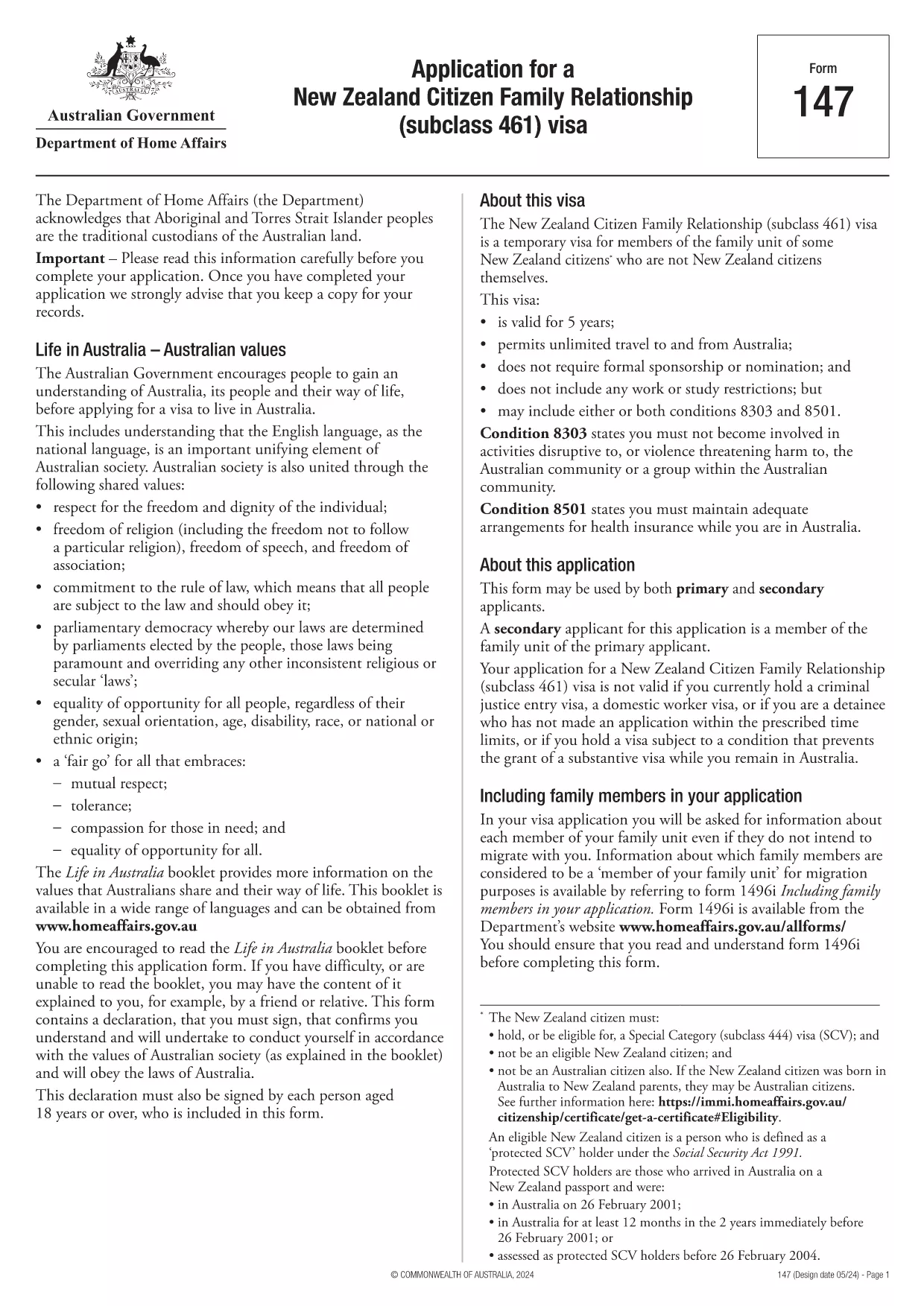
Looking for a quick, secure way to complete Application Form Z? You’ve come to the right place. Our fillable PDF version lets you enter data directly in your browser, sign electronically, and submit without ever printing a single page.

Formize hosts the official PDF from the Department of Home Affairs, so you can be confident you’re using the correct, up‑to‑date version. Below you’ll find everything you need to know – from a brief overview of the form’s purpose to detailed, step‑by‑step instructions on how to fill it out online.

What is Application Form Z?

Application Form Z is the official document used for certain visa and family‑relationship requests in Australia. It captures personal details, relationship information, and supporting evidence required by the Department of Home Affairs.

How to Fill the Form Online with Formize

Instead of downloading the PDF and opening it in a desktop editor, simply click the "Fill out this form" button on this page. The Formize PDF Filler app will load in seconds, presenting you with an intuitive, web‑based interface.

Common Mistakes to Avoid

  • Leaving required fields blank – the filler will highlight missing information before you can submit.
  • Using the wrong date format – the form expects DD/MM/YYYY.
  • Uploading unsupported file types for attachments – stick to PDF, JPG, or PNG.
  • Forgetting to add your electronic signature – the signature field is mandatory.

Download the Fillable PDF

If you prefer to keep a local copy, you can download the official PDF directly from the Department of Home Affairs:

Download Application Form Z (PDF)

After downloading, you can still use Formize’s online filler by uploading the file, but the one‑click option above is the fastest route.

Frequently Asked Questions

Below are the most common questions users have about Application Form Z and how to complete it using Formize.

שאלות נפוצות
  • Do I need Adobe Acrobat to fill Application Form Z?

    No. Formize’s online filler works in any modern browser, so you don’t need Acrobat or any additional software.

  • Can I save my progress and finish later?

    Yes. The filler lets you save a draft to your device or to your Formize account, then resume whenever you’re ready.

  • Is the electronic signature accepted by the Department of Home Affairs?

    Absolutely. The Department recognises electronic signatures on fillable PDFs submitted through approved platforms like Formize.

  • What file formats are allowed for supporting documents?

    PDF, JPG, and PNG are accepted. Each file must be under 10 MB.

  • How long does it take for the Department to process the form?

    Processing times vary by visa category. Check the latest estimates on the Department of Home Affairs website after you submit.

  • What if I make a mistake after submitting?

    Contact the Department’s case office as soon as possible. You may be asked to submit a corrected form or an amendment letter.

איך ל

כיצד למלא את application form z בחינם, באינטרנט ב-5 שלבים פשוטים:

  1. 1
    Open the Formizer Filler
    Click the bright "Fill out this form" button on this page. The Formize PDF Filler app will launch in a new window.
  2. 2
    Enter Your Information
    Type directly into each fillable field. Use the Tab key to move quickly between sections.
  3. 3
    Add Attachments
    Upload required supporting documents (PDF, JPG, PNG) using the attachment icons next to each field.
  4. 4
    Sign Electronically
    Click the signature field, draw or type your name, and confirm. The signature is legally binding.
  5. 5
    Review & Submit
    Use the built‑in validator to check for missing fields, then click "Submit". You’ll receive a confirmation email with a copy of your completed form.
Formize אפליקציית מילוי PDF
על אודות

טפסי ויזה

application form z הוא אחד מטפסי ויזה שהם מסמכים המשמשים להגשת בקשה לאשרת כניסה למדינה זרה. ויזה היא מסמך המאפשר לאזרח זר להיכנס, לשהות ולעיתים לעבוד במדינה זרה למשך פרק זמן מוגדר. הטפסים והדרישות המדויקות לקבלת ויזה משתנים בהתאם למדינה ולסוג הויזה.

טופסי ויזה דורשים בדרך כלל מידע אישי כגון שם, תאריך לידה ומידע על דרכון, כמו גם מידע על מטרת ואורך הטיול, היעד המיועד, והאם למבקש סורבה בעבר ויזה או גורש ממדינה. הטפסים עשויים לדרוש גם מסמכים תומכים כגון דרכון, תמונות והוכחה לתמיכה כספית.

בארצות הברית, טפסי הויזה הנפוצים ביותר הם הטפסים DS-160 ו-DS-260. טופס DS-160 משמש להגשת בקשה לאשרת מהגר, בעוד טופס DS-260 משמש להגשת בקשה לאשרת מהגר. טפסים אלה דורשים מידע מפורט על ההיסטוריה האישית והנסיעות של המבקש, כמו גם תיעוד תומך כגון דרכון, מסלול טיול ורישומים פיננסיים.

למדינות אחרות עשויות להיות צורות ודרישות שונות של ויזה, אך התהליך הבסיסי כולל בדרך כלל מילוי בקשת ויזה, מתן תיעוד תומך והשתתפות בראיון עם קצין קונסולרי בשגרירות או קונסוליה של ארה"ב. חשוב לציין שתהליך הגשת בקשה לויזה יכול להיות מורכב ואורך זמן, ומומלץ לאנשים המבקשים לויזה להתייעץ עם עורך דין הגירה או איש מקצוע מוסמך אחר על מנת לוודא שכל הטפסים והדרישות הנדרשים מתקיימים.

תכונות

מילוי PDF

הדרך הקלה ביותר למלא טפסי PDF באינטרנט

  • מלא במהירות את application form z
    מחפש דרך למלא במהירות את application form z באינטרנט? עם מילוי טופס ה-PDF המקוון שלנו בחינם, תדע כיצד לערוך ולמלא את מסמך ה-PDF הזה תוך פחות מדקה.
  • עורך PDF מקוון קל לשימוש
    נמאס לך להדפיס קבצי PDF כדי שתוכל לערוך אותם, לפני סריקה מחדש ושליחה חזרה? ערוך מסמכי PDF בחינם באינטרנט. השתמש בעורך ה-PDF המקוון שלנו כדי לחסוך בזמן ובנייר.
  • כלים מעולים, כל הפלטפורמות
    תוהה כיצד למלא את application form z ב-Mac, או אולי איך להשתמש בחומר מילוי PDF בחינם? כלי ה-PDF המקוונים שלנו פועלים בכל הפלטפורמות.
  • אחסון קבצים מאובטח
    קבצי "application form z" שהושלמו מאוחסנים במסד נתונים מאובטח המנוהל על ידי אירוח Amazon Cloud. אתה יכול למחוק את הקבצים שלך מהמערכת שלנו בכל עת. בכל מקרה, קבצים אלו נמחקים אוטומטית לאחר 24 שעות.
  • צ'אט עם application form z
    צ'אט עם "application form z" ב-Chatize שהוא עוזר לקורא PDF בחינם. שאל שאלות וקבל תשובות מ-"application form z". פשוט לחץ על הלחצן צ'אט עם מסמך למעלה.

מחק הפעלת מילוי

למחוק את הפעלת המילוי שנבחרה? במקרה זה, ההתקדמות שלך במילוי הטופס תאבד.

מחק סשן עריכה

למחוק את סשן העריכה שנבחר? במקרה זה, ההתקדמות שלך ביצירה ועריכה של הטופס תאבד.