
בחר שפה

Application Form Part 1 – Free Fillable PDF (Not Locked)

  1. שפה אנגלית
  2. מדינה אוֹסטְרַלִיָה
  3. פעילות אשרות
  4. מַחלָקָה Home Affairs
Application Form Part 1 – Free Fillable PDF (Not Locked)

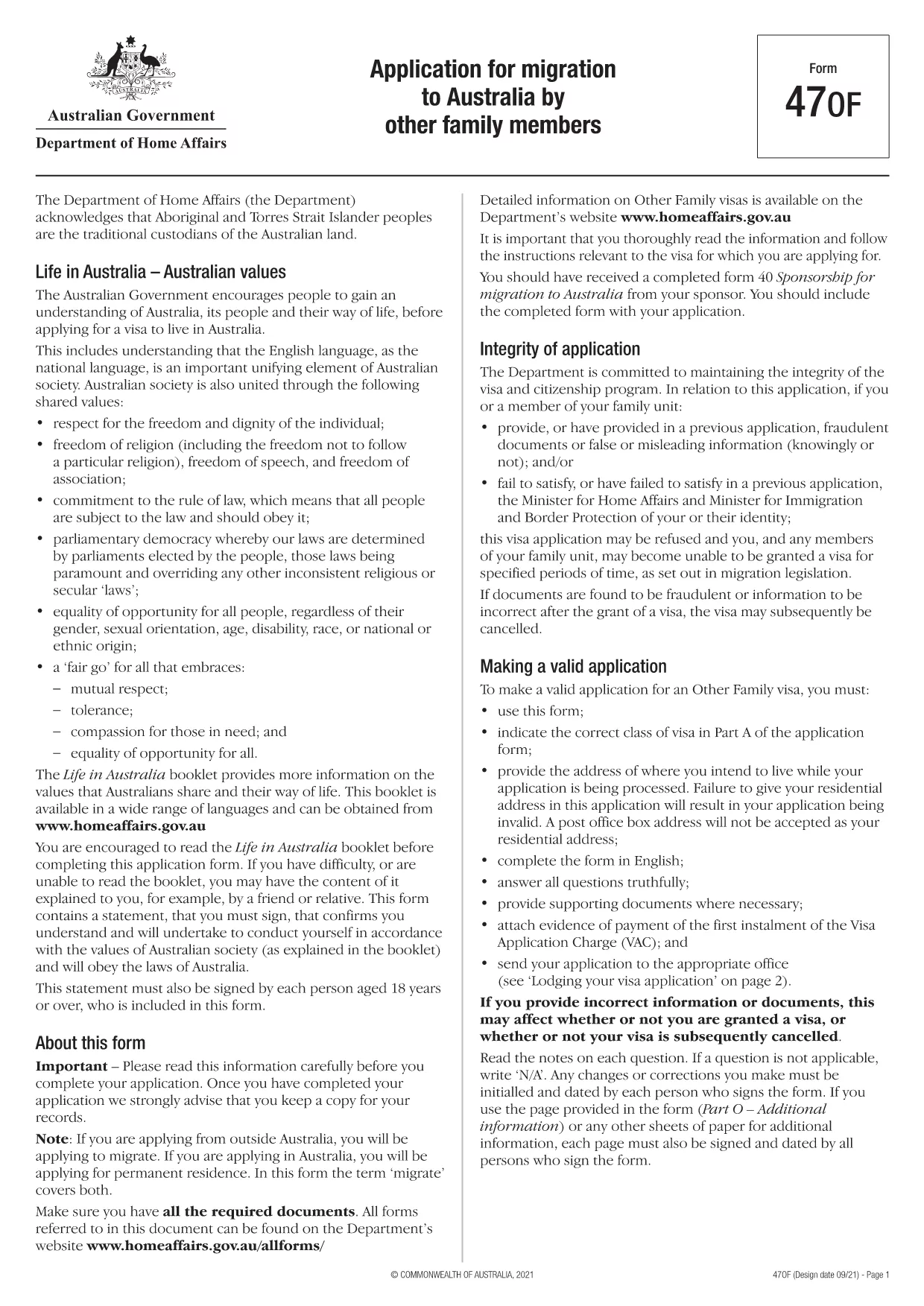
The Application Form Part 1 is the first section of the Australian migration application (Form 47OF). It collects personal details, passport information, and the intended address while your visa is processed. This version is not locked, meaning you can edit every field directly in the browser.

What Is Application Form Part 1?

Part 1 of the form asks for basic applicant information such as name, date of birth, contact details, and the visa subclass you are applying for. Because the PDF is unlocked, you can type, check boxes, and add signatures without needing a separate PDF editor.

How to Fill the Form Online with Formize

Instead of downloading the file and opening a PDF editor, simply click the "Fill out this form" button on this page. The Formize PDF Filler app will load automatically, presenting you with a clean, responsive interface.

  • Enter your information in each field.
  • Use the built‑in validation to avoid common errors.
  • Save your progress and download the completed PDF when you’re finished.

Common Mistakes to Avoid When Completing Part 1

Even though the PDF is unlocked, a few pitfalls can cause delays:

  • Using a PO Box address. The Department of Home Affairs requires a residential address.
  • Leaving mandatory fields blank. The form will not submit if required fields are empty.
  • Mismatching passport numbers. Double‑check the spelling and number sequence.

Download the PDF or Use the Online Filler

If you prefer to work offline, you can download the fillable PDF directly. For the fastest experience, use the Formize online filler described above.

Frequently Asked Questions

Below are answers to the most common queries about this form.

שאלות נפוצות
  • Is the PDF truly unlocked for editing?

    Yes. All fields are editable directly in the browser via the Formize PDF Filler.

  • Can I submit the form electronically?

    After filling it out, you must print and sign the document, then submit it according to Home Affairs instructions.

  • Do I need Adobe Acrobat to use this form?

    No. The Formize online filler works in any modern web browser without additional software.

  • What if I make a mistake?

    You can clear any field and re‑enter the information before saving the final PDF.

  • Is there a size limit for the uploaded PDF?

    Formize supports PDFs up to 10 MB, which is well above the size of this application form.

איך ל

כיצד למלא את application form part 1 בחינם, באינטרנט ב-4 שלבים פשוטים:

  1. 1
    Click the Fill Button
    Press the "Fill out this form" button on this page to launch the Formize PDF Filler.
  2. 2
    Wait for the App to Load
    The Formize app loads in a few seconds. No download or installation is required.
  3. 3
    Enter Your Details
    Complete each field, using the built‑in validation to ensure accuracy.
  4. 4
    Save and Download
    When you finish, click "Save" to download the completed PDF or keep it saved in your Formize account.
Formize אפליקציית מילוי PDF
על אודות

טפסי ויזה

application form part 1 הוא אחד מטפסי ויזה שהם מסמכים המשמשים להגשת בקשה לאשרת כניסה למדינה זרה. ויזה היא מסמך המאפשר לאזרח זר להיכנס, לשהות ולעיתים לעבוד במדינה זרה למשך פרק זמן מוגדר. הטפסים והדרישות המדויקות לקבלת ויזה משתנים בהתאם למדינה ולסוג הויזה.

טופסי ויזה דורשים בדרך כלל מידע אישי כגון שם, תאריך לידה ומידע על דרכון, כמו גם מידע על מטרת ואורך הטיול, היעד המיועד, והאם למבקש סורבה בעבר ויזה או גורש ממדינה. הטפסים עשויים לדרוש גם מסמכים תומכים כגון דרכון, תמונות והוכחה לתמיכה כספית.

בארצות הברית, טפסי הויזה הנפוצים ביותר הם הטפסים DS-160 ו-DS-260. טופס DS-160 משמש להגשת בקשה לאשרת מהגר, בעוד טופס DS-260 משמש להגשת בקשה לאשרת מהגר. טפסים אלה דורשים מידע מפורט על ההיסטוריה האישית והנסיעות של המבקש, כמו גם תיעוד תומך כגון דרכון, מסלול טיול ורישומים פיננסיים.

למדינות אחרות עשויות להיות צורות ודרישות שונות של ויזה, אך התהליך הבסיסי כולל בדרך כלל מילוי בקשת ויזה, מתן תיעוד תומך והשתתפות בראיון עם קצין קונסולרי בשגרירות או קונסוליה של ארה"ב. חשוב לציין שתהליך הגשת בקשה לויזה יכול להיות מורכב ואורך זמן, ומומלץ לאנשים המבקשים לויזה להתייעץ עם עורך דין הגירה או איש מקצוע מוסמך אחר על מנת לוודא שכל הטפסים והדרישות הנדרשים מתקיימים.

תכונות

מילוי PDF

הדרך הקלה ביותר למלא טפסי PDF באינטרנט

  • מלא במהירות את application form part 1
    מחפש דרך למלא במהירות את application form part 1 באינטרנט? עם מילוי טופס ה-PDF המקוון שלנו בחינם, תדע כיצד לערוך ולמלא את מסמך ה-PDF הזה תוך פחות מדקה.
  • עורך PDF מקוון קל לשימוש
    נמאס לך להדפיס קבצי PDF כדי שתוכל לערוך אותם, לפני סריקה מחדש ושליחה חזרה? ערוך מסמכי PDF בחינם באינטרנט. השתמש בעורך ה-PDF המקוון שלנו כדי לחסוך בזמן ובנייר.
  • כלים מעולים, כל הפלטפורמות
    תוהה כיצד למלא את application form part 1 ב-Mac, או אולי איך להשתמש בחומר מילוי PDF בחינם? כלי ה-PDF המקוונים שלנו פועלים בכל הפלטפורמות.
  • אחסון קבצים מאובטח
    קבצי "application form part 1" שהושלמו מאוחסנים במסד נתונים מאובטח המנוהל על ידי אירוח Amazon Cloud. אתה יכול למחוק את הקבצים שלך מהמערכת שלנו בכל עת. בכל מקרה, קבצים אלו נמחקים אוטומטית לאחר 24 שעות.
  • צ'אט עם application form part 1
    צ'אט עם "application form part 1" ב-Chatize שהוא עוזר לקורא PDF בחינם. שאל שאלות וקבל תשובות מ-"application form part 1". פשוט לחץ על הלחצן צ'אט עם מסמך למעלה.

מחק הפעלת מילוי

למחוק את הפעלת המילוי שנבחרה? במקרה זה, ההתקדמות שלך במילוי הטופס תאבד.

מחק סשן עריכה

למחוק את סשן העריכה שנבחר? במקרה זה, ההתקדמות שלך ביצירה ועריכה של הטופס תאבד.