בחר שפה

Provisional Patent Application Form (Fillable PDF)

  1. מדינה אוֹסטְרַלִיָה
  2. שפה אנגלית
  3. פעילות Patents
  4. מַחלָקָה IP Australia
Provisional Patent Application Form (Fillable PDF)

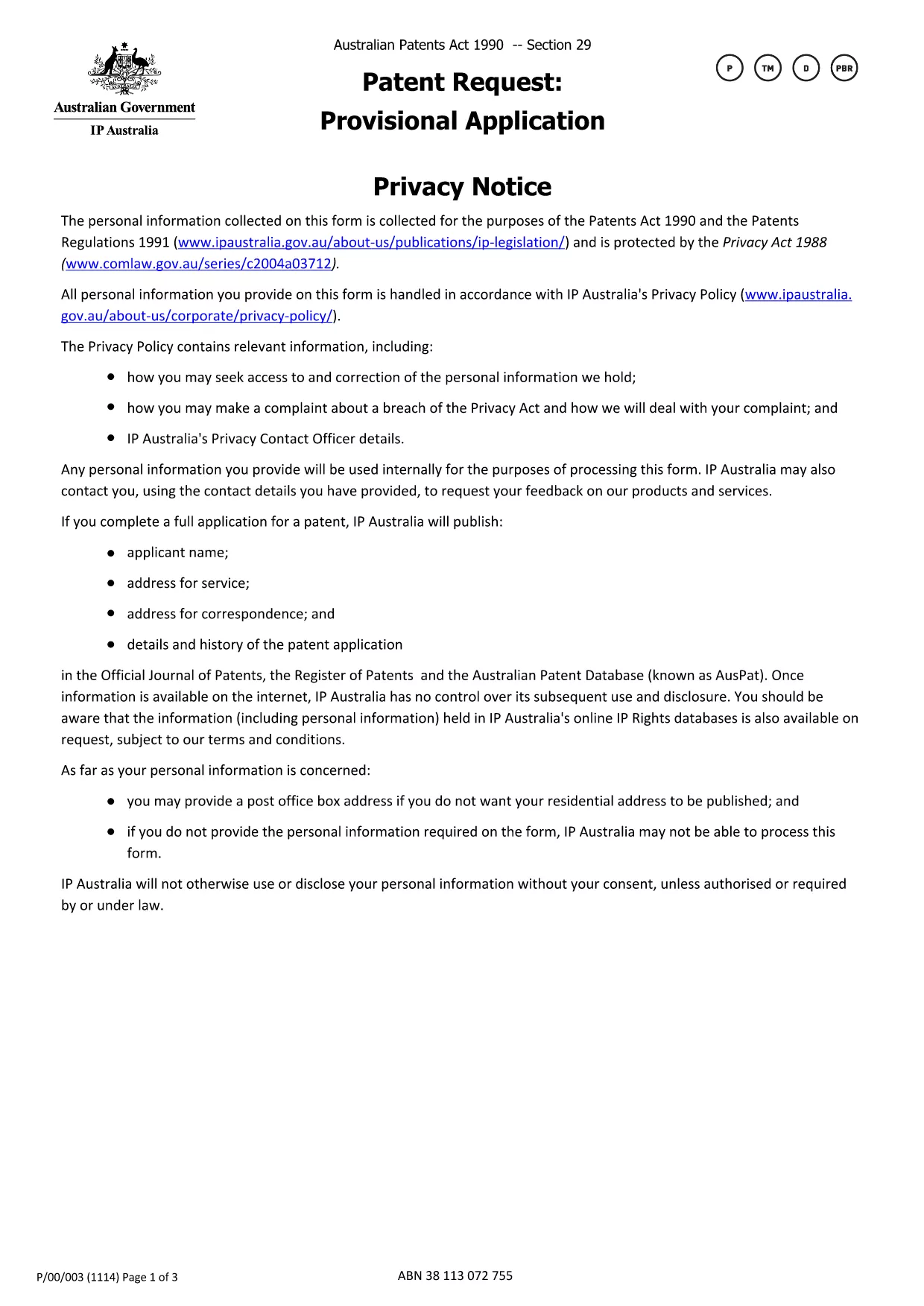
If you are ready to protect your invention in Australia, the first step is to submit a provisional patent application. The official form is available as a downloadable PDF, and with Formize you can complete it entirely online—no extra software required.

This page walks you through every part of the provisional patent application form, highlights common pitfalls, and shows how the Formize PDF Filler makes the process fast and secure.

How to Fill the Provisional Patent Application Online

Simply click the "Fill out this form" button below. The Formize PDF Filler loads the official IP Australia document, and you can start typing directly into each field.

Key Sections of the Form Explained

  • Applicant Details – Name, address, and contact information. Use a business address if you want to keep your home address private.
  • Invention Title – A concise title that captures the essence of the invention.
  • Brief Description – Summarize the invention in 150 words or less.
  • Inventor(s) Information – Full names and citizenship details.
  • Declaration – Signature section confirming the truthfulness of the filing.

Common Mistakes & Tips for Successful Submission

Avoid these frequent errors:

  • Leaving mandatory fields blank (they are highlighted in red by Formize).
  • Using non‑Australian addresses for the service address unless you have a local PO Box.
  • Submitting a document that exceeds the 655 KB file size limit—Formize automatically compresses the PDF.
  • Misspelling inventor names; they must match the details on the supporting specification.

Why Use Formize’s Fillable PDF Filler

Formize turns a static PDF into an interactive form that saves your progress, validates entries in real time, and lets you download a completed PDF ready for submission to IP Australia. No printing, scanning, or third‑party editors needed.

שאלות נפוצות
  • Do I need to print the provisional patent form after filling it online?

    No. The Formize PDF Filler lets you download a fully completed PDF that can be submitted electronically or printed if you prefer postal filing.

  • Is the fillable PDF version the official document accepted by IP Australia?

    Yes. The online version uses the exact PDF published by IP Australia, so the content and layout meet the office’s requirements.

  • Can I save my progress and return later?

    Absolutely. Formize stores your entries locally in the browser, allowing you to pause and resume without losing any data.

  • What if I make a mistake after I’ve downloaded the PDF?

    You can reopen the same PDF in Formize, correct the fields, and download a new version. The original file remains unchanged.

  • Is there a fee to use Formize’s PDF filler?

    Formize offers a free basic version that includes all features needed to complete and download the provisional patent application.

  • Do I need a separate PDF editor like Adobe Acrobat?

    No. Formize provides all the editing tools you need directly in the browser—no extra software required.

  • How do I keep my personal address private?

    Enter a PO Box or a business address in the “Address for service” field. IP Australia allows non‑residential addresses for privacy.

  • What size is the PDF file after I fill it out?

    The completed form stays under 655 KB, the same size as the original, ensuring quick upload and easy email attachment.

איך ל

כיצד למלא את provisional patent application בחינם, באינטרנט ב-5 שלבים פשוטים:

  1. 1
    Click the Fill‑out Button
    Press the "Fill out this form" button on the page to launch the Formize PDF Filler.
  2. 2
    Wait for the Filler to Load
    The fillable version of the official IP Australia provisional patent form loads in seconds.
  3. 3
    Complete Each Section
    Enter your details, invention title, description, and inventor information directly into the PDF fields.
  4. 4
    Validate and Review
    Formize checks mandatory fields and highlights any errors before you finish.
  5. 5
    Download or Submit
    When satisfied, download the completed PDF or print it for postal submission to IP Australia.
Formize אפליקציית מילוי PDF
על אודות

תבנית provisional patent application

עם סט התכונות המסורתי לצפייה ומילוי של מסמך PDF, בשילוב עם היתרונות של אפליקציית אינטרנט ופריסה רספונסיבית, תוכל להשלים את provisional patent application בתוך דקות.

תכונות

מילוי PDF

הדרך הקלה ביותר למלא טפסי PDF באינטרנט

  • מלא במהירות את provisional patent application
    מחפש דרך למלא במהירות את provisional patent application באינטרנט? עם מילוי טופס ה-PDF המקוון שלנו בחינם, תדע כיצד לערוך ולמלא את מסמך ה-PDF הזה תוך פחות מדקה.
  • עורך PDF מקוון קל לשימוש
    נמאס לך להדפיס קבצי PDF כדי שתוכל לערוך אותם, לפני סריקה מחדש ושליחה חזרה? ערוך מסמכי PDF בחינם באינטרנט. השתמש בעורך ה-PDF המקוון שלנו כדי לחסוך בזמן ובנייר.
  • כלים מעולים, כל הפלטפורמות
    תוהה כיצד למלא את provisional patent application ב-Mac, או אולי איך להשתמש בחומר מילוי PDF בחינם? כלי ה-PDF המקוונים שלנו פועלים בכל הפלטפורמות.
  • אחסון קבצים מאובטח
    קבצי "provisional patent application" שהושלמו מאוחסנים במסד נתונים מאובטח המנוהל על ידי אירוח Amazon Cloud. אתה יכול למחוק את הקבצים שלך מהמערכת שלנו בכל עת. בכל מקרה, קבצים אלו נמחקים אוטומטית לאחר 24 שעות.
  • צ'אט עם provisional patent application
    צ'אט עם "provisional patent application" ב-Chatize שהוא עוזר לקורא PDF בחינם. שאל שאלות וקבל תשובות מ-"provisional patent application". פשוט לחץ על הלחצן צ'אט עם מסמך למעלה.

מחק הפעלת מילוי

למחוק את הפעלת המילוי שנבחרה? במקרה זה, ההתקדמות שלך במילוי הטופס תאבד.

מחק סשן עריכה

למחוק את סשן העריכה שנבחר? במקרה זה, ההתקדמות שלך ביצירה ועריכה של הטופס תאבד.