בחר שפה

FC Application Form – Confirmed by FC Meaning & Online Fill

  1. שפה אנגלית
  2. מדינה הוֹדוּ
  3. מַחלָקָה FCRA
  4. פעילות Foreign Contributions
למלא טופס זה
FC Application Form – Confirmed by FC Meaning & Online Fill

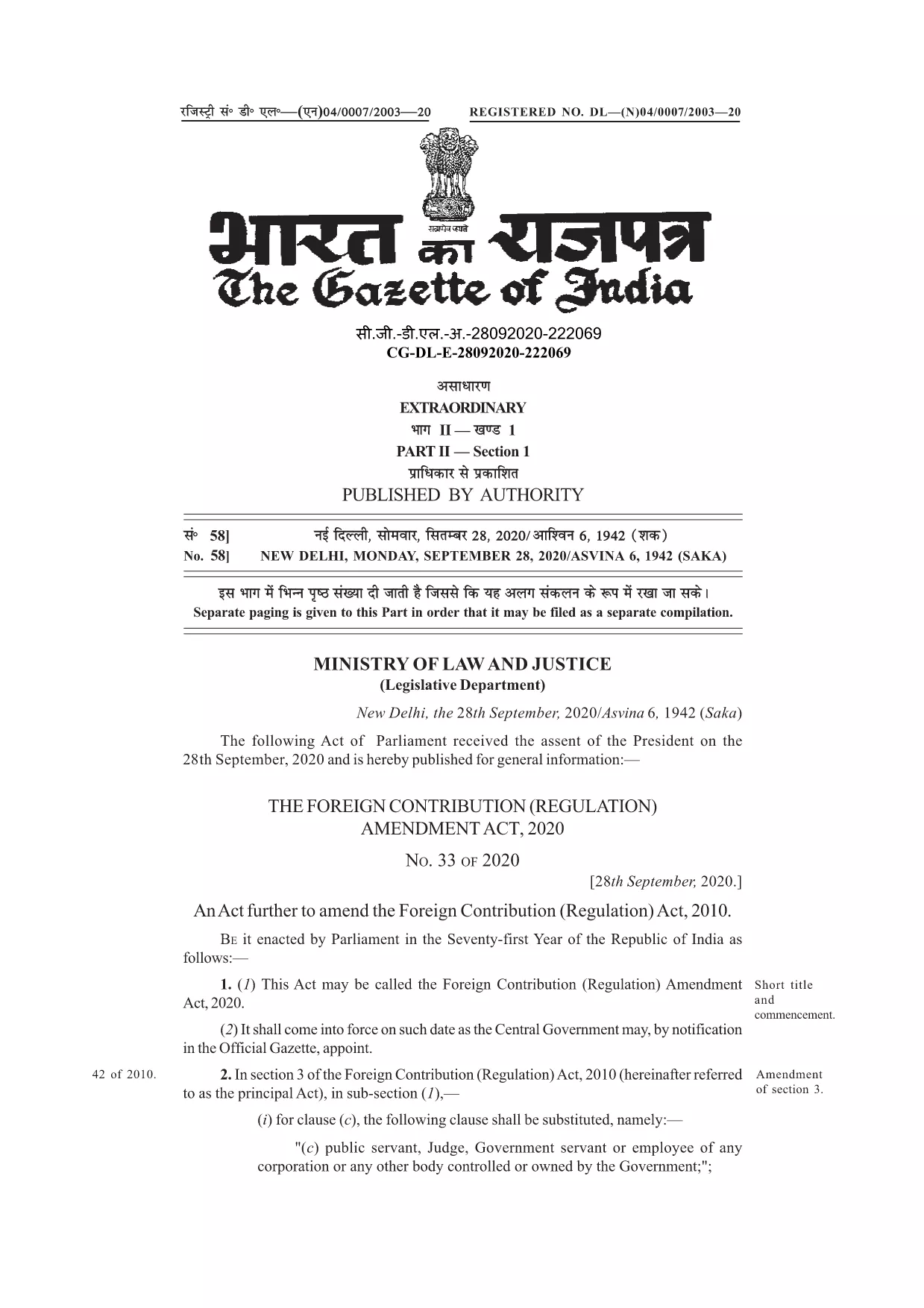
Many organisations and individuals encounter the phrase “application form confirmed by FC” while dealing with foreign contributions in India. In the context of the Foreign Contribution Regulation Act (FCRA), FC stands for Foreign Contribution. A form that is “confirmed by FC” indicates that the submission has been reviewed and validated by the authorities overseeing foreign contributions.

Understanding this meaning is crucial before you start filling out the official form. The PDF linked below is the authentic, fillable version used for seeking prior permission, registration, or renewal under the FCRA.

With Formize’s online PDF filler, you can complete the form without downloading any software. Just click the button, let the Formize app load, and start typing directly into the fields.

Below you’ll find a concise guide, tips to avoid common errors, and resources for further assistance.

שאלות נפוצות
  • What does “FC” stand for in this form?

    FC stands for Foreign Contribution, referring to any donation or grant from a foreign source that is regulated under India’s FCRA.

  • Is the PDF fillable online or do I need Adobe Acrobat?

    You can fill it directly online using Formize’s free PDF filler – no Adobe Acrobat required.

  • Can I save the form before submitting it to the authorities?

    Yes. After completing the fields, use the “Save” button in the Formize app to download a copy for your records.

  • What common mistakes should I avoid?

    Do not leave mandatory fields blank, ensure the bank account details match the designated FC account, and double‑check dates and signatures.

  • Do I need to attach supporting documents with this PDF?

    Typically, supporting documents (e.g., bank letters, project proposals) are submitted separately as per the FCRA guidelines.

  • Where can I get further assistance if I’m stuck?

    Refer to the FCRA official website or consult a legal professional experienced in foreign contribution regulations.

איך ל

כיצד למלא את FC application form בחינם, באינטרנט ב-3 שלבים פשוטים:

  1. 1
    Click the Fill Button
    On this page, locate the blue “Fill out this form” button and click it. The Formize PDF Filler will open in a new tab.
  2. 2
    Wait for the Formize App to Load
    The filler loads in seconds. You’ll see a familiar PDF layout with editable fields highlighted.
  3. 3
    Complete and Submit
    Enter the required information, double‑check each field, then click the “Save” or “Download” button to obtain a completed PDF you can email to the FCRA office.
Formize אפליקציית מילוי PDF
על אודות

תבנית FC application form

עם סט התכונות המסורתי לצפייה ומילוי של מסמך PDF, בשילוב עם היתרונות של אפליקציית אינטרנט ופריסה רספונסיבית, תוכל להשלים את FC application form בתוך דקות.

תכונות

מילוי PDF

הדרך הקלה ביותר למלא טפסי PDF באינטרנט

  • מלא במהירות את FC application form
    מחפש דרך למלא במהירות את FC application form באינטרנט? עם מילוי טופס ה-PDF המקוון שלנו בחינם, תדע כיצד לערוך ולמלא את מסמך ה-PDF הזה תוך פחות מדקה.
  • עורך PDF מקוון קל לשימוש
    נמאס לך להדפיס קבצי PDF כדי שתוכל לערוך אותם, לפני סריקה מחדש ושליחה חזרה? ערוך מסמכי PDF בחינם באינטרנט. השתמש בעורך ה-PDF המקוון שלנו כדי לחסוך בזמן ובנייר.
  • כלים מעולים, כל הפלטפורמות
    תוהה כיצד למלא את FC application form ב-Mac, או אולי איך להשתמש בחומר מילוי PDF בחינם? כלי ה-PDF המקוונים שלנו פועלים בכל הפלטפורמות.
  • אחסון קבצים מאובטח
    קבצי "FC application form" שהושלמו מאוחסנים במסד נתונים מאובטח המנוהל על ידי אירוח Amazon Cloud. אתה יכול למחוק את הקבצים שלך מהמערכת שלנו בכל עת. בכל מקרה, קבצים אלו נמחקים אוטומטית לאחר 24 שעות.
  • צ'אט עם FC application form
    צ'אט עם "FC application form" ב-Chatize שהוא עוזר לקורא PDF בחינם. שאל שאלות וקבל תשובות מ-"FC application form". פשוט לחץ על הלחצן צ'אט עם מסמך למעלה.

מחק הפעלת מילוי

למחוק את הפעלת המילוי שנבחרה? במקרה זה, ההתקדמות שלך במילוי הטופס תאבד.

מחק סשן עריכה

למחוק את סשן העריכה שנבחר? במקרה זה, ההתקדמות שלך ביצירה ועריכה של הטופס תאבד.