
בחר שפה

Punjab Renewal of Arms License Form for Individuals (Fillable PDF)

  1. שפה אנגלית הינדי
  2. מדינה הוֹדוּ
  3. מדינה פנג'אב
  4. מַחלָקָה משרד הפנים והמשפטים
Punjab Renewal of Arms License Form for Individuals (Fillable PDF)

Renewing your personal arms license in Punjab has never been easier. Our dedicated page provides the official Punjab renewal of arms license form for individuals as a fully fillable PDF that you can complete directly in your browser.

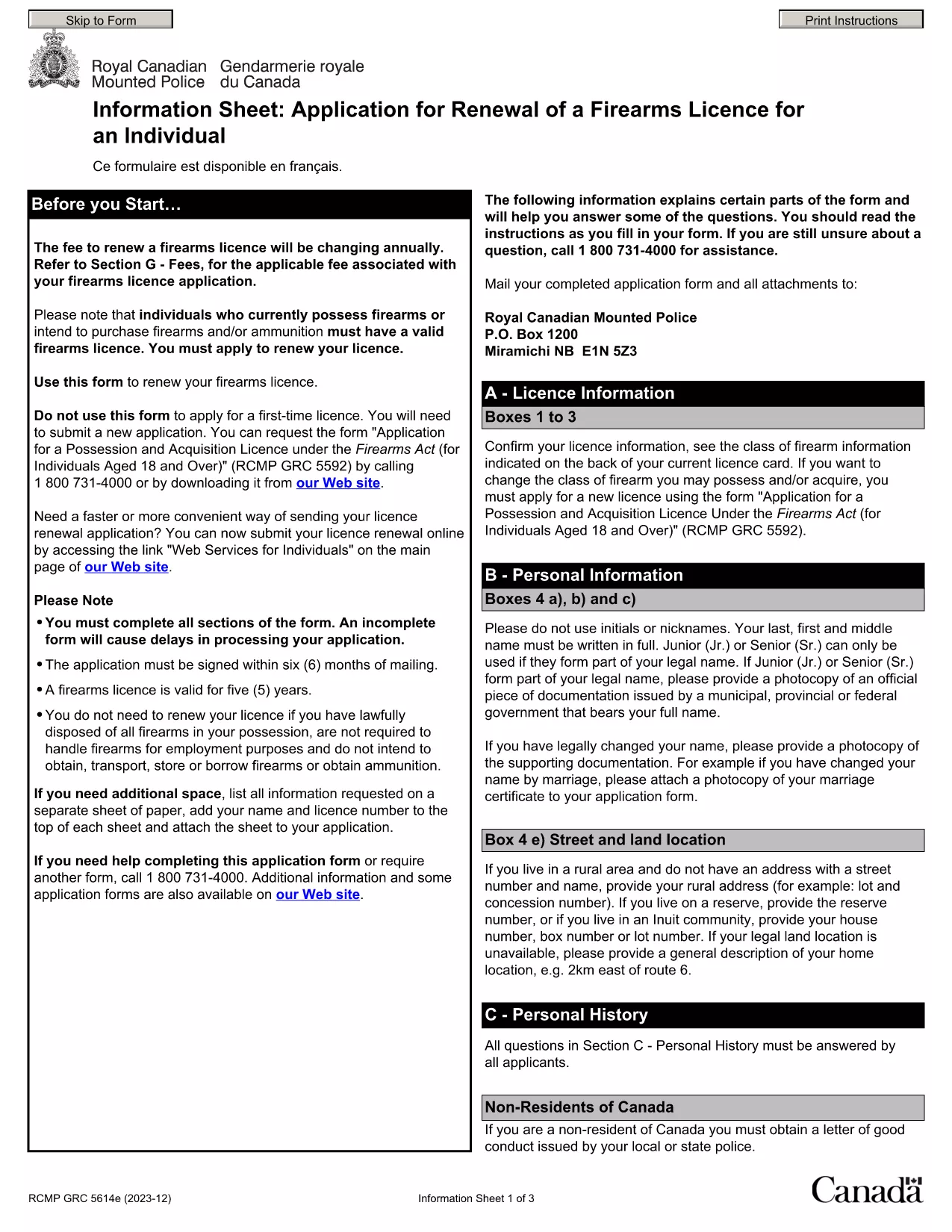
By using Formize’s PDF Filler, you avoid printing, scanning, and the risk of missing handwritten information. The form is powered by the same structure as the RCMP PAL Renewal Form, which meets international standards for firearm licensing documentation.

Why Use a Fillable PDF for Your Punjab Arms License Renewal

A fillable PDF ensures:

  • Accuracy – fields are validated in real time.
  • Speed – submit within minutes, not days.
  • Security – your data stays encrypted while you work.

Step‑by‑Step Guide to Completing the Form Online

Follow the simple steps below to finish your renewal without leaving the page.

Common Mistakes to Avoid When Renewing Your Arms License

Skipping a required field or uploading an unsupported file format can delay processing. Our guide highlights the most frequent errors and how to prevent them.

Where to Submit Your Completed Form

After you finish, download the completed PDF and submit it to the Punjab Police Arms Licensing Office either in person or via their official online portal.

Ready to start? Click the button below, let Formize load the PDF filler, and complete the form in a few easy steps.

שאלות נפוצות
  • Is the Punjab arms license renewal form available for free?

    Yes. The fillable PDF is provided at no cost. You only need an internet connection to complete it online.

  • Can I edit the form after I download it?

    Once you download the completed PDF, you can open it in any standard PDF viewer, but the official submission should be the version you saved from Formize.

  • What documents do I need to attach with the renewal?

    Typically you must attach a recent passport‑size photograph, a copy of your current license, and any supporting certificates. Check the form’s attachment section for exact requirements.

  • How long does the renewal process take after submission?

    Processing times vary by district, but most renewals are completed within 7‑10 business days once the correct form and documents are received.

  • What if I make a mistake while filling the form?

    The fillable PDF highlights incomplete or incorrectly formatted fields. Correct the information before saving, or you can start over by clicking the reset button.

  • Do I need to print the form to submit it?

    No. The Punjab Police accepts a digitally signed PDF via their online portal or by email. Printing is optional.

  • Is my personal data safe while using Formize?

    Formize uses SSL encryption, and the PDF is processed locally in your browser, ensuring your data never leaves your computer unless you choose to upload it.

  • Can I use this form on a mobile device?

    Yes. The fillable PDF works on most modern smartphones and tablets with a compatible browser.

איך ל

כיצד למלא את Punjab arms license renewal בחינם, באינטרנט ב-5 שלבים פשוטים:

  1. 1
    Click the Fill Out This Form button
    Press the highlighted button on the page to open the Formize PDF Filler app.
  2. 2
    Wait for the filler to load
    The fillable PDF loads automatically; this usually takes a few seconds.
  3. 3
    Enter your information
    Complete each field – the form validates entries in real time to prevent errors.
  4. 4
    Review and sign
    Double‑check all details, add your digital signature if required, and save the document.
  5. 5
    Download or submit
    Download the finished PDF for your records and submit it to the Punjab Police Arms Licensing Office.
Formize אפליקציית מילוי PDF
על אודות

טפסי בקשה למשרד החוץ

Punjab arms license renewal הוא אחד מטפסי הבקשה של משרד החוץ. משרד החוץ ההודי מציע טפסי בקשה שונים עבור שירותים שונים הקשורים לענייני חוץ ויחסים בינלאומיים. כמה טפסי בקשה נפוצים כוללים:

בקשת דרכון: טופס זה משמש להגשת בקשה לדרכון הודי. הוא אוסף פרטים אישיים כגון שם, כתובת, תאריך לידה ולאום.

בקשת אזרחות חו"ל של הודו (OCI): טופס זה משמש להגשת בקשה לסטטוס OCI, המאפשר לאנשים ממוצא הודי לחיות ולעבוד בהודו ללא הגבלת זמן. הוא אוסף פרטים אישיים, כולל הוכחות למוצא הודי.

בקשת ויזה: טופס זה משמש להגשת בקשה לויזה לנסיעה למדינה זרה. הוא אוסף פרטים אישיים, מידע על נסיעות ומטרת הנסיעה.

בקשת אישור הגירה: טופס זה משמש אנשים המבקשים אישור הגירה לעבודה במדינות מסוימות. הוא אוסף מידע אישי ופרטי תעסוקה.

בקשת אישור: טופס זה משמש להגשת בקשה לאישור מסמכים שונים, כגון תעודות לימודים, תעודות נישואין ומסמכים מסחריים. הוא אוסף פרטים על המסמך שיש לאשר ומטרת האישור.

בקשת שירותים קונסולריים: טופס זה משמש לשירותים קונסולריים שונים, כולל הנפקת אישורי חירום, סיוע לאזרחים הודים בחו"ל ורישום של אזרחים הודים. הפרטים הספציפיים הנדרשים תלויים באופי השירות המבוקש.

תכונות

מילוי PDF

הדרך הקלה ביותר למלא טפסי PDF באינטרנט

  • מלא במהירות את Punjab arms license renewal
    מחפש דרך למלא במהירות את Punjab arms license renewal באינטרנט? עם מילוי טופס ה-PDF המקוון שלנו בחינם, תדע כיצד לערוך ולמלא את מסמך ה-PDF הזה תוך פחות מדקה.
  • עורך PDF מקוון קל לשימוש
    נמאס לך להדפיס קבצי PDF כדי שתוכל לערוך אותם, לפני סריקה מחדש ושליחה חזרה? ערוך מסמכי PDF בחינם באינטרנט. השתמש בעורך ה-PDF המקוון שלנו כדי לחסוך בזמן ובנייר.
  • כלים מעולים, כל הפלטפורמות
    תוהה כיצד למלא את Punjab arms license renewal ב-Mac, או אולי איך להשתמש בחומר מילוי PDF בחינם? כלי ה-PDF המקוונים שלנו פועלים בכל הפלטפורמות.
  • אחסון קבצים מאובטח
    קבצי "Punjab arms license renewal" שהושלמו מאוחסנים במסד נתונים מאובטח המנוהל על ידי אירוח Amazon Cloud. אתה יכול למחוק את הקבצים שלך מהמערכת שלנו בכל עת. בכל מקרה, קבצים אלו נמחקים אוטומטית לאחר 24 שעות.
  • צ'אט עם Punjab arms license renewal
    צ'אט עם "Punjab arms license renewal" ב-Chatize שהוא עוזר לקורא PDF בחינם. שאל שאלות וקבל תשובות מ-"Punjab arms license renewal". פשוט לחץ על הלחצן צ'אט עם מסמך למעלה.

מחק הפעלת מילוי

למחוק את הפעלת המילוי שנבחרה? במקרה זה, ההתקדמות שלך במילוי הטופס תאבד.

מחק סשן עריכה

למחוק את סשן העריכה שנבחר? במקרה זה, ההתקדמות שלך ביצירה ועריכה של הטופס תאבד.