
Izaberi jezik

INZ1375 Fillable PDF – Download & Complete Online

  1. Jezik Engleski
  2. Zemlja Novi Zeland
  3. Odjel Immigration New Zealand
  4. Aktivnost vize
INZ1375 Fillable PDF – Download & Complete Online

What is the INZ1375 Form?

The INZ1375 is an Immigration New Zealand form used for specific visa applications and status updates. It collects personal details, travel history, and supporting information that Immigration officials need to assess eligibility.

How to Fill the INZ1375 PDF Online

Instead of downloading the file and opening a desktop PDF editor, simply click the "Fill out this form" button on this page. The Formize PDF Filler app will load the fillable version instantly, allowing you to type, check boxes, and add signatures directly in your browser.

Common Mistakes to Avoid

  • Leaving required fields blank – the filler will highlight missing entries before you can submit.
  • Using non‑Latin characters in name fields – New Zealand immigration expects standard English letters.
  • Uploading an outdated version of the form – always use the latest PDF provided below.
  • Forgetting to sign the declaration section – an unsigned form will be rejected.

Where to Submit Your Completed Form

Once you have filled out the INZ1375, you can either:

  1. Upload the completed PDF through your Immigration New Zealand online account.
  2. Print, sign, and mail it to the address listed in the form instructions.

Check the latest submission guidelines on the official Immigration New Zealand website before sending.

Download the PDF

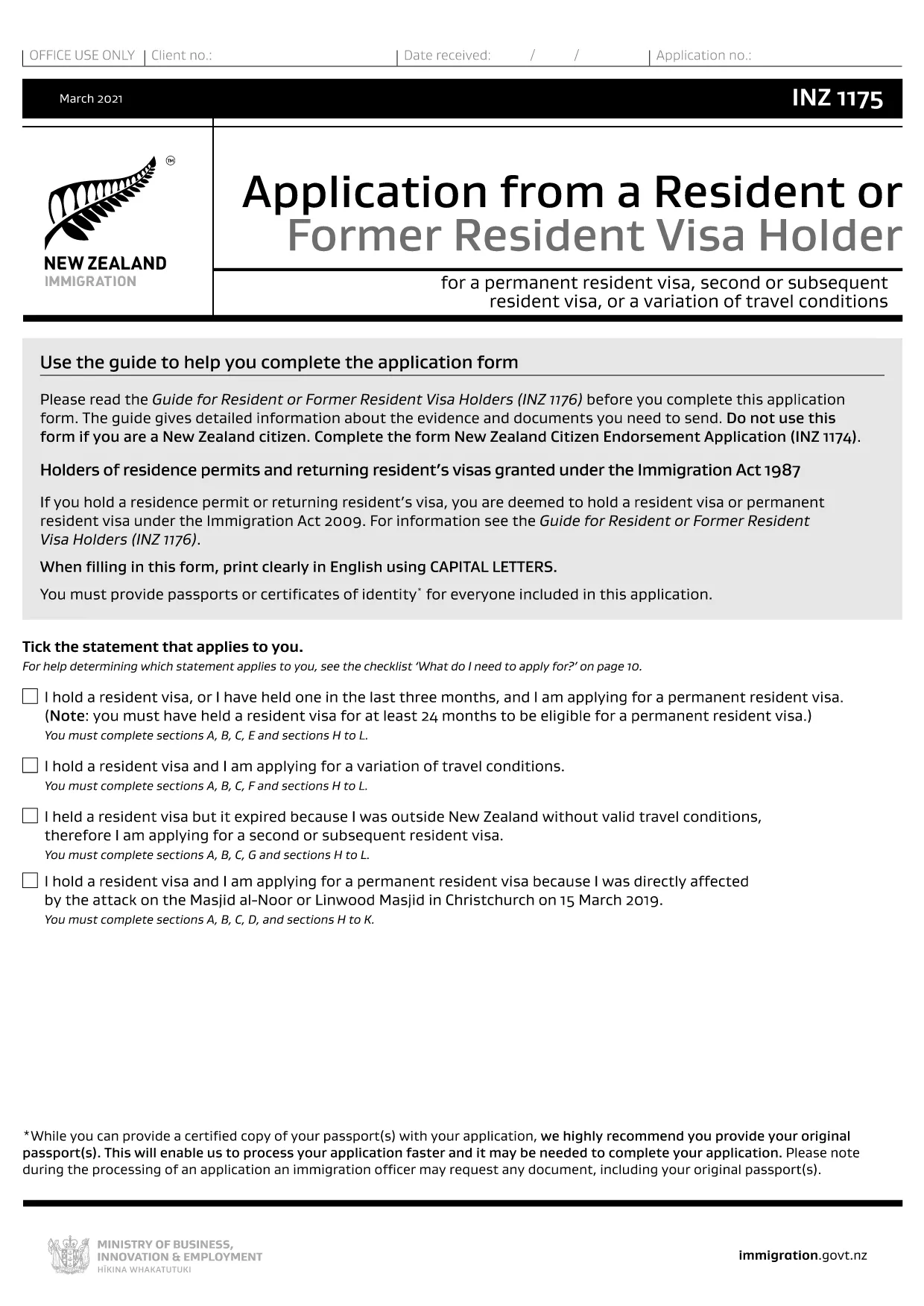
If you prefer to work offline, you can download the fillable PDF directly from the link below. The file is the closest publicly available version (INZ1175) which shares the same layout and fields as INZ1375.

Download INZ1175 (fillable) PDF

PITANJA
  • What is the difference between INZ1375 and INZ1175?

    Both forms share the same layout and most of the same fields. INZ1175 is the publicly available fillable version that can be used as a template for INZ1375.

  • Can I edit the PDF on a mobile device?

    Yes. The Formize PDF Filler works on smartphones and tablets, allowing you to complete the form on any modern browser.

  • Do I need to print the form after filling it online?

    Only if you prefer a hard copy for your records. For electronic submission, a downloaded PDF with a digital signature is sufficient.

  • Is there a fee to use the Formize PDF Filler?

    No. Formize provides the filler for free; any fees are set by Immigration New Zealand for processing your visa application.

  • How do I know if my completed form is accepted?

    After you submit the form through the Immigration portal, you will receive a confirmation email. If any fields are missing, the system will prompt you to correct them.

  • What should I do if I make a mistake after submission?

    Contact Immigration New Zealand through their online help centre and request a correction. You may need to upload a revised PDF.

  • Can I save a draft and return later?

    Yes. The Formize filler lets you save a draft to your device or cloud storage, then reopen it later to finish.

KAKO DA

Kako ispuniti INZ1375 besplatno, online u 5 jednostavnih koraka:

  1. 1
    Click the Fill Button
    Press the "Fill out this form" button on the page. The Formize PDF Filler loads the form instantly in your browser.
  2. 2
    Enter Your Information
    Type directly into each field, select dates from the calendar picker, and upload any required supporting documents.
  3. 3
    Save and Review
    Use the "Save" option to store a draft. Review all entries; required fields will be highlighted if incomplete.
  4. 4
    Add Your Digital Signature
    Click the signature box, draw or upload your signature, and confirm.
  5. 5
    Download or Submit
    When finished, download the completed PDF for your records or submit it directly through the Immigration New Zealand online portal.
Aplikacija Formize PDF Filler
OKO

Obrasci za vize

INZ1375 je jedan od Visa obrazaca koji su dokumenti koji se koriste za podnošenje zahtjeva za vizu za ulazak u stranu zemlju. Viza je dokument koji stranom državljaninu omogućuje ulazak, boravak i ponekad rad u stranoj zemlji na određeno vrijeme. Točni obrasci i zahtjevi za dobivanje vize razlikuju se ovisno o zemlji i vrsti vize.

Obrasci za vizu obično zahtijevaju osobne podatke kao što su ime, datum rođenja i podaci o putovnici, kao i informacije o svrsi i duljini putovanja, namjeravanom odredištu i je li podnositelju zahtjeva prethodno odbijena viza ili je deportiran iz zemlje. Obrasci također mogu zahtijevati popratne dokumente kao što su putovnica, fotografije i dokaz o financijskoj potpori.

U Sjedinjenim Državama najčešći obrasci za vize su DS-160 i DS-260. Obrazac DS-160 koristi se za podnošenje zahtjeva za neuseljeničku vizu, dok se obrazac DS-260 koristi za podnošenje zahtjeva za useljeničku vizu. Ovi obrasci zahtijevaju detaljne informacije o osobnoj i putnoj povijesti podnositelja zahtjeva, kao i prateću dokumentaciju poput putovnice, plana putovanja i financijskih podataka.

Druge zemlje mogu imati različite obrasce i zahtjeve za vizu, ali osnovni postupak obično uključuje ispunjavanje zahtjeva za vizu, pružanje popratne dokumentacije i prisustvovanje intervjuu s konzularnim službenikom u veleposlanstvu ili konzulatu SAD-a. Važno je napomenuti da proces podnošenja zahtjeva za vizu može biti složen i dugotrajan, te se preporučuje da se pojedinci koji traže vizu posavjetuju s imigracijskim odvjetnikom ili drugim kvalificiranim stručnjakom kako bi bili sigurni da su ispunjeni svi potrebni obrasci i zahtjevi.

ZNAČAJKE

PDF punilo

Najlakši način da ispunite INZ1375 online

  • Brzo ispunite INZ1375
    Tražite način da brzo ispunite INZ1375 online? Uz naš online besplatni PDF obrazac za popunjavanje, znat ćete kako urediti i ispuniti ovaj pdf dokument za manje od minute.
  • Jednostavan za korištenje mrežni PDF uređivač
    Dosta vam je ispisivanja PDF datoteka kako biste ih mogli uređivati ​​prije ponovnog skeniranja i slanja natrag? Uređujte PDF dokumente besplatno na mreži. Upotrijebite naš online uređivač pdf-ova kako biste uštedjeli vrijeme i papir.
  • Sjajni alati, sve platforme
    Pitate se kako ispuniti INZ1375 na Macu ili možda kako koristiti PDF filer besplatno? Naši online PDF alati rade na svim platformama.
  • Sigurno skladištenje datoteka
    Dovršene datoteke "INZ1375" pohranjuju se u zaštićenu bazu podataka kojom upravlja Amazon Cloud hosting. Svoje datoteke možete izbrisati iz našeg sustava bilo kada. U svakom slučaju, te se datoteke automatski brišu nakon 24 sata.
  • Chat s INZ1375
    Razgovarajte s "INZ1375" na Chatize koji je besplatni pomoćnik za čitanje PDF-ova. Postavljajte pitanja i dobivajte odgovore od "INZ1375". Samo kliknite gornji gumb Chat with Document.

Izbriši sesiju punjenja

Izbrisati odabranu sesiju punjenja? U tom će slučaju vaš napredak u ispunjavanju obrasca biti izgubljen.

Izbriši sesiju uređivanja

Izbrisati odabranu sesiju uređivanja? U tom će slučaju vaš napredak u stvaranju i uređivanju obrasca biti izgubljen.