Izaberi jezik

INZ1266 Fillable PDF Form – Online Completion

  1. Jezik Engleski
  2. Zemlja Novi Zeland
  3. Aktivnost Imigracija
Ispunite ovaj obrazac
INZ1266 Fillable PDF Form – Online Completion

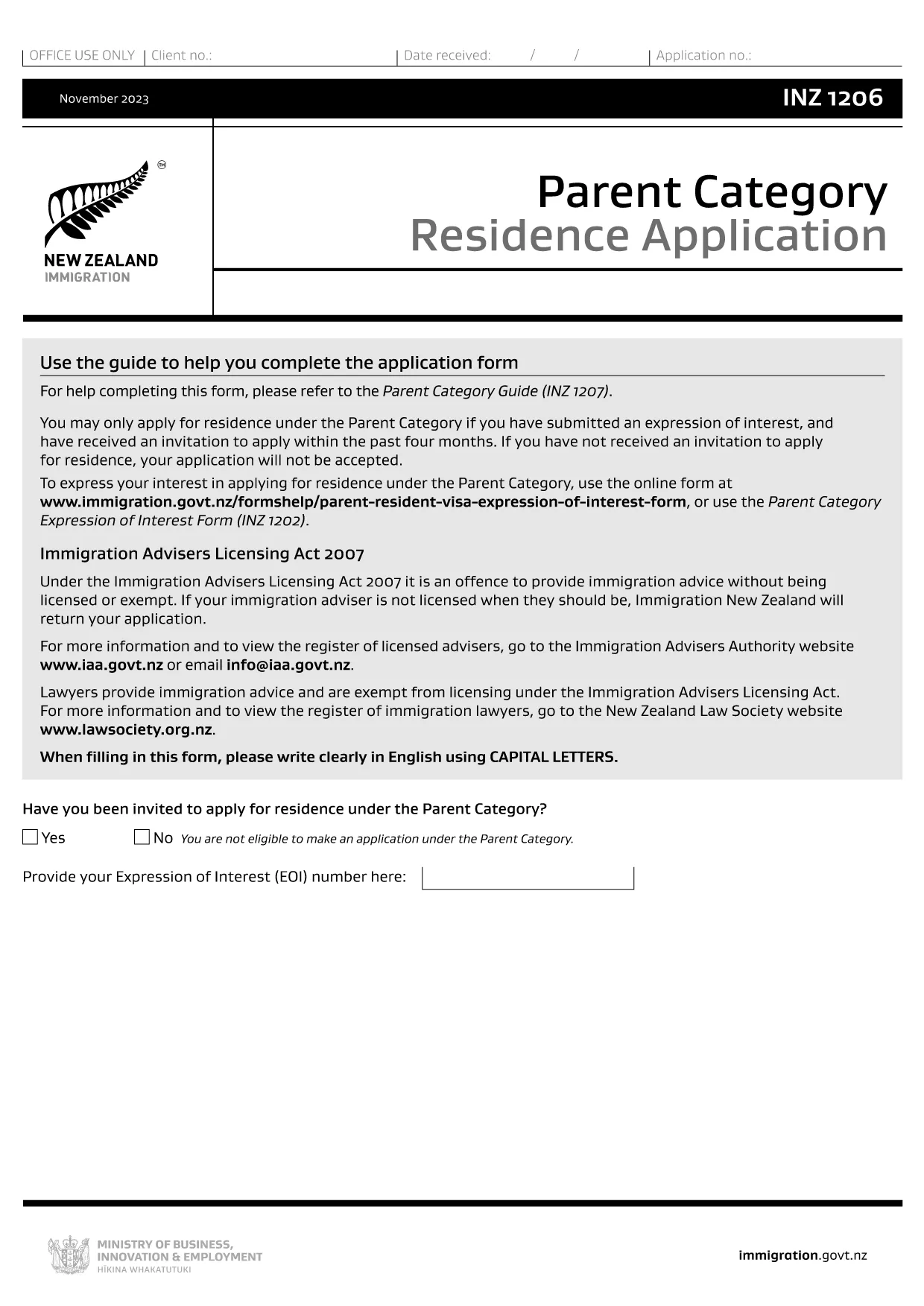
The INZ1266 is a New Zealand immigration form used for specific visa and residency applications. Instead of printing, scanning, and mailing a paper copy, you can now complete the form directly in your browser with Formize’s fillable PDF technology.

What is the INZ1266 Form?

INZ1266 is issued by Immigration New Zealand (INZ) and collects personal, travel, and eligibility information required for certain visa categories. The form must be signed and submitted together with supporting documents.

How to Fill the INZ1266 Form Online

Follow these simple steps to fill the form without leaving the page:

  • Click the “Fill out this form” button below.
  • The Formize PDF Filler app loads in a secure overlay.
  • Enter your details in the highlighted fields, use the dropdowns where available, and attach any required files.
  • When you’re done, click “Save & Download” to get a completed PDF you can email or upload to the INZ portal.

Common Mistakes & Tips

  • Incorrect dates: Use the DD/MM/YYYY format required by New Zealand immigration.
  • Missing signatures: The digital signature field must be completed; otherwise the form will be rejected.
  • Unsupported characters: Avoid special symbols (€, ©, etc.) in name fields.
  • File size limits: Attachments larger than 5 MB may not upload – compress images first.

Download the Official PDF

The official, up‑to‑date INZ1266 PDF is hosted by Immigration New Zealand. You can download it directly or use the online filler to edit it instantly.

Need More Help?

Review the guide linked on the INZ website or consult the Immigration New Zealand contact page for specific queries.

PITANJA
  • Is the INZ1266 form available in a fillable version?

    Yes. The official PDF is fillable and can be edited directly in the Formize PDF Filler without printing.

  • Can I submit the form electronically to Immigration New Zealand?

    Immigration New Zealand currently accepts the completed PDF as a scanned attachment when you upload it through their online portal.

  • Do I need to print the form after filling it online?

    No. You can download the completed PDF and attach it digitally. Printing is only needed if you prefer a hard copy for your records.

  • What should I do if I make a mistake after downloading?

    Open the downloaded PDF again with the Formize filler, correct the error, and re‑download the updated version.

  • Is there a fee to use the Formize PDF filler?

    Formize offers free access to basic fillable PDFs like INZ1266. No charge is required to complete or download the form.

KAKO DA

Kako ispuniti INZ1266 besplatno, online u 4 jednostavnih koraka:

  1. 1
    Open the Fillable Form
    Click the “Fill out this form” button on the page. The Formize PDF Filler loads instantly in a secure overlay.
  2. 2
    Enter Your Information
    Fill each highlighted field with your personal details, dates, and answers. Use dropdown menus where provided.
  3. 3
    Attach Supporting Documents
    Upload required files (e.g., passport copy, proof of residence) using the attachment icons. Keep each file under 5 MB.
  4. 4
    Save and Download
    When all fields are complete, click “Save & Download”. The completed PDF will be saved to your device, ready for submission.
Aplikacija Formize PDF Filler
OKO

INZ1266 predložak

S tradicionalnim skupom značajki za pregled i ispunjavanje PDF dokumenta, u kombinaciji s prednostima web aplikacije i responzivnog izgleda, možete ispuniti INZ1266 u nekoliko minuta.

ZNAČAJKE

PDF punilo

Najlakši način da ispunite INZ1266 online

  • Brzo ispunite INZ1266
    Tražite način da brzo ispunite INZ1266 online? Uz naš online besplatni PDF obrazac za popunjavanje, znat ćete kako urediti i ispuniti ovaj pdf dokument za manje od minute.
  • Jednostavan za korištenje mrežni PDF uređivač
    Dosta vam je ispisivanja PDF datoteka kako biste ih mogli uređivati ​​prije ponovnog skeniranja i slanja natrag? Uređujte PDF dokumente besplatno na mreži. Upotrijebite naš online uređivač pdf-ova kako biste uštedjeli vrijeme i papir.
  • Sjajni alati, sve platforme
    Pitate se kako ispuniti INZ1266 na Macu ili možda kako koristiti PDF filer besplatno? Naši online PDF alati rade na svim platformama.
  • Sigurno skladištenje datoteka
    Dovršene datoteke "INZ1266" pohranjuju se u zaštićenu bazu podataka kojom upravlja Amazon Cloud hosting. Svoje datoteke možete izbrisati iz našeg sustava bilo kada. U svakom slučaju, te se datoteke automatski brišu nakon 24 sata.
  • Chat s INZ1266
    Razgovarajte s "INZ1266" na Chatize koji je besplatni pomoćnik za čitanje PDF-ova. Postavljajte pitanja i dobivajte odgovore od "INZ1266". Samo kliknite gornji gumb Chat with Document.

Izbriši sesiju punjenja

Izbrisati odabranu sesiju punjenja? U tom će slučaju vaš napredak u ispunjavanju obrasca biti izgubljen.

Izbriši sesiju uređivanja

Izbrisati odabranu sesiju uređivanja? U tom će slučaju vaš napredak u stvaranju i uređivanju obrasca biti izgubljen.