
Izaberi jezik

RUT-25 Printable Tax Form – Free Download & Online Fillable Version

  1. Zemlja SAD
  2. Jezik Engleski
  3. Aktivnost Porezi
  4. Odjel Illinois Department of Revenue
RUT-25 Printable Tax Form – Free Download & Online Fillable Version

Looking for the RUT-25 printable PDF download for Illinois vehicle use tax? You’ve come to the right place. Formize.com offers a secure, fillable version of the official Illinois Department of Revenue RUT‑25 form so you can complete it directly in your browser—no extra software required.

What is Form RUT-25?

Form RUT‑25 is the Vehicle Use Tax Transaction Return used by the State of Illinois to report and remit use tax on private‑party vehicle sales, leases, and related transactions. It is required for:

  • Private party vehicle purchases
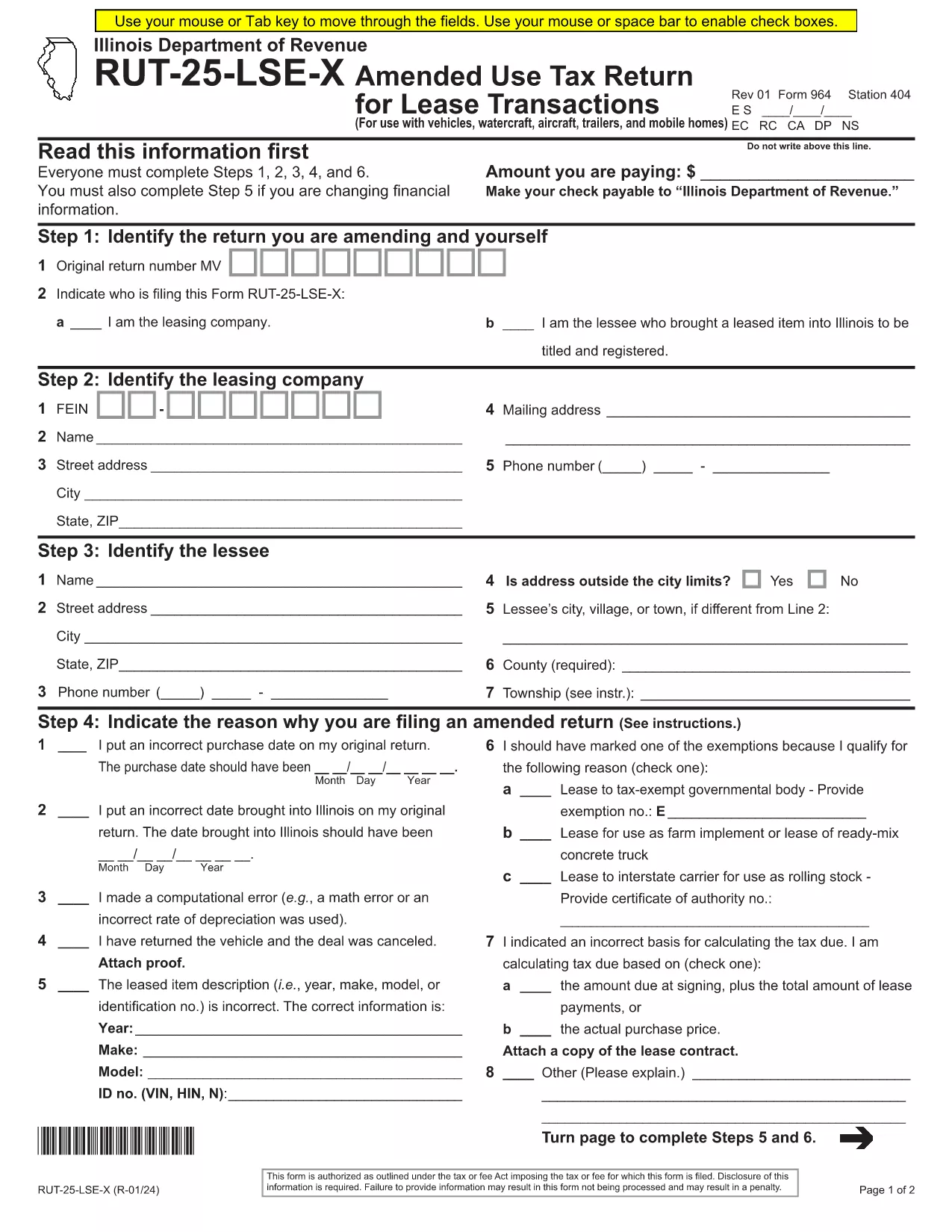
  • Leases of vehicles, watercraft, aircraft, trailers, and mobile homes
  • Fleet exemption claims

Download and Fill the RUT-25 PDF Online

Instead of downloading a static PDF and editing it with a separate editor, simply click the "Fill out this form" button on this page. The Formize PDF Filler app will load instantly, presenting a fully interactive version of the official RUT‑25 document.

Step‑by‑Step Guide to Completing RUT-25

Follow these easy steps to submit a correct and complete return:

  1. Click the Fill out this form button.
  2. Wait a few seconds while the Formize PDF Filler loads the RUT‑25 template.
  3. Enter all required information: seller/buyer details, vehicle identification number (VIN), purchase price, and exemption codes.
  4. Review each field for accuracy; the filler highlights required fields in real‑time.
  5. When finished, click Save & Download to get a completed PDF copy.
  6. Print or email the PDF to the Illinois Department of Revenue according to the submission instructions on the form.

Common Mistakes to Avoid

  • Leaving required fields blank – the filler will not let you submit until all mandatory boxes are filled.
  • Incorrect VIN format – double‑check the 17‑character VIN; typos cause processing delays.
  • Mismatched sale price – ensure the amount matches the bill of sale; under‑reporting can trigger penalties.
  • Wrong exemption code – use the code list on the form; an invalid code will invalidate the return.

Where to Submit Your Completed Form

After downloading the filled PDF, you can:

  • Mail it to the address listed in the form’s instructions.
  • Upload it through the MyTax Illinois portal.
  • Bring a printed copy to any Illinois Department of Revenue office.

Need a printable copy? Use the direct PDF link below to download the original RUT‑25 file.

PITANJA
  • What is the purpose of Form RUT-25?

    RUT‑25 reports and collects Illinois vehicle use tax for private‑party vehicle sales, leases, and related transactions.

  • Can I fill out RUT-25 on a mobile device?

    Yes. The Formize PDF Filler works on smartphones and tablets, allowing you to complete the form on any modern browser.

  • Do I need Adobe Acrobat to edit the PDF?

    No. The fillable version runs entirely in your browser—no additional software is required.

  • How do I know if I qualify for an exemption?

    Review the exemption codes listed on the form. Common exemptions include fleet purchases, government vehicles, and certain resale transactions.

  • What should I do if I make a mistake after downloading?

    Open the saved PDF in any PDF editor, correct the error, and re‑save. Alternatively, start a new session with the fillable form to avoid errors.

  • Is there a filing deadline for RUT-25?

    The form must be filed within 30 days of the transaction date, unless an extension is granted by the Illinois Department of Revenue.

KAKO DA

Kako ispuniti RUT-25 besplatno, online u 5 jednostavnih koraka:

  1. 1
    Open the Fillable Form
    Click the "Fill out this form" button on the page to launch the Formize PDF Filler.
  2. 2
    Load the RUT-25 Template
    Wait a few seconds while the app loads the official RUT‑25 PDF with interactive fields.
  3. 3
    Enter Your Information
    Complete all required sections—seller, buyer, vehicle details, price, and exemption codes.
  4. 4
    Save and Download
    When every field is filled, click "Save & Download" to get a completed PDF copy.
  5. 5
    Submit the Form
    Print, mail, or upload the PDF to MyTax Illinois as instructed on the form.
Aplikacija Formize PDF Filler
OKO

Porezni obrasci

RUT-25 je jedan od Poreznih obrazaca koji su dokumenti koji se koriste za prijavu informacija povezanih s porezima relevantnom poreznom tijelu. Postoje različite vrste poreznih obrazaca, uključujući savezne, državne i lokalne porezne obrasce, koji se mogu razlikovati ovisno o okolnostima i lokaciji poreznog obveznika.

ZNAČAJKE

PDF punilo

Najlakši način da ispunite RUT-25 online

  • Brzo ispunite RUT-25
    Tražite način da brzo ispunite RUT-25 online? Uz naš online besplatni PDF obrazac za popunjavanje, znat ćete kako urediti i ispuniti ovaj pdf dokument za manje od minute.
  • Jednostavan za korištenje mrežni PDF uređivač
    Dosta vam je ispisivanja PDF datoteka kako biste ih mogli uređivati ​​prije ponovnog skeniranja i slanja natrag? Uređujte PDF dokumente besplatno na mreži. Upotrijebite naš online uređivač pdf-ova kako biste uštedjeli vrijeme i papir.
  • Sjajni alati, sve platforme
    Pitate se kako ispuniti RUT-25 na Macu ili možda kako koristiti PDF filer besplatno? Naši online PDF alati rade na svim platformama.
  • Sigurno skladištenje datoteka
    Dovršene datoteke "RUT-25" pohranjuju se u zaštićenu bazu podataka kojom upravlja Amazon Cloud hosting. Svoje datoteke možete izbrisati iz našeg sustava bilo kada. U svakom slučaju, te se datoteke automatski brišu nakon 24 sata.
  • Chat s RUT-25
    Razgovarajte s "RUT-25" na Chatize koji je besplatni pomoćnik za čitanje PDF-ova. Postavljajte pitanja i dobivajte odgovore od "RUT-25". Samo kliknite gornji gumb Chat with Document.

Izbriši sesiju punjenja

Izbrisati odabranu sesiju punjenja? U tom će slučaju vaš napredak u ispunjavanju obrasca biti izgubljen.

Izbriši sesiju uređivanja

Izbrisati odabranu sesiju uređivanja? U tom će slučaju vaš napredak u stvaranju i uređivanju obrasca biti izgubljen.