Ընտրել լեզուն

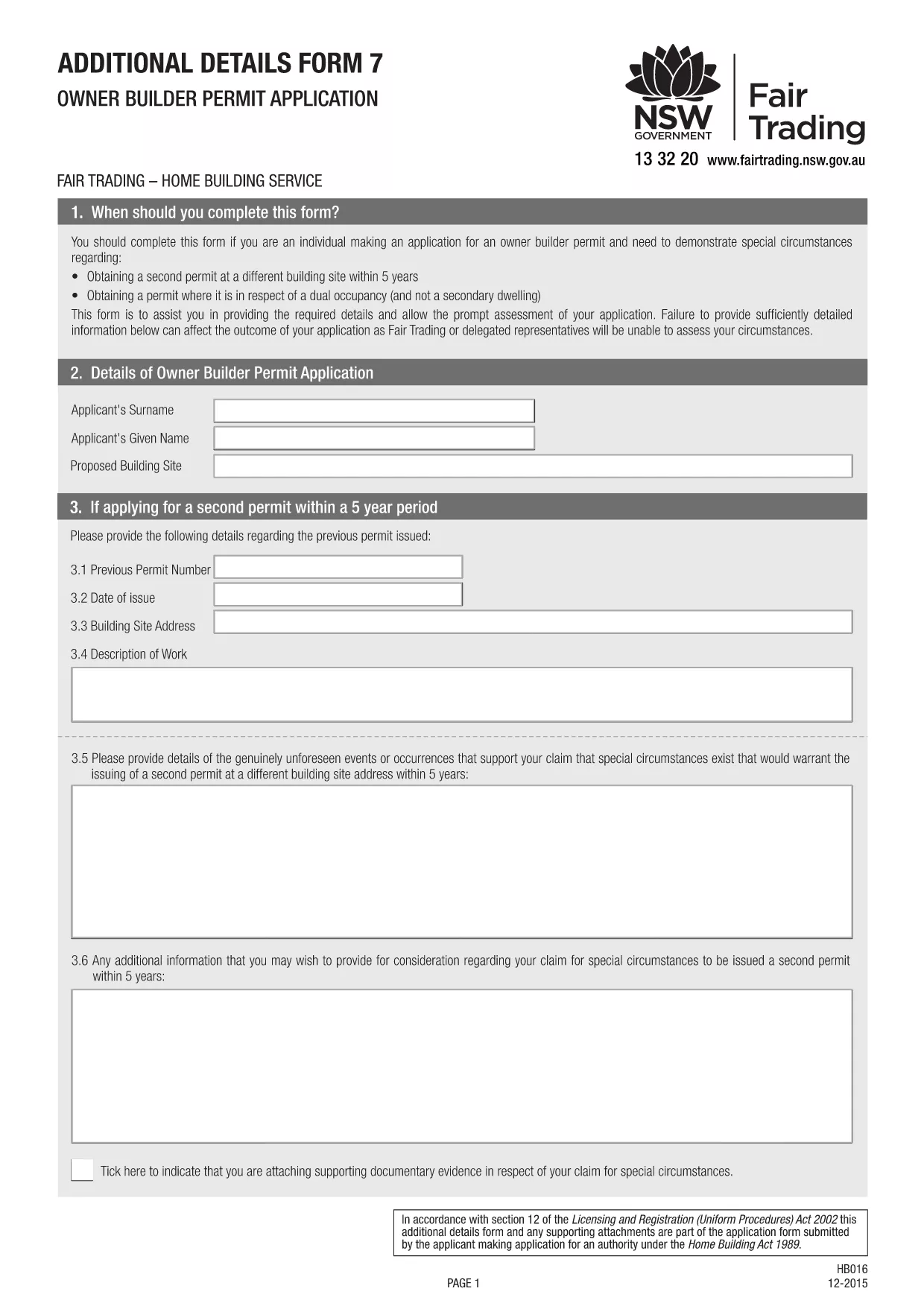
Owner‑Builder Permit Application Form – Fillable PDF

  1. Երկիր Ավստրալիա
  2. Լեզու Անգլերեն
  3. բաժին Building Commission
  4. Գործունեություն Construction Permits
Owner‑Builder Permit Application Form – Fillable PDF

Planning to supervise or carry out building work worth more than $10,000 on your own property? In Australia, an owner‑builder permit is required before you can start construction on a residential dwelling, dual‑occupancy, or secondary dwelling. Our fillable PDF makes the process simple, error‑free, and fully compliant with the Building Commission NSW requirements.

What Is an Owner‑Builder Permit?

An owner‑builder permit authorises you, the property owner, to act as the builder for a specific project. It ensures you meet eligibility criteria, have the necessary qualifications (such as a White Card), and have all required documentation ready.

Download & Fill the Owner‑Builder Application Form

Click the "Fill out this form" button below. The Formize PDF Filler will load the official Owner‑Builder Permit Application PDF directly in your browser, allowing you to:

  • Enter text in each field
  • Upload supporting documents
  • Save a draft and return later
  • Submit the completed form electronically or print it for in‑person submission

Step‑by‑Step Guide to Completing the Form

Follow these concise steps to finish your application without delays:

  1. Verify your eligibility – you must be 18+, hold a current White Card, and own or lease the land for at least 3 years.
  2. Gather all required documents: proof of identity, proof of ownership, development approval or CDC, and evidence of completed owner‑builder education.
  3. Click the "Fill out this form" button and wait for the Formize PDF Filler to load.
  4. Complete each section, ensuring every owner, leaseholder, or shareholder signs where required.
  5. Attach scanned copies of supporting documents directly in the PDF.
  6. Save the final PDF and either upload it through the online portal or print and deliver it to your local service centre.

Common Mistakes to Avoid

  • Missing signatures: All owners, leaseholders, and shareholders must sign the form.
  • Incorrect address details: The address on the rates notice must match the title details.
  • Out‑of‑date documents: Use current White Card and up‑to‑date proof of identity.
  • Skipping the eligibility checker: The online portal will reject incomplete applications.

How to Submit Your Application

After saving the completed PDF, log in to your MyServiceNSW account (or the equivalent portal in your state) and upload the file. Pay the required fee, and you’ll receive a confirmation email. If you prefer a face‑to‑face submission, print the form and bring it to your nearest Service NSW centre.

Need more help? Review the official NSW guidelines or contact your local Building Commission.

ՀՏՀ
  • Do I need a White Card to apply for an owner‑builder permit?

    Yes. A current general construction induction (White Card) is a mandatory requirement for all owner‑builder applications in NSW.

  • Can I submit the form online?

    Absolutely. After filling the PDF with Formize, you can upload the file through your MyServiceNSW account for fast processing.

  • What if my property is a leasehold?

    You must have a minimum three‑year lease registered with NSW Land Registry Services and provide the lease agreement with your application.

  • How long does the assessment take?

    Typical processing time is 10‑15 business days, but it can be longer if the Building Commission requests additional information.

  • Is the form the same for companies and individuals?

    The core form is the same, but company owners must also attach a copy of the company’s registration and evidence of shareholder consent.

  • What should I do if I make a mistake after submitting?

    Contact the Building Commission immediately. You may be asked to provide a corrected form or additional documentation.

ԻՆՉՊԵՍ

Ինչպես լրացնել owner builder permit-ն անվճար, առցանց՝ 3 հեշտ քայլերով.

  1. 1
    Open the Fillable Form
    Click the "Fill out this form" button on the page. The Formize PDF Filler will load the Owner‑Builder Permit PDF directly in your browser.
  2. 2
    Enter Your Information
    Type into each field, upload supporting documents, and ensure every required signature is added.
  3. 3
    Save and Submit
    When you finish, save the completed PDF. Upload it to the online portal or print it for in‑person submission at your local service centre.
Ձևավորել PDF Filler հավելվածը
ՄԱՍԻՆ

owner builder permit ձևանմուշ

PDF փաստաթուղթը դիտելու և լրացնելու գործառույթների ավանդական փաթեթով, որը զուգորդվում է վեբ հավելվածի առավելությունների և արձագանքող դասավորության հետ, դուք կարող եք լրացնել owner builder permit-ը րոպեների ընթացքում:

ՀԱՏԿՈՒԹՅՈՒՆՆԵՐ

PDF լցոնիչ

Առցանց owner builder permit-ը լրացնելու ամենահեշտ ձևը

  • Արագ լրացրեք owner builder permit
    Փնտրու՞մ եք միջոց՝ արագորեն լրացնելու owner builder permit առցանց: Մեր առցանց անվճար PDF ձևաթուղթ լրացնողի միջոցով դուք կիմանաք, թե ինչպես խմբագրել և լրացնել այս pdf փաստաթուղթը մեկ րոպեից պակաս ժամանակում:
  • Հեշտ օգտագործման առցանց PDF խմբագիր
    Հոգնե՞լ եք PDF ֆայլեր տպելուց, որպեսզի կարողանաք դրանք խմբագրել, նախքան նորից սկանավորելը և հետ ուղարկելը: Խմբագրել PDF փաստաթղթերը անվճար առցանց: Օգտագործեք մեր առցանց pdf խմբագրիչը ժամանակ և թուղթ խնայելու համար:
  • Հիանալի գործիքներ, բոլոր հարթակներ
    Զարմանում եք, թե ինչպես լրացնել owner builder permit-ը Mac-ում, կամ գուցե ինչպես անվճար օգտագործել PDF լցոնիչը: Մեր առցանց PDF գործիքներն աշխատում են բոլոր հարթակներում:
  • Անվտանգ ֆայլերի պահպանում
    Ավարտված «owner builder permit» ֆայլերը պահվում են պաշտպանված տվյալների բազայում, որը կառավարվում է Amazon Cloud հոսթինգի կողմից: Ցանկացած ժամանակ կարող եք ջնջել ձեր ֆայլերը մեր համակարգից: Ամեն դեպքում, այս ֆայլերը ավտոմատ կերպով ջնջվում են 24 ժամ հետո:
  • Զրուցեք owner builder permit-ի հետ
    Զրուցեք «owner builder permit»-ի հետ Chatize-ում, որը PDF ընթերցողի անվճար օգնական է: Հարցեր տվեք և ստացեք պատասխաններ «owner builder permit»-ից։ Պարզապես սեղմեք վերևում գտնվող Զրույց փաստաթղթի հետ կոճակը:

Ջնջել լրացման նիստը

Ջնջե՞լ ընտրված լրացման աշխատաշրջանը: Այս դեպքում ձևը լրացնելու ձեր առաջընթացը կկորչի:

Ջնջել խմբագրման նիստը

Ջնջե՞լ ընտրված խմբագրման աշխատաշրջանը: Այս դեպքում ձևը ստեղծելու և խմբագրելու ձեր առաջընթացը կկորչի: