Ընտրել լեզուն

Application Form Not Available? Download the Fillable PDF Now

  1. Լեզու Անգլերեն
  2. Երկիր Ավստրալիա
  3. բաժին National Disability Insurance Agency
  4. Գործունեություն Disability Services
Application Form Not Available? Download the Fillable PDF Now

If you're searching for an official application form and the agency's website says it's unavailable, you're in the right place. Our page provides a direct download of the fillable PDF and lets you complete it instantly with Formize’s online PDF Filler.

Why This Form Might Be Missing Online

Websites are frequently updated, and older versions of forms are sometimes removed or hidden behind login walls. This can leave applicants stuck.

How to Fill the Form Using Formize PDF Filler

Instead of downloading, editing, and re‑uploading a PDF, simply click the Fill out this form button below. The Formize PDF Filler loads in your browser, preserving the original layout while allowing you to type, check boxes, and attach files.

Common Mistakes to Avoid

  • Leaving required fields blank.
  • Uploading files that exceed size limits.
  • Using a password‑protected PDF.

Supporting Documents You’ll Need

Prepare clear copies of identification, residency proof, and any disability evidence. All files must be under 5 MB and in PDF, JPG, PNG, GIF, or BMP format.

Where to Find Help

If you need assistance, contact the agency’s helpline or visit a local service centre. Our filler also includes built‑in accessibility tools.

ՀՏՀ
  • I can't find the application form on the agency website. What should I do?

    Use this page to download the official fillable PDF directly. The Formize PDF Filler lets you complete it online without navigating the agency’s site.

  • Do I need special software to edit the PDF?

    No. The Formize PDF Filler works in any modern browser, so you can fill, sign, and save the form without installing additional programs.

  • What file types are allowed for supporting documents?

    Accepted formats are PDF, JPG, PNG, GIF, and BMP. Each file must be under 5 MB and not password‑protected.

  • Can I save my progress and return later?

    Yes. The filler includes a “Save Draft” option that lets you download a partially completed PDF and resume later.

  • Is the form free to use?

    Absolutely. The download and online filling are completely free of charge.

  • What if I make a mistake after submitting?

    Contact the agency’s support line immediately. Most agencies allow you to submit a corrected form or an amendment letter.

  • Is this form the same as the one on the official site?

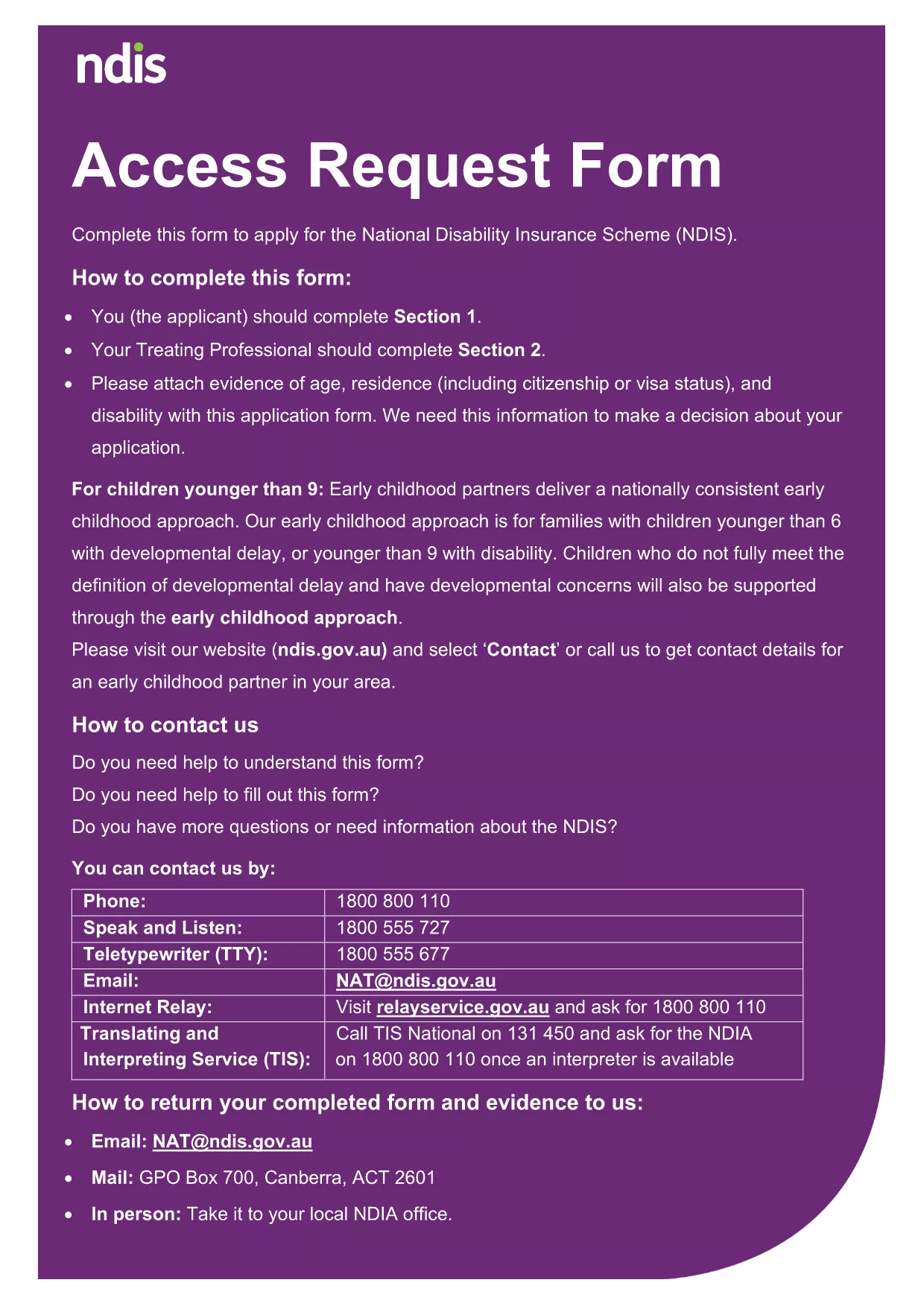
    Yes. The PDF is the exact version provided by the National Disability Insurance Agency, ensuring compliance with all requirements.

ԻՆՉՊԵՍ

Ինչպես լրացնել application form download-ն անվճար, առցանց՝ 5 հեշտ քայլերով.

  1. 1
    Click the Fill‑out Button
    Press the “Fill out this form” button on this page to launch the Formize PDF Filler.
  2. 2
    Wait for the Filler to Load
    The online filler loads in a few seconds. No download or installation is required.
  3. 3
    Enter Your Information
    Complete each section, typing directly into the fields or checking the appropriate boxes.
  4. 4
    Attach Supporting Files
    Use the uploader to add ID, residency proof, or disability evidence – each file must be under 5 MB.
  5. 5
    Save, Sign, and Submit
    When finished, save the completed PDF, add an electronic signature if required, and follow the agency’s submission instructions.
Ձևավորել PDF Filler հավելվածը
ՄԱՍԻՆ

application form download ձևանմուշ

PDF փաստաթուղթը դիտելու և լրացնելու գործառույթների ավանդական փաթեթով, որը զուգորդվում է վեբ հավելվածի առավելությունների և արձագանքող դասավորության հետ, դուք կարող եք լրացնել application form download-ը րոպեների ընթացքում:

ՀԱՏԿՈՒԹՅՈՒՆՆԵՐ

PDF լցոնիչ

Առցանց application form download-ը լրացնելու ամենահեշտ ձևը

  • Արագ լրացրեք application form download
    Փնտրու՞մ եք միջոց՝ արագորեն լրացնելու application form download առցանց: Մեր առցանց անվճար PDF ձևաթուղթ լրացնողի միջոցով դուք կիմանաք, թե ինչպես խմբագրել և լրացնել այս pdf փաստաթուղթը մեկ րոպեից պակաս ժամանակում:
  • Հեշտ օգտագործման առցանց PDF խմբագիր
    Հոգնե՞լ եք PDF ֆայլեր տպելուց, որպեսզի կարողանաք դրանք խմբագրել, նախքան նորից սկանավորելը և հետ ուղարկելը: Խմբագրել PDF փաստաթղթերը անվճար առցանց: Օգտագործեք մեր առցանց pdf խմբագրիչը ժամանակ և թուղթ խնայելու համար:
  • Հիանալի գործիքներ, բոլոր հարթակներ
    Զարմանում եք, թե ինչպես լրացնել application form download-ը Mac-ում, կամ գուցե ինչպես անվճար օգտագործել PDF լցոնիչը: Մեր առցանց PDF գործիքներն աշխատում են բոլոր հարթակներում:
  • Անվտանգ ֆայլերի պահպանում
    Ավարտված «application form download» ֆայլերը պահվում են պաշտպանված տվյալների բազայում, որը կառավարվում է Amazon Cloud հոսթինգի կողմից: Ցանկացած ժամանակ կարող եք ջնջել ձեր ֆայլերը մեր համակարգից: Ամեն դեպքում, այս ֆայլերը ավտոմատ կերպով ջնջվում են 24 ժամ հետո:
  • Զրուցեք application form download-ի հետ
    Զրուցեք «application form download»-ի հետ Chatize-ում, որը PDF ընթերցողի անվճար օգնական է: Հարցեր տվեք և ստացեք պատասխաններ «application form download»-ից։ Պարզապես սեղմեք վերևում գտնվող Զրույց փաստաթղթի հետ կոճակը:

Ջնջել լրացման նիստը

Ջնջե՞լ ընտրված լրացման աշխատաշրջանը: Այս դեպքում ձևը լրացնելու ձեր առաջընթացը կկորչի:

Ջնջել խմբագրման նիստը

Ջնջե՞լ ընտրված խմբագրման աշխատաշրջանը: Այս դեպքում ձևը ստեղծելու և խմբագրելու ձեր առաջընթացը կկորչի: