
RTA Form 22 ձևանմուշ
PDF փաստաթուղթը դիտելու և լրացնելու գործառույթների ավանդական փաթեթով, որը զուգորդվում է վեբ հավելվածի առավելությունների և արձագանքող դասավորության հետ, դուք կարող եք լրացնել RTA Form 22-ը րոպեների ընթացքում:


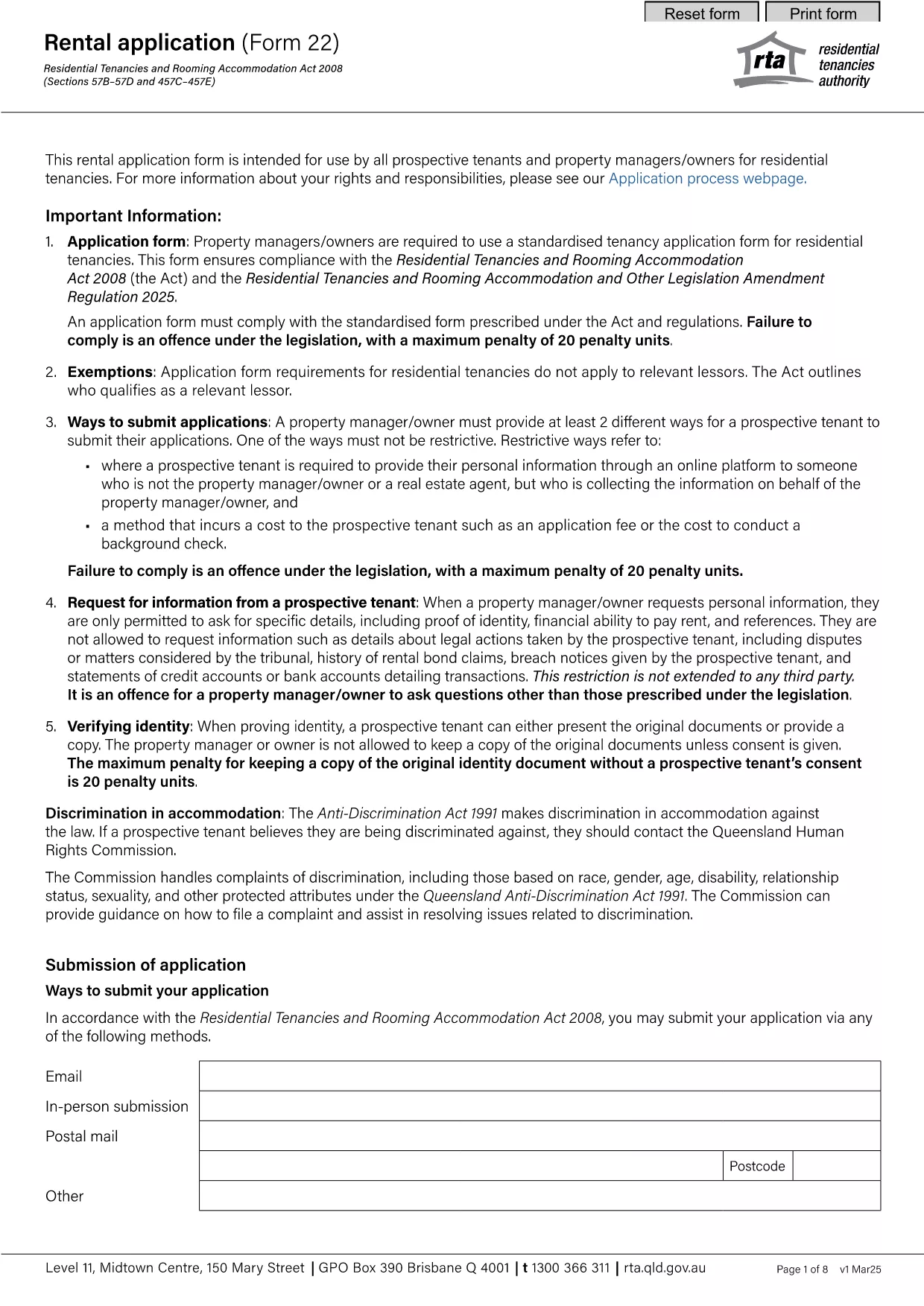
The RTA Form 22 Rental Application is the standard document used by property managers and prospective tenants across Australia. With Formize’s fillable PDF, you can complete the form directly in your browser—no extra software required.
Our online PDF filler loads instantly, saves your progress, and lets you download a completed, printable copy that meets all Residential Tenancies Authority (RTA) requirements. It’s faster, more accurate, and environmentally friendly.
Follow the simple steps below to finish your rental application in minutes.
After you download the completed PDF, email it to the property manager or upload it through the landlord’s portal as instructed in the listing.
Need help? Review the FAQ section below or contact the RTA directly for guidance.
Yes. The fillable PDF is free to download and use through Formize.
You can edit the downloaded PDF with any PDF editor, but it’s easier to make changes before downloading using the online filler.
No. The Formize filler works in all modern browsers, so no extra software is required.
Full name, contact details, rental history, employment information, references, and signatures are mandatory.
Most users finish in 5‑10 minutes when they have their information ready.
Formize uses SSL encryption, and your data is stored only in your browser until you download the final PDF.
Yes. After downloading, you can email the PDF or upload it to the landlord’s portal if they accept electronic submissions.
PDF փաստաթուղթը դիտելու և լրացնելու գործառույթների ավանդական փաթեթով, որը զուգորդվում է վեբ հավելվածի առավելությունների և արձագանքող դասավորության հետ, դուք կարող եք լրացնել RTA Form 22-ը րոպեների ընթացքում:
Առցանց RTA Form 22-ը լրացնելու ամենահեշտ ձևը
Ջնջել լրացման նիստը
Ջնջել խմբագրման նիստը