
Pilih bahasa

Application Form Z – Fillable PDF

  1. Bahasa Bahasa inggris
  2. Negara Australia
  3. Departemen Departemen Dalam Negeri dan Kehakiman
  4. Aktivitas Visa
Application Form Z – Fillable PDF

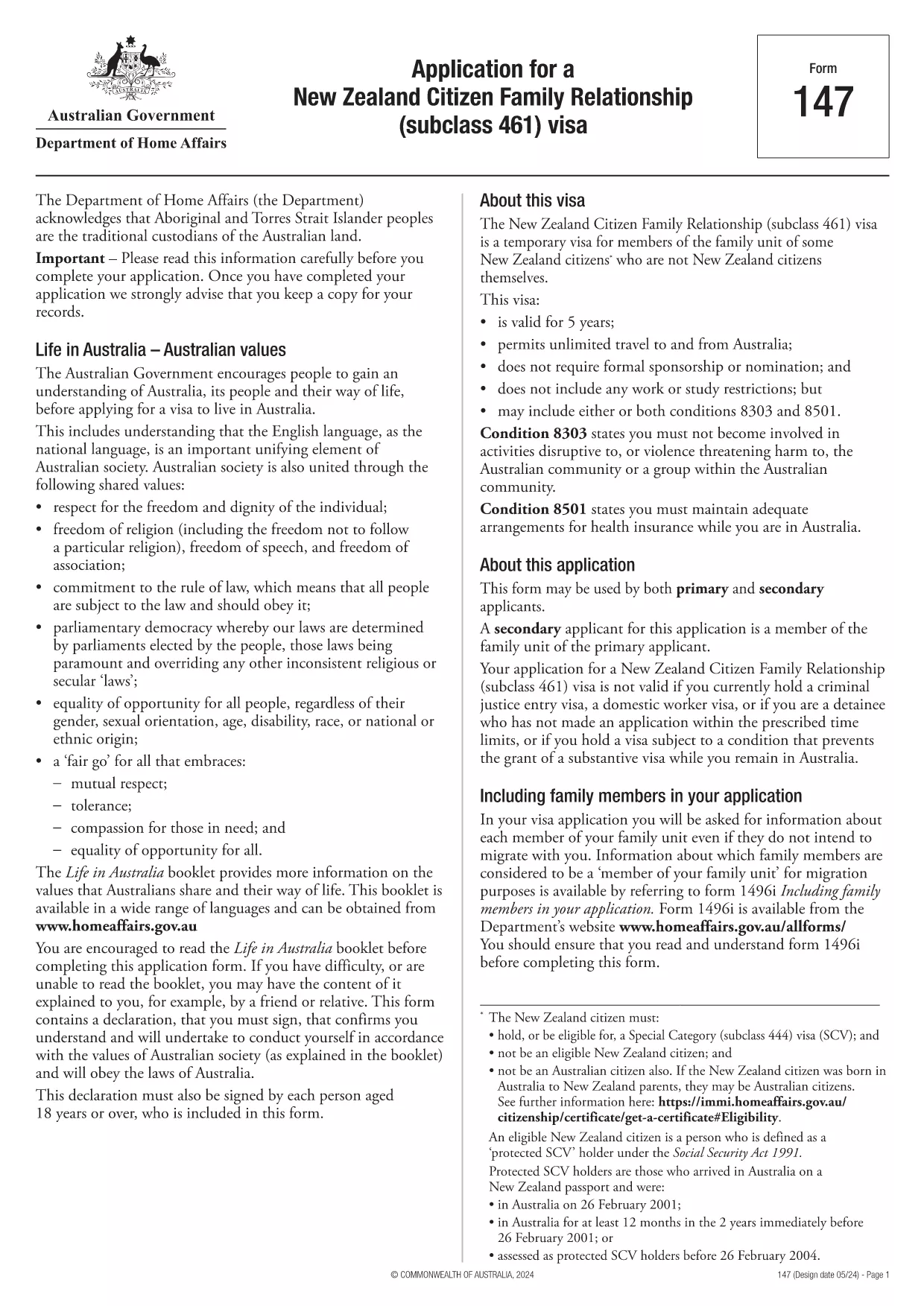
Looking for a quick, secure way to complete Application Form Z? You’ve come to the right place. Our fillable PDF version lets you enter data directly in your browser, sign electronically, and submit without ever printing a single page.

Formize hosts the official PDF from the Department of Home Affairs, so you can be confident you’re using the correct, up‑to‑date version. Below you’ll find everything you need to know – from a brief overview of the form’s purpose to detailed, step‑by‑step instructions on how to fill it out online.

What is Application Form Z?

Application Form Z is the official document used for certain visa and family‑relationship requests in Australia. It captures personal details, relationship information, and supporting evidence required by the Department of Home Affairs.

How to Fill the Form Online with Formize

Instead of downloading the PDF and opening it in a desktop editor, simply click the "Fill out this form" button on this page. The Formize PDF Filler app will load in seconds, presenting you with an intuitive, web‑based interface.

Common Mistakes to Avoid

  • Leaving required fields blank – the filler will highlight missing information before you can submit.
  • Using the wrong date format – the form expects DD/MM/YYYY.
  • Uploading unsupported file types for attachments – stick to PDF, JPG, or PNG.
  • Forgetting to add your electronic signature – the signature field is mandatory.

Download the Fillable PDF

If you prefer to keep a local copy, you can download the official PDF directly from the Department of Home Affairs:

Download Application Form Z (PDF)

After downloading, you can still use Formize’s online filler by uploading the file, but the one‑click option above is the fastest route.

Frequently Asked Questions

Below are the most common questions users have about Application Form Z and how to complete it using Formize.

FAQ
  • Do I need Adobe Acrobat to fill Application Form Z?

    No. Formize’s online filler works in any modern browser, so you don’t need Acrobat or any additional software.

  • Can I save my progress and finish later?

    Yes. The filler lets you save a draft to your device or to your Formize account, then resume whenever you’re ready.

  • Is the electronic signature accepted by the Department of Home Affairs?

    Absolutely. The Department recognises electronic signatures on fillable PDFs submitted through approved platforms like Formize.

  • What file formats are allowed for supporting documents?

    PDF, JPG, and PNG are accepted. Each file must be under 10 MB.

  • How long does it take for the Department to process the form?

    Processing times vary by visa category. Check the latest estimates on the Department of Home Affairs website after you submit.

  • What if I make a mistake after submitting?

    Contact the Department’s case office as soon as possible. You may be asked to submit a corrected form or an amendment letter.

BAGAIMANA CARANYA

Cara mengisi application form z gratis secara online dalam 5 langkah mudah:

  1. 1
    Open the Formizer Filler
    Click the bright "Fill out this form" button on this page. The Formize PDF Filler app will launch in a new window.
  2. 2
    Enter Your Information
    Type directly into each fillable field. Use the Tab key to move quickly between sections.
  3. 3
    Add Attachments
    Upload required supporting documents (PDF, JPG, PNG) using the attachment icons next to each field.
  4. 4
    Sign Electronically
    Click the signature field, draw or type your name, and confirm. The signature is legally binding.
  5. 5
    Review & Submit
    Use the built‑in validator to check for missing fields, then click "Submit". You’ll receive a confirmation email with a copy of your completed form.
Bentuk aplikasi Pengisi PDF
TENTANG

Formulir Visa

application form z adalah salah satu formulir Visa yang merupakan dokumen yang digunakan untuk mengajukan visa masuk ke negara asing. Visa adalah dokumen yang memungkinkan warga negara asing untuk masuk, tinggal, dan terkadang bekerja di negara asing untuk jangka waktu tertentu. Bentuk dan persyaratan yang tepat untuk memperoleh visa bervariasi menurut negara dan jenis visa.

Formulir visa biasanya memerlukan informasi pribadi seperti nama, tanggal lahir, dan informasi paspor, serta informasi tentang tujuan dan lama perjalanan, tujuan yang dituju, dan apakah pemohon visa sebelumnya telah ditolak atau dideportasi dari suatu negara. Formulir tersebut mungkin juga memerlukan dokumen pendukung seperti paspor, foto, dan bukti dukungan keuangan.

Di Amerika Serikat, formulir visa yang paling umum adalah formulir DS-160 dan DS-260. Formulir DS-160 digunakan untuk mengajukan visa non-imigran, sedangkan formulir DS-260 digunakan untuk mengajukan visa imigran. Formulir ini memerlukan informasi rinci tentang riwayat pribadi dan perjalanan pemohon, serta dokumen pendukung seperti paspor, rencana perjalanan, dan catatan keuangan.

Negara lain mungkin memiliki formulir dan persyaratan visa yang berbeda, tetapi proses dasarnya biasanya melibatkan penyelesaian aplikasi visa, memberikan dokumentasi pendukung, dan menghadiri wawancara dengan petugas konsuler di kedutaan atau konsulat AS. Penting untuk dicatat bahwa proses permohonan visa dapat rumit dan memakan waktu, dan disarankan agar individu yang mencari visa berkonsultasi dengan pengacara imigrasi atau profesional lain yang memenuhi syarat untuk memastikan bahwa semua formulir dan persyaratan yang diperlukan dipenuhi.

FITUR

Pengisi PDF

Cara termudah untuk mengisi formulir PDF secara online

  • Isi application form z dengan cepat
    Mencari cara mengisi application form z dengan cepat secara online? Dengan pengisi formulir PDF online gratis kami, Anda akan tahu cara mengedit dan mengisi dokumen pdf ini dalam waktu kurang dari satu menit.
  • Editor PDF online yang mudah digunakan
    Muak dengan mencetak file PDF sehingga Anda dapat mengeditnya, sebelum memindai ulang dan mengirimnya kembali? Edit dokumen PDF secara online gratis. Gunakan editor pdf online kami untuk menghemat waktu dan kertas.
  • Alat hebat, semua platform
    Ingin tahu cara mengisi application form z di Mac, atau mungkin cara menggunakan pengisi PDF gratis? Alat PDF online kami berfungsi di semua platform.
  • Penyimpanan file yang aman
    File "application form z" yang telah selesai disimpan dalam database aman yang dikelola oleh hosting Amazon Cloud. Anda dapat menghapus file Anda dari sistem kami kapan saja. Bagaimanapun, file-file ini secara otomatis dihapus setelah 24 jam.
  • Ngobrol dengan application form z
    Ngobrol dengan "application form z" di Chatize yang merupakan asisten pembaca PDF gratis. Ajukan pertanyaan dan dapatkan jawaban dari "application form z". Cukup klik tombol Chat Dengan Dokumen di atas.

Hapus sesi pengisian

Hapus sesi pengisian yang dipilih? Dalam hal ini, kemajuan Anda dalam menyelesaikan formulir akan hilang.

Hapus sesi pengeditan

Hapus sesi pengeditan yang dipilih? Dalam hal ini, kemajuan Anda dalam membuat dan mengedit formulir akan hilang.