
kerangka UniSA application form
Dengan serangkaian fitur tradisional untuk melihat dan mengisi dokumen PDF, dipadukan dengan manfaat aplikasi web dan tata letak responsif, Anda dapat menyelesaikan UniSA application form dalam hitungan menit.


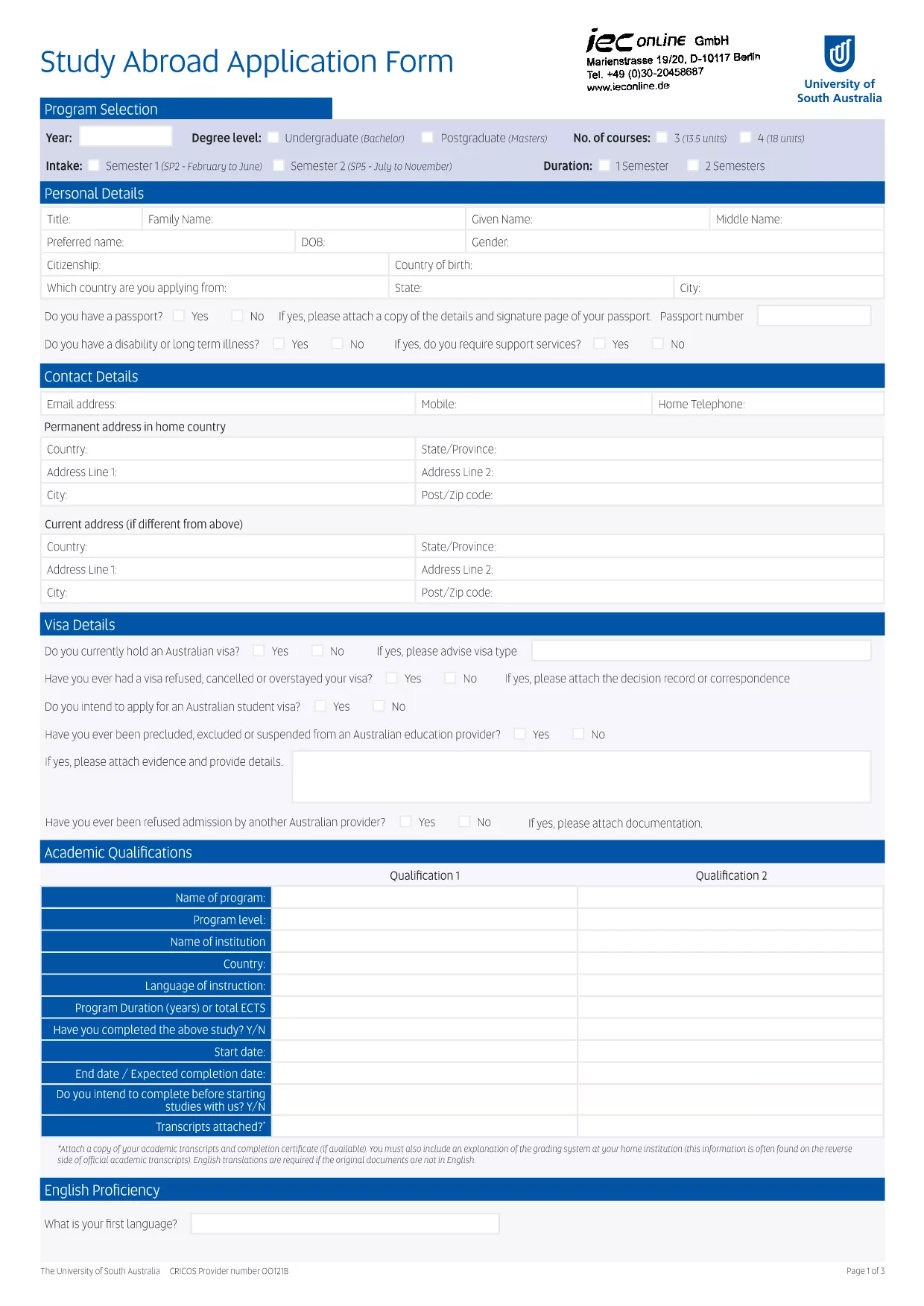
Looking for the official University of South Australia (UniSA) application form? You’ve come to the right place. Our fillable PDF lets you complete the entire application directly in your browser—no Adobe Acrobat or other editor required.
Simply click the **Fill out this form** button, wait for the Formize PDF Filler to load, and start entering your details. All fields are interactive, auto‑saving your progress as you go.
Key benefits:
Before you begin, review the sections below to ensure a smooth experience and avoid common pitfalls.
No. The form is fully fillable within the browser using Formize’s PDF Filler – no additional software required.
Yes. The filler automatically saves your entries locally. You can close the window and reopen the form to continue.
You will download a standard PDF that mirrors the official UniSA application, ready for printing or electronic submission.
All data stays on your device unless you choose to export or email it. Formize does not store your personal information.
Follow the submission instructions on the UniSA admissions portal. Typically you can upload the PDF or email it to the address provided in the form.
You can reopen the fillable version, correct the error, and download a new PDF. The original file remains unchanged.
Dengan serangkaian fitur tradisional untuk melihat dan mengisi dokumen PDF, dipadukan dengan manfaat aplikasi web dan tata letak responsif, Anda dapat menyelesaikan UniSA application form dalam hitungan menit.
Cara termudah untuk mengisi formulir PDF secara online
Hapus sesi pengisian
Hapus sesi pengeditan