
Pilih bahasa

Australian Citizenship Application Form 1300t – Download & Fill Online

  1. Bahasa Bahasa inggris
  2. Negara Australia
  3. Aktivitas Kewarganegaraan
  4. Departemen Home Affairs
Australian Citizenship Application Form 1300t – Download & Fill Online

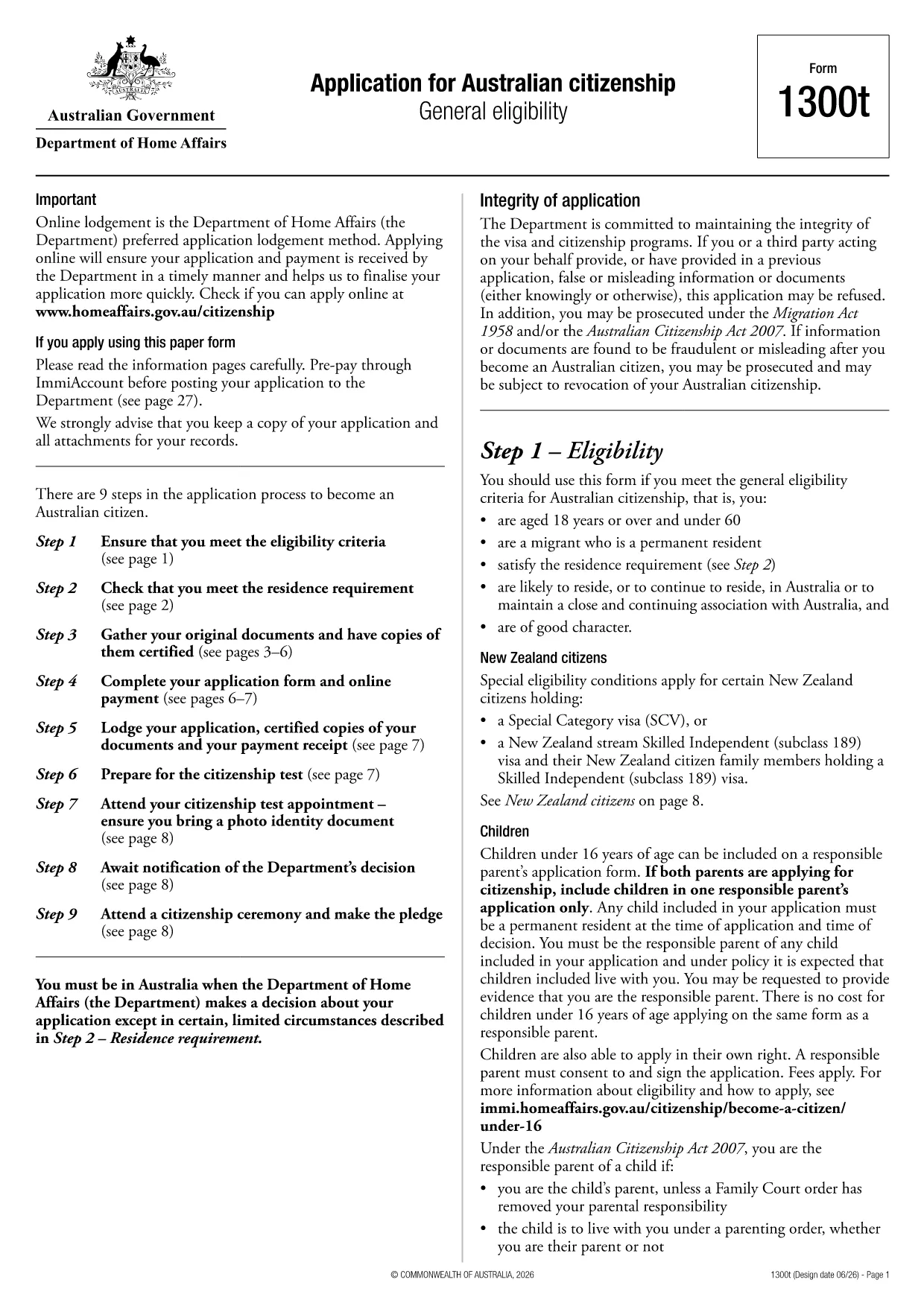
Looking for a quick and secure way to download the Australian citizenship application form? You’ve come to the right place. Formize.com hosts the official Form 1300t as a fully fillable PDF that you can complete directly in your browser—no extra software required.

Eligibility Overview

Before you start, make sure you meet the general eligibility criteria for Australian citizenship:

  • You are a permanent resident of Australia.
  • You have lived in Australia for at least four years, including the last 12 months continuously.
  • You are of good character and meet the residency requirements.

If you satisfy these conditions, you are ready to fill out Form 1300t.

How to Complete the Form Online

Follow these simple steps to finish your application without downloading any software:

  1. Click the "Fill out this form" button on this page.
  2. Wait a few seconds while the Formize PDF Filler app loads.
  3. Enter your details into each fillable field, save your progress, and submit directly from the browser.

The online filler automatically validates dates, passport numbers, and required signatures, reducing errors and speeding up processing.

Common Mistakes to Avoid

  • Leaving mandatory fields blank – the filler will highlight missing information before you can submit.
  • Using an outdated version – always use the PDF provided here to ensure compliance with the latest immigration rules.
  • Incorrect name spelling – copy your name exactly as it appears on your passport or birth certificate.

Where to Submit Your Application

After completing the form, you can either:

  • Download the completed PDF, print it, and mail it to the Department of Home Affairs.
  • Upload the signed PDF through the ImmiAccount portal for faster processing.

Keep a copy of the submitted form for your records.

FAQ
  • Do I need Adobe Acrobat to fill Form 1300t?

    No. The Formize PDF Filler works in any modern browser, so you can complete the form without installing any software.

  • Can I save my progress and return later?

    Yes. The online filler automatically saves your entries. You can download a draft copy to continue later.

  • Is the PDF version on Formize up‑to‑date?

    We host the latest version released by the Department of Home Affairs. The link points to the official source.

  • What if I make a mistake after submitting?

    Contact the Department of Home Affairs as soon as possible. You may need to submit a corrected form or provide a written amendment.

  • Is there a fee to download or fill the form?

    Downloading and filling the PDF is free. Any government processing fees are paid directly to the Department when you lodge the application.

  • Can I submit the form electronically?

    Yes. After completing the form, you can upload the signed PDF through ImmiAccount for faster processing.

  • What documents do I need to attach?

    You will need proof of identity, residency evidence, and any supporting documents listed in the form instructions. Scan them as PDFs before attaching.

BAGAIMANA CARANYA

Cara mengisi application form download gratis secara online dalam 3 langkah mudah:

  1. 1
    Open the Fillable Form
    Click the "Fill out this form" button on the page. The Formize PDF Filler will open in a new tab.
  2. 2
    Enter Your Information
    Type your details into each highlighted field. The filler auto‑saves as you go.
  3. 3
    Submit or Download
    When finished, either submit directly through the portal or download the completed PDF to print and mail.
Bentuk aplikasi Pengisi PDF
TENTANG

Formulir Kewarganegaraan

application form download adalah salah satu formulir Kewarganegaraan yang merupakan dokumen yang digunakan untuk mengajukan permohonan kewarganegaraan di suatu negara. Bentuk dan persyaratan yang tepat untuk kewarganegaraan berbeda-beda di setiap negara, tetapi umumnya, prosesnya melibatkan pemberian informasi pribadi dan bukti kelayakan kewarganegaraan.

Di Amerika Serikat, bentuk kewarganegaraan yang paling umum adalah Aplikasi N-400 untuk Naturalisasi. Formulir ini digunakan oleh penduduk tetap yang sah (pemegang kartu hijau) untuk mengajukan kewarganegaraan AS. Formulir tersebut meminta informasi pribadi seperti nama, tanggal lahir, dan informasi kontak, serta informasi tentang status imigrasi pemohon, riwayat kriminal, dan persyaratan kelayakan lainnya.

Negara lain mungkin memiliki bentuk dan persyaratan kewarganegaraan yang berbeda, tetapi proses dasarnya biasanya melibatkan penyediaan informasi tentang latar belakang pemohon dan memenuhi kriteria kelayakan tertentu. Ini mungkin termasuk lulus tes kewarganegaraan, menunjukkan pengetahuan tentang sejarah dan pemerintahan negara, dan menunjukkan kemahiran dalam bahasa negara tersebut.

Penting untuk dicatat bahwa proses memperoleh kewarganegaraan dapat menjadi rumit dan memakan waktu. Dianjurkan agar individu yang mencari kewarganegaraan berkonsultasi dengan pengacara imigrasi atau profesional berkualifikasi lainnya untuk membantu menavigasi proses dan memastikan bahwa semua formulir dan persyaratan yang diperlukan dipenuhi.

FITUR

Pengisi PDF

Cara termudah untuk mengisi formulir PDF secara online

  • Isi application form download dengan cepat
    Mencari cara mengisi application form download dengan cepat secara online? Dengan pengisi formulir PDF online gratis kami, Anda akan tahu cara mengedit dan mengisi dokumen pdf ini dalam waktu kurang dari satu menit.
  • Editor PDF online yang mudah digunakan
    Muak dengan mencetak file PDF sehingga Anda dapat mengeditnya, sebelum memindai ulang dan mengirimnya kembali? Edit dokumen PDF secara online gratis. Gunakan editor pdf online kami untuk menghemat waktu dan kertas.
  • Alat hebat, semua platform
    Ingin tahu cara mengisi application form download di Mac, atau mungkin cara menggunakan pengisi PDF gratis? Alat PDF online kami berfungsi di semua platform.
  • Penyimpanan file yang aman
    File "application form download" yang telah selesai disimpan dalam database aman yang dikelola oleh hosting Amazon Cloud. Anda dapat menghapus file Anda dari sistem kami kapan saja. Bagaimanapun, file-file ini secara otomatis dihapus setelah 24 jam.
  • Ngobrol dengan application form download
    Ngobrol dengan "application form download" di Chatize yang merupakan asisten pembaca PDF gratis. Ajukan pertanyaan dan dapatkan jawaban dari "application form download". Cukup klik tombol Chat Dengan Dokumen di atas.

Hapus sesi pengisian

Hapus sesi pengisian yang dipilih? Dalam hal ini, kemajuan Anda dalam menyelesaikan formulir akan hilang.

Hapus sesi pengeditan

Hapus sesi pengeditan yang dipilih? Dalam hal ini, kemajuan Anda dalam membuat dan mengedit formulir akan hilang.