Pilih bahasa

Medicare Enrolment Form (MS004) – Fillable PDF

  1. Bahasa Bahasa inggris
  2. Negara Australia
  3. Departemen Services Australia
  4. Aktivitas Healthcare
Medicare Enrolment Form (MS004) – Fillable PDF

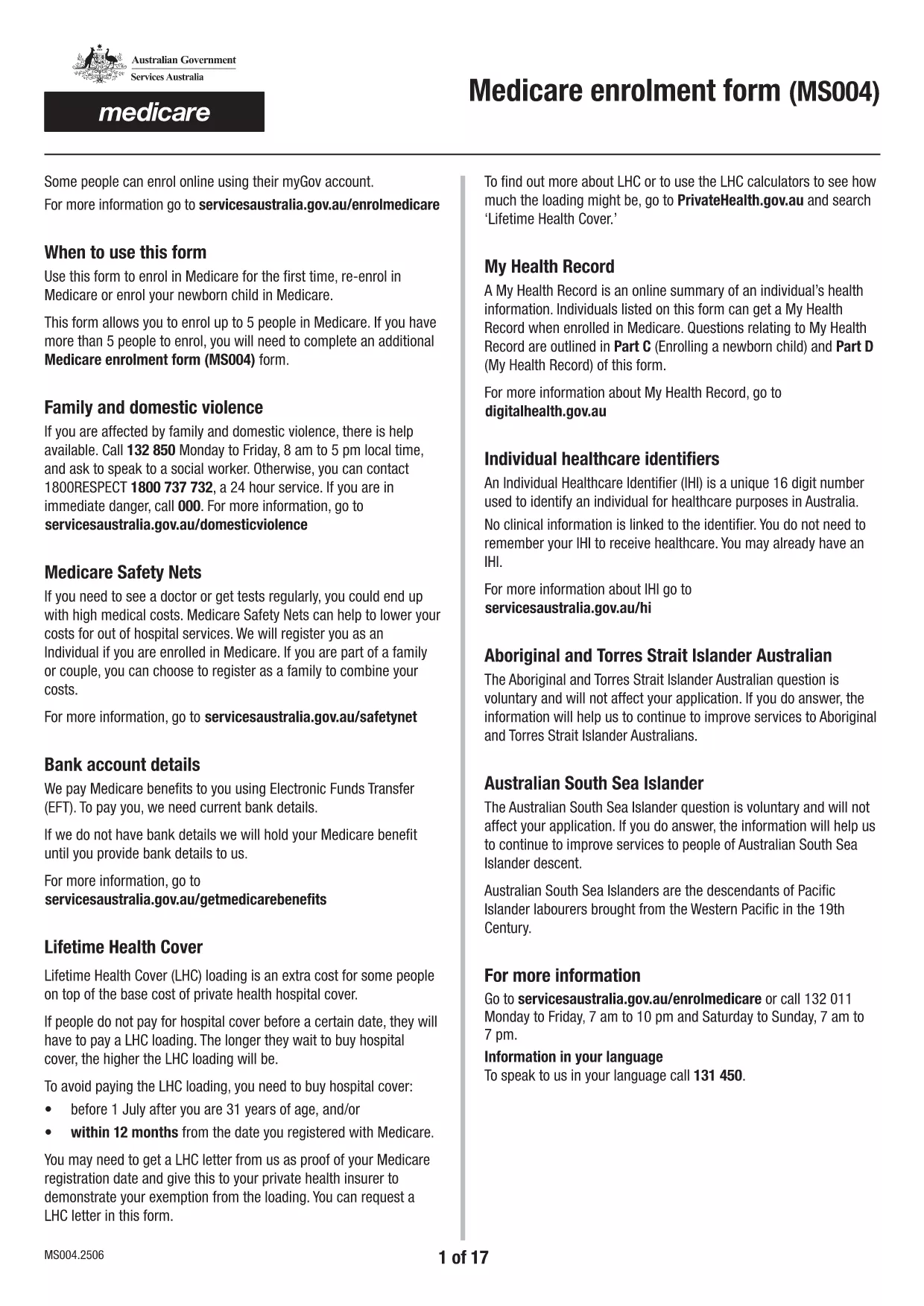
The Medicare Enrolment Form (MS004) is the official document used by Services Australia to register individuals and families for Medicare benefits. This fillable PDF lets you enrol up to five people at once, making it perfect for households, couples, or small families.

What Is the Medicare Enrolment Form (MS004)?

The MS004 form collects personal details, Medicare eligibility information, and any special circumstances such as family or domestic violence considerations. It is required for new applicants, people changing their details, or those adding family members.

How to Complete the Form Online with Formize

Instead of printing, scanning, or using a separate PDF editor, you can fill the form directly on our site. Follow the simple steps below:

Common Mistakes & Tips for a Successful Application

  • Double‑check names and dates of birth. A typo can delay processing.
  • Provide a valid Australian address. PO boxes are not accepted for enrolment.
  • Include all required supporting documents. For example, birth certificates or passports.
  • Sign each individual’s section. Electronic signatures are accepted when using Formize.

Where to Submit the Completed Form

Once you have filled and saved the PDF, you can:

  • Upload it through your MyGov portal.
  • Mail a printed copy to the nearest Medicare office.
  • Take the saved file to a local Services Australia service centre.

Related Resources and Help

For further information on Medicare eligibility, the Medicare Safety Net, or assistance for people affected by family and domestic violence, visit the Services Australia Medicare page.

FAQ
  • Can I enrol more than five people on one MS004 form?

    No. The MS004 form is limited to a maximum of five individuals. If you have more people to enrol, complete an additional MS004 form.

  • Is an electronic signature accepted on the MS004 form?

    Yes. When you fill the form using Formize, the built‑in electronic signature field meets Services Australia’s requirements.

  • What documents do I need to attach?

    You’ll need a proof of identity (passport or driver’s licence), proof of residency (utility bill or rental agreement), and any supporting documents for special circumstances such as a domestic‑violence declaration.

  • How long does processing take after I submit the form?

    Standard processing is 10‑15 business days. If additional information is required, Services Australia will contact you directly.

  • Can I save the form and finish it later?

    Absolutely. The Formize PDF Filler lets you save your progress at any time. Simply click **Save Draft** and return later to complete it.

  • Is there a fee to use the fillable PDF on Formize?

    No. Formize provides free access to fillable government PDFs, including the Medicare enrolment form.

  • What should I do if I make a mistake after submission?

    Contact Services Australia as soon as possible. They may ask you to submit a corrected form or provide a written amendment.

BAGAIMANA CARANYA

Cara mengisi Medicare enrolment form gratis secara online dalam 5 langkah mudah:

  1. 1
    Open the Fillable Form
    Click the **Fill out this form** button on the page. The Formize PDF Filler app loads instantly in your browser.
  2. 2
    Enter Your Information
    Type directly into each field—name, date of birth, address, and Medicare details. Use the tab key to move quickly between sections.
  3. 3
    Add Supporting Documents
    Upload scanned copies of passports, birth certificates, or any other required documents using the **Attach File** button.
  4. 4
    Review and Sign
    Check all entries for accuracy, then add your electronic signature in the designated signature fields.
  5. 5
    Save & Submit
    Click **Save PDF** to download the completed form, or click **Submit to Services Australia** to send it directly from Formize.
Bentuk aplikasi Pengisi PDF
TENTANG

kerangka Medicare enrolment form

Dengan serangkaian fitur tradisional untuk melihat dan mengisi dokumen PDF, dipadukan dengan manfaat aplikasi web dan tata letak responsif, Anda dapat menyelesaikan Medicare enrolment form dalam hitungan menit.

FITUR

Pengisi PDF

Cara termudah untuk mengisi formulir PDF secara online

  • Isi Medicare enrolment form dengan cepat
    Mencari cara mengisi Medicare enrolment form dengan cepat secara online? Dengan pengisi formulir PDF online gratis kami, Anda akan tahu cara mengedit dan mengisi dokumen pdf ini dalam waktu kurang dari satu menit.
  • Editor PDF online yang mudah digunakan
    Muak dengan mencetak file PDF sehingga Anda dapat mengeditnya, sebelum memindai ulang dan mengirimnya kembali? Edit dokumen PDF secara online gratis. Gunakan editor pdf online kami untuk menghemat waktu dan kertas.
  • Alat hebat, semua platform
    Ingin tahu cara mengisi Medicare enrolment form di Mac, atau mungkin cara menggunakan pengisi PDF gratis? Alat PDF online kami berfungsi di semua platform.
  • Penyimpanan file yang aman
    File "Medicare enrolment form" yang telah selesai disimpan dalam database aman yang dikelola oleh hosting Amazon Cloud. Anda dapat menghapus file Anda dari sistem kami kapan saja. Bagaimanapun, file-file ini secara otomatis dihapus setelah 24 jam.
  • Ngobrol dengan Medicare enrolment form
    Ngobrol dengan "Medicare enrolment form" di Chatize yang merupakan asisten pembaca PDF gratis. Ajukan pertanyaan dan dapatkan jawaban dari "Medicare enrolment form". Cukup klik tombol Chat Dengan Dokumen di atas.

Hapus sesi pengisian

Hapus sesi pengisian yang dipilih? Dalam hal ini, kemajuan Anda dalam menyelesaikan formulir akan hilang.

Hapus sesi pengeditan

Hapus sesi pengeditan yang dipilih? Dalam hal ini, kemajuan Anda dalam membuat dan mengedit formulir akan hilang.