
Pilih bahasa

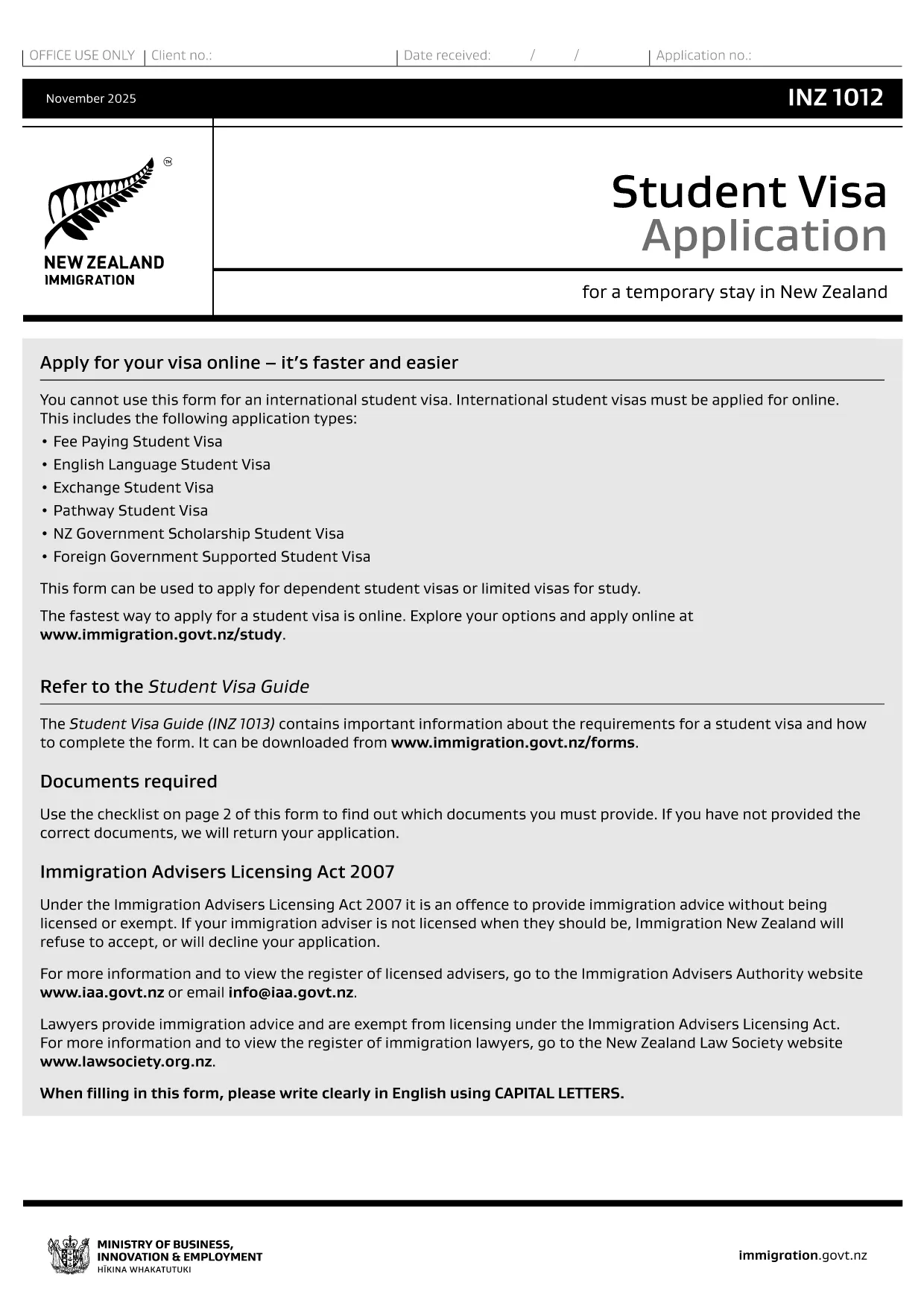
INZ 1012 Student Visa Application – Fillable PDF

  1. Bahasa Bahasa inggris
  2. Negara Selandia Baru
  3. Departemen Immigration New Zealand
  4. Aktivitas Visa
INZ 1012 Student Visa Application – Fillable PDF

The INZ 1012 is the official New Zealand Student Visa application form used by Immigration New Zealand. Whether you’re studying a short‑term course or a full degree, this form collects the essential personal, academic, and financial information required to assess your eligibility.

What Is the INZ 1012 Form?

INZ 1012 is a government‑issued PDF that can be filled out by hand or electronically. It asks for details such as:

  • Personal identification and passport data
  • Course information and institution details
  • Proof of funds and health insurance
  • Intended stay dates and travel plans

How to Complete the INZ 1012 Online

Instead of printing, printing, and scanning, use Formize’s built‑in Fillable PDF tool. Follow these simple steps:

  1. Click the "Fill out this form" button on this page.
  2. Wait a few seconds while the Formize PDF Filler app loads.
  3. Navigate each section, enter your information, and use the auto‑save feature.
  4. When you finish, download the completed PDF or submit it directly to Immigration New Zealand if you have an online portal.

Common Mistakes to Avoid

  • Leaving fields blank: Every required field must be completed; otherwise the application is rejected.
  • Mismatched passport numbers: Ensure the number matches exactly as shown on your passport.
  • Incorrect financial figures: Provide proof of at least NZD 15,000 per year (or the amount specified for your course).
  • Out‑of‑date course details: Verify that the course start date and institution name are current.

Download & Save the PDF

If you prefer a hard copy, you can still download the original PDF from Immigration New Zealand using the link below. Keep a saved copy for your records and for any future visa renewals.

Download INZ 1012 PDF (official)

Using Formize’s fillable version saves you time, reduces errors, and lets you edit the form until you’re completely satisfied.

FAQ
  • Can I submit the INZ 1012 form online?

    Yes. After filling it out with Formize, you can download the completed PDF and upload it through Immigration New Zealand’s online application system.

  • Do I need to print the form after filling it online?

    Printing is optional. A digitally signed PDF is accepted, but keep a printed copy for your records if you prefer.

  • How long does it take to complete the form?

    Most applicants finish in 15‑30 minutes if all required documents are ready.

  • What supporting documents are required?

    A valid passport, offer of place from a New Zealand education provider, proof of funds, health insurance, and any required English‑language evidence.

  • Is there a fee to use Formize’s PDF filler?

    Formize offers a free basic filler for the INZ 1012 form; premium features are optional.

  • Can I edit the form after I download it?

    Yes. The fillable PDF remains editable with any standard PDF editor, but it’s easier to make changes directly in Formize before downloading.

  • What should I do if I make a mistake?

    Return to the affected field in Formize, correct the entry, and re‑download the PDF. Do not try to hand‑write over a printed form.

  • Where do I send the completed form?

    Submit the PDF through the Immigration New Zealand online portal or mail it to the address listed in the form instructions.

BAGAIMANA CARANYA

Cara mengisi INZ 1012 gratis secara online dalam 4 langkah mudah:

  1. 1
    Click the Fill‑out Button
    Press the "Fill out this form" button on the page to launch the Formize PDF Filler.
  2. 2
    Wait for the Filler to Load
    The app loads in a few seconds; you’ll see an interactive version of the INZ 1012 form.
  3. 3
    Enter Your Information
    Complete each section, using the auto‑save feature. Attach supporting documents where required.
  4. 4
    Save or Submit
    When finished, download the completed PDF or forward it to Immigration New Zealand via their online portal.
Bentuk aplikasi Pengisi PDF
TENTANG

Formulir Visa

INZ 1012 adalah salah satu formulir Visa yang merupakan dokumen yang digunakan untuk mengajukan visa masuk ke negara asing. Visa adalah dokumen yang memungkinkan warga negara asing untuk masuk, tinggal, dan terkadang bekerja di negara asing untuk jangka waktu tertentu. Bentuk dan persyaratan yang tepat untuk memperoleh visa bervariasi menurut negara dan jenis visa.

Formulir visa biasanya memerlukan informasi pribadi seperti nama, tanggal lahir, dan informasi paspor, serta informasi tentang tujuan dan lama perjalanan, tujuan yang dituju, dan apakah pemohon visa sebelumnya telah ditolak atau dideportasi dari suatu negara. Formulir tersebut mungkin juga memerlukan dokumen pendukung seperti paspor, foto, dan bukti dukungan keuangan.

Di Amerika Serikat, formulir visa yang paling umum adalah formulir DS-160 dan DS-260. Formulir DS-160 digunakan untuk mengajukan visa non-imigran, sedangkan formulir DS-260 digunakan untuk mengajukan visa imigran. Formulir ini memerlukan informasi rinci tentang riwayat pribadi dan perjalanan pemohon, serta dokumen pendukung seperti paspor, rencana perjalanan, dan catatan keuangan.

Negara lain mungkin memiliki formulir dan persyaratan visa yang berbeda, tetapi proses dasarnya biasanya melibatkan penyelesaian aplikasi visa, memberikan dokumentasi pendukung, dan menghadiri wawancara dengan petugas konsuler di kedutaan atau konsulat AS. Penting untuk dicatat bahwa proses permohonan visa dapat rumit dan memakan waktu, dan disarankan agar individu yang mencari visa berkonsultasi dengan pengacara imigrasi atau profesional lain yang memenuhi syarat untuk memastikan bahwa semua formulir dan persyaratan yang diperlukan dipenuhi.

FITUR

Pengisi PDF

Cara termudah untuk mengisi formulir PDF secara online

  • Isi INZ 1012 dengan cepat
    Mencari cara mengisi INZ 1012 dengan cepat secara online? Dengan pengisi formulir PDF online gratis kami, Anda akan tahu cara mengedit dan mengisi dokumen pdf ini dalam waktu kurang dari satu menit.
  • Editor PDF online yang mudah digunakan
    Muak dengan mencetak file PDF sehingga Anda dapat mengeditnya, sebelum memindai ulang dan mengirimnya kembali? Edit dokumen PDF secara online gratis. Gunakan editor pdf online kami untuk menghemat waktu dan kertas.
  • Alat hebat, semua platform
    Ingin tahu cara mengisi INZ 1012 di Mac, atau mungkin cara menggunakan pengisi PDF gratis? Alat PDF online kami berfungsi di semua platform.
  • Penyimpanan file yang aman
    File "INZ 1012" yang telah selesai disimpan dalam database aman yang dikelola oleh hosting Amazon Cloud. Anda dapat menghapus file Anda dari sistem kami kapan saja. Bagaimanapun, file-file ini secara otomatis dihapus setelah 24 jam.
  • Ngobrol dengan INZ 1012
    Ngobrol dengan "INZ 1012" di Chatize yang merupakan asisten pembaca PDF gratis. Ajukan pertanyaan dan dapatkan jawaban dari "INZ 1012". Cukup klik tombol Chat Dengan Dokumen di atas.

Hapus sesi pengisian

Hapus sesi pengisian yang dipilih? Dalam hal ini, kemajuan Anda dalam menyelesaikan formulir akan hilang.

Hapus sesi pengeditan

Hapus sesi pengeditan yang dipilih? Dalam hal ini, kemajuan Anda dalam membuat dan mengedit formulir akan hilang.