Pilih bahasa

Fillable Application Form HTML Code & Live PDF Preview

  1. Bahasa Bahasa inggris
  2. Negara Amerika Serikat
  3. Departemen Technology
  4. Aktivitas Web Development
Fillable Application Form HTML Code & Live PDF Preview

Looking for a quick way to add an application form to your website? Our free fillable HTML code gives you a fully functional form that automatically converts to a PDF you can view, fill, and submit directly in the browser.

Why Use a Fillable HTML Application Form?

Using HTML for your form means you get instant validation, responsive design, and seamless integration with JavaScript or server‑side processing. When the user clicks Fill out this form, the Formize PDF Filler loads the PDF version (based on the demo file below) so the data can be captured in a standard, printable format.

How to Embed the HTML Code in Your Site

Copy the code snippet below and paste it into any page of your website. The form works with all modern browsers and requires no additional libraries.

<form action="/submit" method="post">
  <label for="name">Full Name:</label>
  <input type="text" id="name" name="name" required><br>

  <label for="email">Email Address:</label>
  <input type="email" id="email" name="email" required><br>

  <label for="position">Position Applied For:</label>
  <select id="position" name="position">
    <option value="developer">Developer</option>
    <option value="designer">Designer</option>
    <option value="manager">Project Manager</option>
  </select><br>

  <label for="resume">Resume (PDF):</label>
  <input type="file" id="resume" name="resume" accept="application/pdf"><br>

  <button type="submit">Submit Application</button>
</form>

Instant PDF Preview with Formize PDF Filler

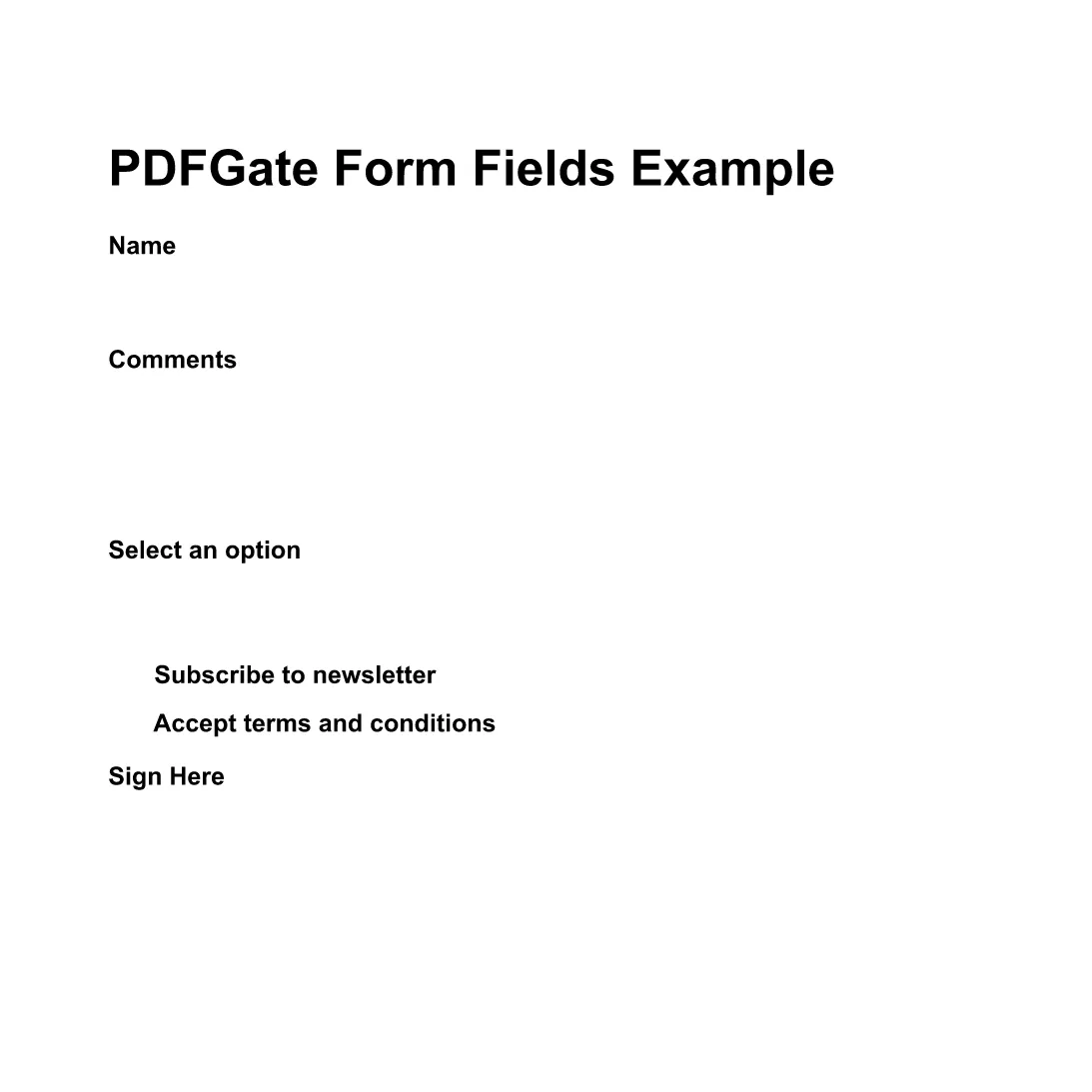
Instead of downloading the PDF, simply click the Fill out this form button below. The Formize PDF Filler app will load the demo PDF (preview PDF) and let you complete the fields online. All data is saved automatically, ready for you to download or email.

Fill out this form

Common Mistakes & Tips for a Perfect Submission

  • Missing required fields: HTML required attribute prevents empty submissions.
  • Incorrect file type: Accept only PDFs for resume uploads to keep the final document consistent.
  • Responsive layout: Use CSS media queries so the form looks great on mobile devices.
  • Server‑side validation: Always double‑check data on the back end even if the front end validates.

With these tips, your application form will be both user‑friendly and ready for PDF generation.

FAQ
  • Do I need to download any software to fill the form?

    No. The Formize PDF Filler runs completely in the browser, so you can fill the form online without installing anything.

  • Can I edit the HTML code after embedding it?

    Yes. The HTML snippet is fully editable. Just update the markup on your site and the changes will appear instantly.

  • Is the PDF version automatically updated when I change the HTML?

    The Formize PDF Filler maps standard HTML input types to PDF fields each time the form loads, so any HTML changes are reflected in the PDF preview.

  • What file types can I upload with this form?

    The example accepts PDF files for the resume field. You can adjust the accept attribute to allow other types if needed.

  • Is my data secure when I fill out the PDF online?

    Formize uses HTTPS encryption for all communications, and the PDF is processed locally in your browser, keeping your data private.

  • Can I embed this form on a WordPress site?

    Absolutely. Paste the HTML snippet into a Custom HTML block or use a shortcode plugin to render the form.

BAGAIMANA CARANYA

Cara mengisi application form html code gratis secara online dalam 4 langkah mudah:

  1. 1
    Open the Formize PDF Filler
    Click the **Fill out this form** button on the page. A new window loads the Formize PDF Filler app.
  2. 2
    Wait for the PDF to Load
    The demo PDF (application form) loads automatically. All HTML fields are mapped to fillable PDF fields.
  3. 3
    Complete the Form
    Enter your information, upload your resume, and use the drop‑down to select the position. The PDF updates in real time.
  4. 4
    Save or Submit
    When finished, click **Save PDF** to download a copy or **Send via Email** to forward the completed application.
Bentuk aplikasi Pengisi PDF
TENTANG

kerangka application form html code

Dengan serangkaian fitur tradisional untuk melihat dan mengisi dokumen PDF, dipadukan dengan manfaat aplikasi web dan tata letak responsif, Anda dapat menyelesaikan application form html code dalam hitungan menit.

FITUR

Pengisi PDF

Cara termudah untuk mengisi formulir PDF secara online

  • Isi application form html code dengan cepat
    Mencari cara mengisi application form html code dengan cepat secara online? Dengan pengisi formulir PDF online gratis kami, Anda akan tahu cara mengedit dan mengisi dokumen pdf ini dalam waktu kurang dari satu menit.
  • Editor PDF online yang mudah digunakan
    Muak dengan mencetak file PDF sehingga Anda dapat mengeditnya, sebelum memindai ulang dan mengirimnya kembali? Edit dokumen PDF secara online gratis. Gunakan editor pdf online kami untuk menghemat waktu dan kertas.
  • Alat hebat, semua platform
    Ingin tahu cara mengisi application form html code di Mac, atau mungkin cara menggunakan pengisi PDF gratis? Alat PDF online kami berfungsi di semua platform.
  • Penyimpanan file yang aman
    File "application form html code" yang telah selesai disimpan dalam database aman yang dikelola oleh hosting Amazon Cloud. Anda dapat menghapus file Anda dari sistem kami kapan saja. Bagaimanapun, file-file ini secara otomatis dihapus setelah 24 jam.
  • Ngobrol dengan application form html code
    Ngobrol dengan "application form html code" di Chatize yang merupakan asisten pembaca PDF gratis. Ajukan pertanyaan dan dapatkan jawaban dari "application form html code". Cukup klik tombol Chat Dengan Dokumen di atas.

Hapus sesi pengisian

Hapus sesi pengisian yang dipilih? Dalam hal ini, kemajuan Anda dalam menyelesaikan formulir akan hilang.

Hapus sesi pengeditan

Hapus sesi pengeditan yang dipilih? Dalam hal ini, kemajuan Anda dalam membuat dan mengedit formulir akan hilang.