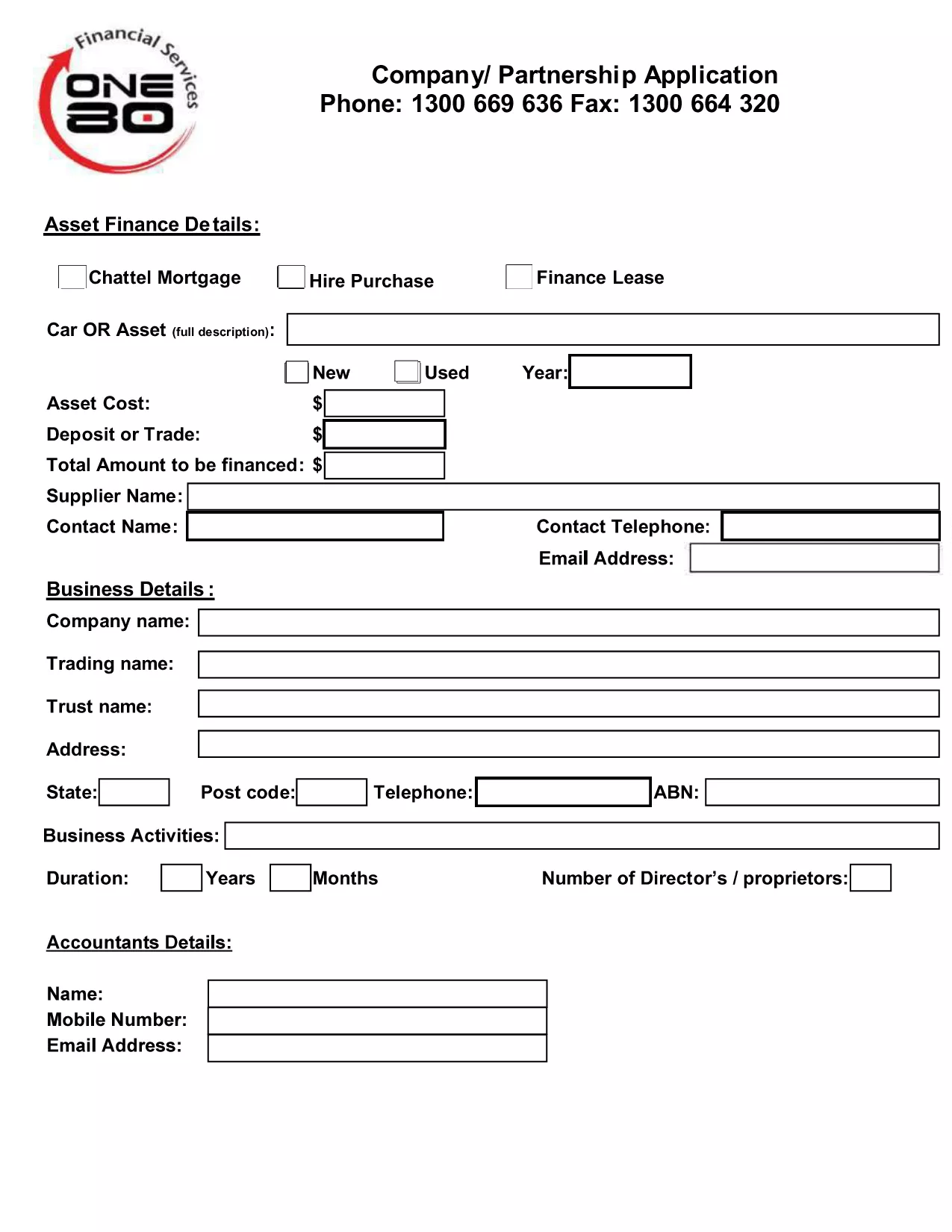
Looking for a quick and error‑free way to submit your company or partnership registration? Our fillable Company or Partnership Application Form lets you complete the required paperwork directly in your browser, then download a clean PDF ready for submission.
Why Use a Fillable PDF Form?
Traditional paper forms are slow, prone to mistakes, and often require costly printing. A fillable PDF eliminates these hurdles by providing:
- Auto‑validation of required fields
- Instant saving and editing
- Secure, printable output that meets government standards
How to Complete the Form Online
Instead of downloading the PDF and opening it in a separate editor, simply click the "Fill out this form" button on this page. The Formize PDF Filler will load in a few seconds, letting you:
- Enter your business details, ABN, and nominated supervisor information.
- Upload supporting documents such as identity proof or existing licence numbers.
- Review each section with built‑in error checking.
- Save your progress or download the completed form as a final PDF.
Common Mistakes to Avoid
Even with a digital form, some errors can delay approval:
- Missing ABN or incorrect format. Double‑check the number before submitting.
- Leaving required fields blank. The filler highlights missing data in red.
- Using the wrong supervisor licence number. Verify the licence details with your supervisor.
Where to Submit Your Application
Once you have saved the completed PDF, follow the instructions of your local authority (e.g., Building Commission NSW, state business registry, or tax office). Most agencies accept electronic uploads via their portal or a simple email attachment.
Ready to get started? Click the button below, fill out the form in seconds, and submit with confidence.