
Seleziona la lingua

OCSEAS Application Form – Fill Out Online

  1. Paese Australia
  2. Lingua Inglese
  3. Attività Academic Programs
  4. Dipartimento Department of Education
Compila questo modulo
OCSEAS Application Form – Fill Out Online

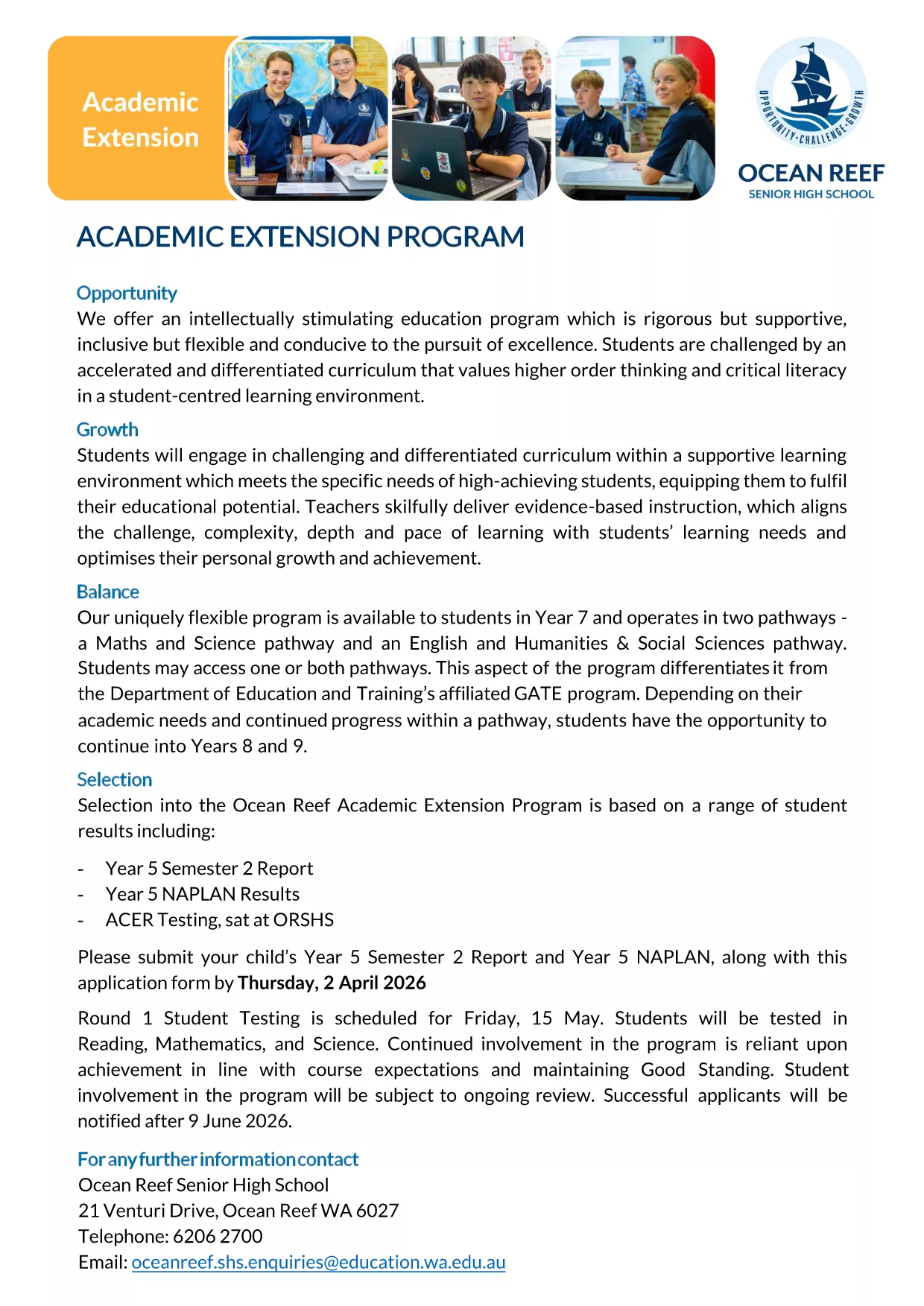
The OCSEAS application form is now available as a fully fillable PDF that you can complete instantly in your browser. No extra software is required – simply click the "Fill out this form" button and let the Formize PDF Filler load the document for you.

Whether you are applying for the Academic Extension Program or submitting a related request, this page gives you everything you need: a direct download link, step‑by‑step guidance, and answers to the most common questions.

  • Secure, online completion – your data stays private.
  • Automatic field validation to reduce errors.
  • Save a copy for your records with just one click.

Ready to get started? Follow the simple instructions below, avoid typical pitfalls, and submit a flawless application.

FAQ
  • Do I need Adobe Acrobat to fill the OCSEAS form?

    No. The Formize PDF Filler works in any modern browser, so you can complete the form without installing additional software.

  • Can I save my progress and return later?

    Yes. Use the "Save" button in the Formize app to download a partially completed PDF, then re‑upload it later to continue.

  • Is the form secure?

    All data entered in the Formize app is encrypted in transit. The form never leaves your browser unless you choose to submit or download it.

  • What file format will I receive after submission?

    You will receive a completed, searchable PDF that includes all your entered data and signatures.

  • What if I make a mistake after submitting?

    Contact the OCSEAS office immediately. They can provide a corrected form or allow you to upload a revised PDF.

  • Are there any size limits for attachments?

    Attachments must be under 5 MB each. If you have larger files, compress them before uploading.

  • Do I need to print the form after completing it online?

    Printing is optional. The electronic PDF is accepted by the OCSEAS office, but you may print a copy for your records if desired.

COME

Come compilare OCSEAS application form gratuitamente, online in 5 semplici passaggi:

  1. 1
    Click the Fill‑out Button
    Press the "Fill out this form" button on this page. The Formize PDF Filler app will open in a new tab and load the OCSEAS application automatically.
  2. 2
    Wait for the Form to Load
    Give the app a few seconds to render the fillable fields. You’ll see a clean, interactive version of the PDF ready for input.
  3. 3
    Enter Your Information
    Type directly into each field, select dates from the calendar widget, and upload any required supporting documents.
  4. 4
    Add Your Signature
    Use the built‑in signature tool to draw or type your signature. The form validates the signature placement automatically.
  5. 5
    Submit or Save
    When you’re finished, click "Submit" to send the completed form to the designated email address, or click "Download" to save a copy on your device.
App Formize PDF Filler
DI

modello OCSEAS application form

Con il tradizionale set di funzionalità per la visualizzazione e la compilazione di un documento PDF, combinato con i vantaggi di un'applicazione Web e un layout reattivo, puoi completare OCSEAS application form in pochi minuti.

CARATTERISTICHE

Compilatore PDF

Il modo più semplice per compilare moduli PDF online

  • Compila rapidamente OCSEAS application form
    Cerchi un modo per compilare rapidamente OCSEAS application form online? Con il nostro compilatore di moduli PDF gratuito online, saprai come modificare e compilare questo documento PDF in meno di un minuto.
  • Editor PDF online facile da usare
    Stufo di stampare file PDF in modo da poterli modificare, prima di riscansionarli e rispedirli? Modifica documenti PDF gratuitamente online. Utilizza il nostro editor PDF online per risparmiare tempo e carta.
  • Grandi strumenti, tutte le piattaforme
    Ti stai chiedendo come inserire OCSEAS application form su un Mac o forse come utilizzare un riempitivo PDF gratuito? I nostri strumenti PDF online funzionano su tutte le piattaforme.
  • Archiviazione sicura dei file
    I file "OCSEAS application form" completati vengono archiviati in un database protetto gestito dall'hosting Amazon Cloud. Puoi eliminare i tuoi file dal nostro sistema in qualsiasi momento. In ogni caso, questi file vengono automaticamente cancellati dopo 24 ore.
  • Chatta con {parola chiave}
    Chatta con "OCSEAS application form" su Chatize che è un assistente di lettura PDF gratuito. Fai domande e ottieni risposte da "OCSEAS application form". Basta fare clic sul pulsante Chatta con il documento in alto.

Elimina sessione di riempimento

Eliminare la sessione di riempimento selezionata? In questo caso, i progressi nella compilazione del modulo andranno persi.

Elimina la sessione di modifica

Eliminare la sessione di editing selezionata? In questo caso, i tuoi progressi nella creazione e modifica del modulo andranno persi.