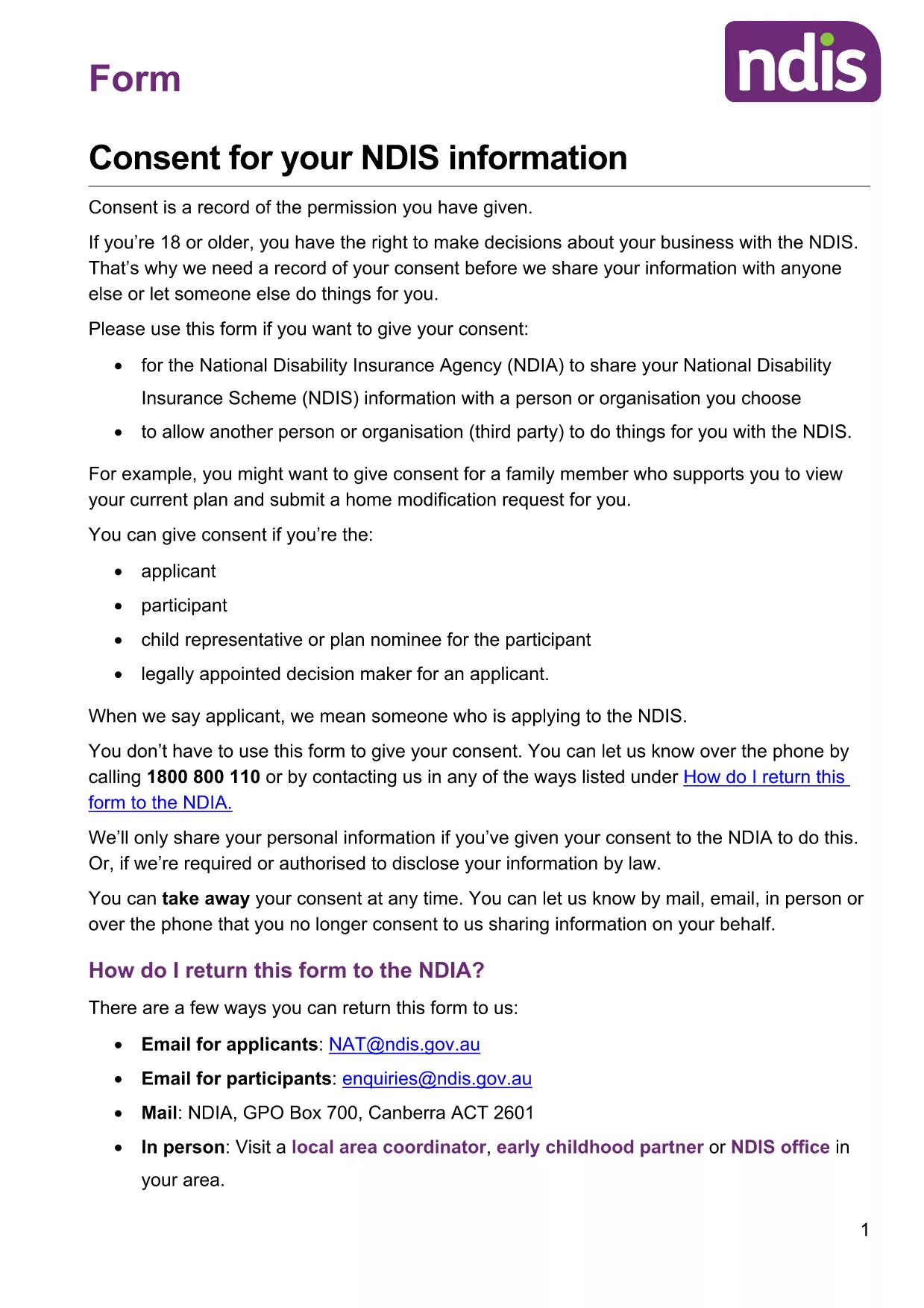
If you need a quick, secure way to give consent for the National Disability Insurance Scheme (NDIS) in 2026, you’ve come to the right place. Our fillable PDF consent form is hosted on Formize, so you can complete it directly in your browser—no extra software required.
Whether you are a participant, a legal guardian, or an authorised representative, this consent form lets you grant the NDIA permission to share your information with a chosen third‑party organisation. The document is fully fillable, editable, and print‑ready, ensuring you meet the NDIS requirements without the hassle of printing, scanning, or faxing.
Why Use a Fillable PDF Consent Form
Fillable PDFs are recognised by government agencies, keep your data in the correct format, and reduce errors caused by handwritten entries. They also allow you to save a copy for your records and submit the form electronically where accepted.
How to Complete the NDIS Consent Form Online
Simply click the "Fill out this form" button below. The Formize PDF Filler app will load, presenting each field in an easy‑to‑use interface. Fill in the required details, review your entries, and click Submit to download the completed PDF.
Common Mistakes to Avoid
- Leaving mandatory fields blank – the filler will highlight missing information.
- Using an outdated version – this page always provides the latest 2026 version.
- Signing on a printed copy and then uploading – you can add a digital signature directly in the filler.
Where to Submit Your Completed Form
After downloading the signed PDF, email it to the NDIA contact listed on the form, or upload it through your MyGov portal. Keep a saved copy for future reference.
Need help? Review the FAQs below or follow the step‑by‑step guide in the How‑To section.