
Seleziona la lingua

Medicare Enrolment Form (MS004) – Fillable PDF

  1. Lingua Inglese
  2. Paese Australia
  3. Dipartimento Services Australia
  4. Attività Healthcare
Compila questo modulo
Medicare Enrolment Form (MS004) – Fillable PDF

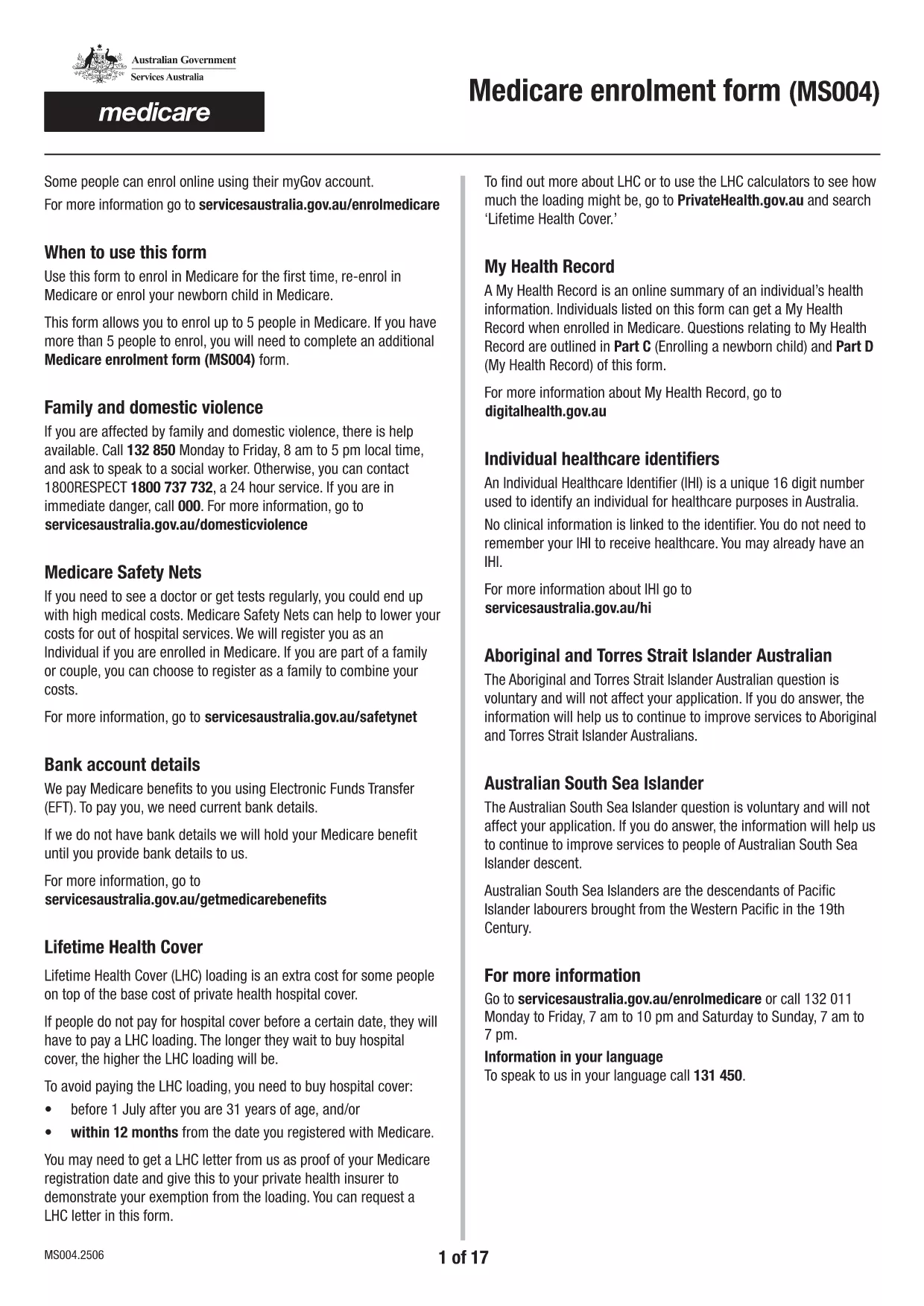
The Medicare Enrolment Form (MS004) is the official document used by Services Australia to register individuals and families for Medicare benefits. This fillable PDF lets you enrol up to five people at once, making it perfect for households, couples, or small families.

What Is the Medicare Enrolment Form (MS004)?

The MS004 form collects personal details, Medicare eligibility information, and any special circumstances such as family or domestic violence considerations. It is required for new applicants, people changing their details, or those adding family members.

How to Complete the Form Online with Formize

Instead of printing, scanning, or using a separate PDF editor, you can fill the form directly on our site. Follow the simple steps below:

Common Mistakes & Tips for a Successful Application

  • Double‑check names and dates of birth. A typo can delay processing.
  • Provide a valid Australian address. PO boxes are not accepted for enrolment.
  • Include all required supporting documents. For example, birth certificates or passports.
  • Sign each individual’s section. Electronic signatures are accepted when using Formize.

Where to Submit the Completed Form

Once you have filled and saved the PDF, you can:

  • Upload it through your MyGov portal.
  • Mail a printed copy to the nearest Medicare office.
  • Take the saved file to a local Services Australia service centre.

Related Resources and Help

For further information on Medicare eligibility, the Medicare Safety Net, or assistance for people affected by family and domestic violence, visit the Services Australia Medicare page.

FAQ
  • Can I enrol more than five people on one MS004 form?

    No. The MS004 form is limited to a maximum of five individuals. If you have more people to enrol, complete an additional MS004 form.

  • Is an electronic signature accepted on the MS004 form?

    Yes. When you fill the form using Formize, the built‑in electronic signature field meets Services Australia’s requirements.

  • What documents do I need to attach?

    You’ll need a proof of identity (passport or driver’s licence), proof of residency (utility bill or rental agreement), and any supporting documents for special circumstances such as a domestic‑violence declaration.

  • How long does processing take after I submit the form?

    Standard processing is 10‑15 business days. If additional information is required, Services Australia will contact you directly.

  • Can I save the form and finish it later?

    Absolutely. The Formize PDF Filler lets you save your progress at any time. Simply click **Save Draft** and return later to complete it.

  • Is there a fee to use the fillable PDF on Formize?

    No. Formize provides free access to fillable government PDFs, including the Medicare enrolment form.

  • What should I do if I make a mistake after submission?

    Contact Services Australia as soon as possible. They may ask you to submit a corrected form or provide a written amendment.

COME

Come compilare Medicare enrolment form gratuitamente, online in 5 semplici passaggi:

  1. 1
    Open the Fillable Form
    Click the **Fill out this form** button on the page. The Formize PDF Filler app loads instantly in your browser.
  2. 2
    Enter Your Information
    Type directly into each field—name, date of birth, address, and Medicare details. Use the tab key to move quickly between sections.
  3. 3
    Add Supporting Documents
    Upload scanned copies of passports, birth certificates, or any other required documents using the **Attach File** button.
  4. 4
    Review and Sign
    Check all entries for accuracy, then add your electronic signature in the designated signature fields.
  5. 5
    Save & Submit
    Click **Save PDF** to download the completed form, or click **Submit to Services Australia** to send it directly from Formize.
App Formize PDF Filler
DI

modello Medicare enrolment form

Con il tradizionale set di funzionalità per la visualizzazione e la compilazione di un documento PDF, combinato con i vantaggi di un'applicazione Web e un layout reattivo, puoi completare Medicare enrolment form in pochi minuti.

CARATTERISTICHE

Compilatore PDF

Il modo più semplice per compilare moduli PDF online

  • Compila rapidamente Medicare enrolment form
    Cerchi un modo per compilare rapidamente Medicare enrolment form online? Con il nostro compilatore di moduli PDF gratuito online, saprai come modificare e compilare questo documento PDF in meno di un minuto.
  • Editor PDF online facile da usare
    Stufo di stampare file PDF in modo da poterli modificare, prima di riscansionarli e rispedirli? Modifica documenti PDF gratuitamente online. Utilizza il nostro editor PDF online per risparmiare tempo e carta.
  • Grandi strumenti, tutte le piattaforme
    Ti stai chiedendo come inserire Medicare enrolment form su un Mac o forse come utilizzare un riempitivo PDF gratuito? I nostri strumenti PDF online funzionano su tutte le piattaforme.
  • Archiviazione sicura dei file
    I file "Medicare enrolment form" completati vengono archiviati in un database protetto gestito dall'hosting Amazon Cloud. Puoi eliminare i tuoi file dal nostro sistema in qualsiasi momento. In ogni caso, questi file vengono automaticamente cancellati dopo 24 ore.
  • Chatta con {parola chiave}
    Chatta con "Medicare enrolment form" su Chatize che è un assistente di lettura PDF gratuito. Fai domande e ottieni risposte da "Medicare enrolment form". Basta fare clic sul pulsante Chatta con il documento in alto.

Elimina sessione di riempimento

Eliminare la sessione di riempimento selezionata? In questo caso, i progressi nella compilazione del modulo andranno persi.

Elimina la sessione di modifica

Eliminare la sessione di editing selezionata? In questo caso, i tuoi progressi nella creazione e modifica del modulo andranno persi.