

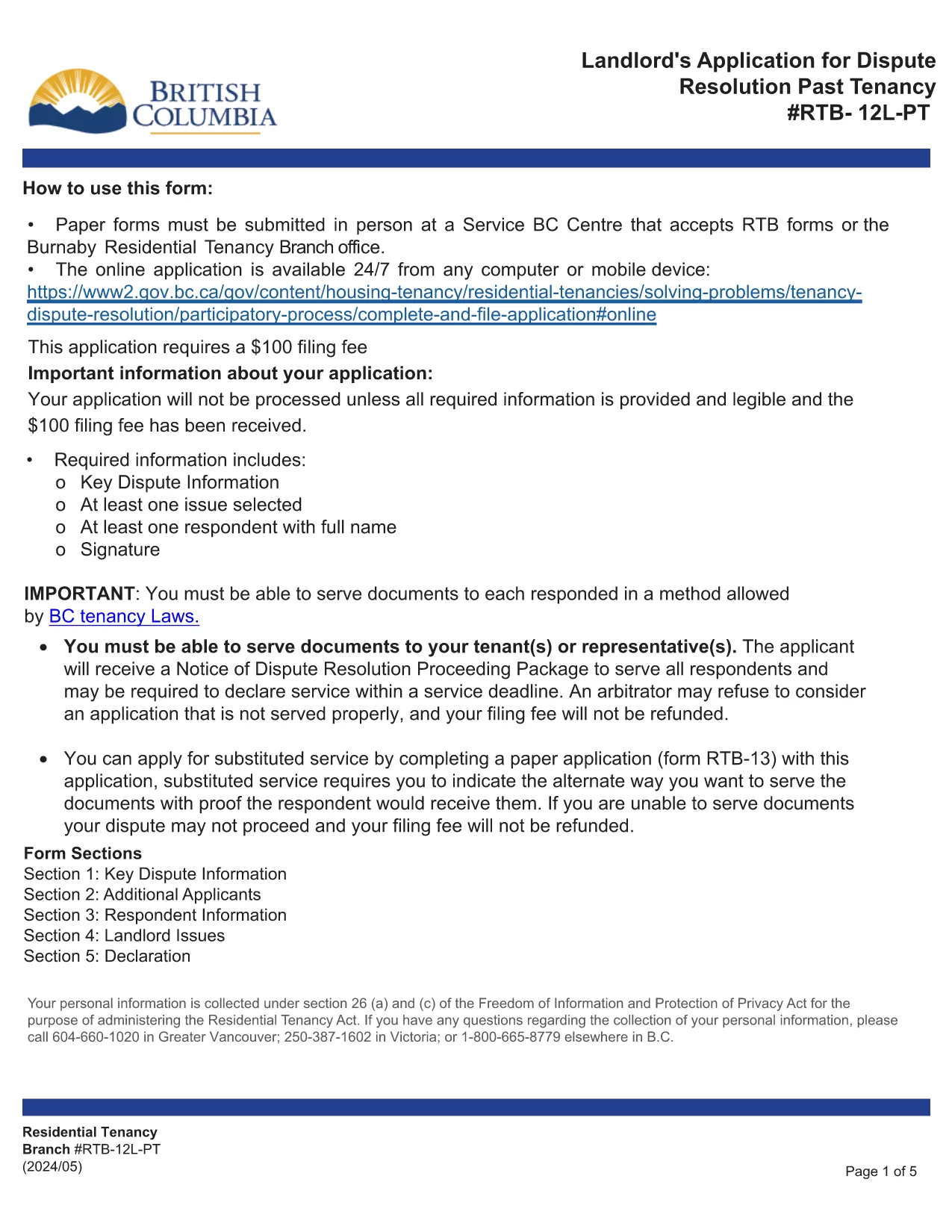

Moduli per i proprietari e/o gli inquilini per proporre azioni relative ai contratti di locazione.
RTB-12L-PT è uno dei moduli di locazione che fanno riferimento ai documenti utilizzati nel processo di definizione e gestione di un contratto di locazione. Questi moduli vengono generalmente utilizzati dai proprietari, dai gestori di proprietà o dagli inquilini per delineare i termini e le condizioni del contratto di locazione. Ecco alcune forme di locazione comuni:
Contratto di locazione: il contratto di locazione, noto anche come contratto di locazione o contratto di locazione, è un contratto giuridicamente vincolante tra il proprietario e l'affittuario. Stabilisce i diritti e le responsabilità di entrambe le parti, inclusa la durata della locazione, l'importo dell'affitto, i termini di pagamento, il deposito cauzionale, le responsabilità di manutenzione e qualsiasi altro termine specifico della locazione.
Richiesta di affitto: i potenziali inquilini in genere compilano un modulo di richiesta di affitto quando fanno domanda per una proprietà in affitto. Questo modulo raccoglie informazioni personali sul richiedente, come nome, dettagli di contatto, storia lavorativa, storia di noleggio e referenze. L'applicazione di locazione aiuta i proprietari a valutare l'idoneità degli inquilini e a prendere decisioni informate.
Avviso di sgombero: questo modulo viene utilizzato dal proprietario o dall'affittuario per fornire un avviso di intenzione di rescindere il contratto di locazione. Il periodo di preavviso richiesto può variare a seconda delle leggi locali e dei termini del contratto di locazione.
Avviso di aumento dell'affitto: se il proprietario intende aumentare l'affitto durante il periodo di locazione, in genere fornisce un avviso di aumento dell'affitto all'inquilino. Questo avviso informa l'inquilino dell'imminente adeguamento del canone ed è conforme ai requisiti legali in materia di aumenti del canone.
Moduli di richiesta di manutenzione e riparazione: questi moduli consentono agli inquilini di segnalare problemi di manutenzione o riparazione al proprietario o al gestore della proprietà. Il modulo descrive i dettagli del problema, le riparazioni richieste e qualsiasi altra informazione rilevante.
Consenso al controllo dei precedenti o del credito: i proprietari possono richiedere agli inquilini di compilare un modulo di consenso che autorizza un controllo dei precedenti o del credito. Questo modulo consente al proprietario di verificare il background, l'affidabilità creditizia e lo storico dell'affitto dell'inquilino.
Rapporto sull'inventario e sulle condizioni: questo modulo viene utilizzato per documentare le condizioni dell'immobile in affitto all'inizio e alla fine della locazione. Descrive in dettaglio le condizioni di ciascuna camera e gli eventuali danni esistenti, garantendo che entrambe le parti abbiano una registrazione delle condizioni della proprietà per risolvere controversie relative a depositi cauzionali o richieste di risarcimento danni.
Questi sono alcuni esempi di moduli di locazione comunemente utilizzati nel processo di locazione. Le forme e i requisiti specifici possono variare a seconda delle leggi locali e delle circostanze specifiche della locazione. È importante consultare le normative locali e chiedere una consulenza professionale per garantire la conformità e utilizzare i moduli appropriati per il tuo specifico contratto di locazione.