
Seleziona la lingua

Punjab Renewal of Arms License Form for Individuals (Fillable PDF)

  1. Lingua Inglese hindi
  2. Paese India
  3. Stato Punjab
  4. Dipartimento Dipartimento degli affari interni e della giustizia
Compila questo modulo
Punjab Renewal of Arms License Form for Individuals (Fillable PDF)

Renewing your personal arms license in Punjab has never been easier. Our dedicated page provides the official Punjab renewal of arms license form for individuals as a fully fillable PDF that you can complete directly in your browser.

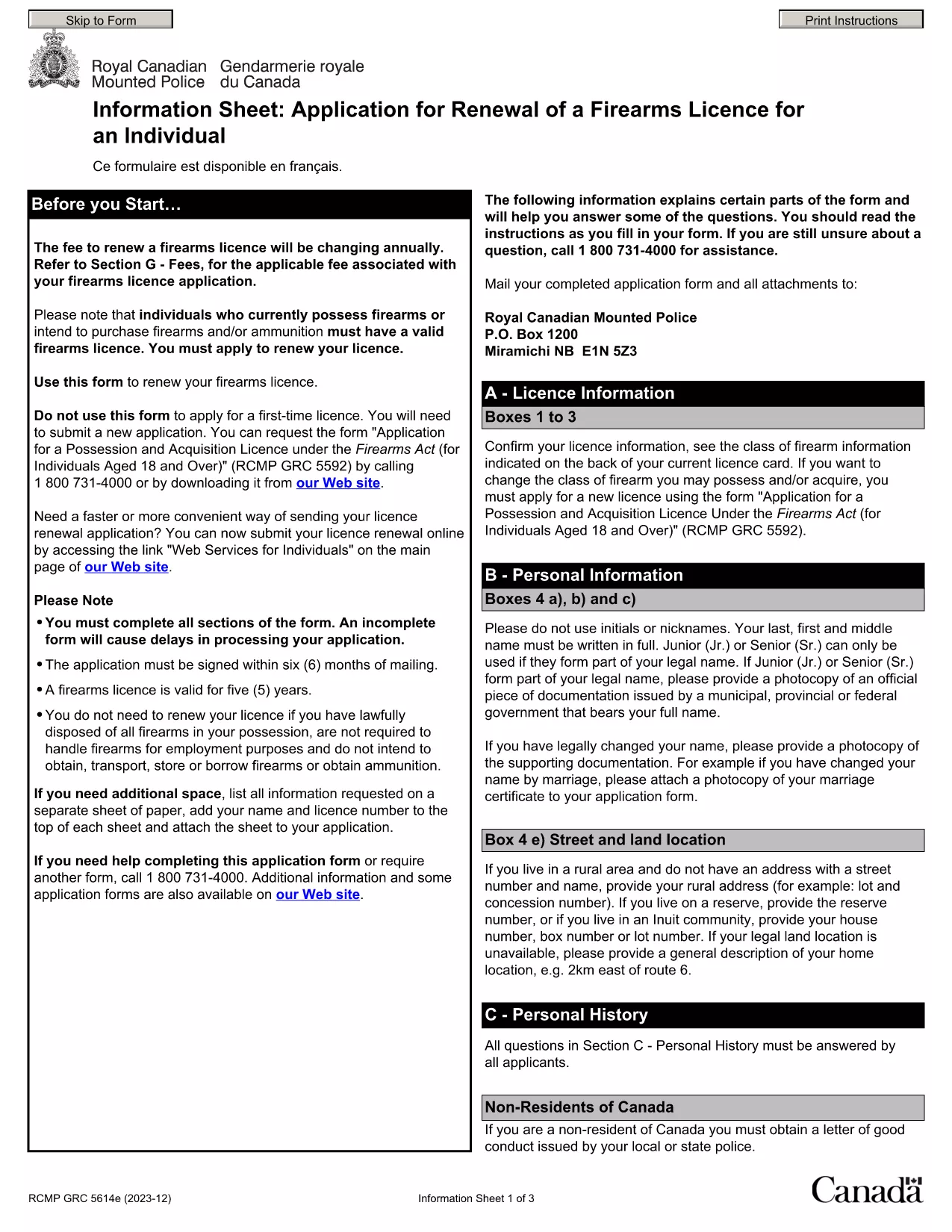
By using Formize’s PDF Filler, you avoid printing, scanning, and the risk of missing handwritten information. The form is powered by the same structure as the RCMP PAL Renewal Form, which meets international standards for firearm licensing documentation.

Why Use a Fillable PDF for Your Punjab Arms License Renewal

A fillable PDF ensures:

  • Accuracy – fields are validated in real time.
  • Speed – submit within minutes, not days.
  • Security – your data stays encrypted while you work.

Step‑by‑Step Guide to Completing the Form Online

Follow the simple steps below to finish your renewal without leaving the page.

Common Mistakes to Avoid When Renewing Your Arms License

Skipping a required field or uploading an unsupported file format can delay processing. Our guide highlights the most frequent errors and how to prevent them.

Where to Submit Your Completed Form

After you finish, download the completed PDF and submit it to the Punjab Police Arms Licensing Office either in person or via their official online portal.

Ready to start? Click the button below, let Formize load the PDF filler, and complete the form in a few easy steps.

FAQ
  • Is the Punjab arms license renewal form available for free?

    Yes. The fillable PDF is provided at no cost. You only need an internet connection to complete it online.

  • Can I edit the form after I download it?

    Once you download the completed PDF, you can open it in any standard PDF viewer, but the official submission should be the version you saved from Formize.

  • What documents do I need to attach with the renewal?

    Typically you must attach a recent passport‑size photograph, a copy of your current license, and any supporting certificates. Check the form’s attachment section for exact requirements.

  • How long does the renewal process take after submission?

    Processing times vary by district, but most renewals are completed within 7‑10 business days once the correct form and documents are received.

  • What if I make a mistake while filling the form?

    The fillable PDF highlights incomplete or incorrectly formatted fields. Correct the information before saving, or you can start over by clicking the reset button.

  • Do I need to print the form to submit it?

    No. The Punjab Police accepts a digitally signed PDF via their online portal or by email. Printing is optional.

  • Is my personal data safe while using Formize?

    Formize uses SSL encryption, and the PDF is processed locally in your browser, ensuring your data never leaves your computer unless you choose to upload it.

  • Can I use this form on a mobile device?

    Yes. The fillable PDF works on most modern smartphones and tablets with a compatible browser.

COME

Come compilare Punjab arms license renewal gratuitamente, online in 5 semplici passaggi:

  1. 1
    Click the Fill Out This Form button
    Press the highlighted button on the page to open the Formize PDF Filler app.
  2. 2
    Wait for the filler to load
    The fillable PDF loads automatically; this usually takes a few seconds.
  3. 3
    Enter your information
    Complete each field – the form validates entries in real time to prevent errors.
  4. 4
    Review and sign
    Double‑check all details, add your digital signature if required, and save the document.
  5. 5
    Download or submit
    Download the finished PDF for your records and submit it to the Punjab Police Arms Licensing Office.
App Formize PDF Filler
DI

Moduli di domanda del Ministero degli Affari Esteri

Punjab arms license renewal è uno dei moduli di domanda del Ministero degli Affari Esteri. Il Ministero indiano degli Affari Esteri offre vari moduli di domanda per diversi servizi legati agli affari esterni e alle relazioni internazionali. Alcuni moduli di domanda comuni includono:

Richiesta di passaporto: questo modulo viene utilizzato per richiedere un passaporto indiano. Raccoglie dati personali come nome, indirizzo, data di nascita e nazionalità.

Richiesta di cittadinanza d'oltremare dell'India (OCI): questo modulo viene utilizzato per richiedere lo status OCI, che consente alle persone di origine indiana di vivere e lavorare in India a tempo indeterminato. Raccoglie dati personali, inclusa la prova dell'origine indiana.

Richiesta di visto: questo modulo viene utilizzato per richiedere un visto per viaggiare in un paese straniero. Raccoglie dati personali, informazioni di viaggio e lo scopo del viaggio.

Domanda di nulla osta all'emigrazione: questo modulo viene utilizzato da persone che cercano l'autorizzazione all'emigrazione per motivi di lavoro in determinati paesi. Raccoglie informazioni personali e dettagli sull'occupazione.

Richiesta di attestazione: questo modulo viene utilizzato per richiedere l'attestazione di vari documenti, come certificati di studio, certificati di matrimonio e documenti commerciali. Raccoglie i dettagli del documento da attestare e lo scopo dell'attestazione.

Domanda per servizi consolari: questo modulo viene utilizzato per vari servizi consolari, tra cui il rilascio di certificati di emergenza, l'assistenza ai cittadini indiani all'estero e la registrazione dei cittadini indiani. I dettagli specifici richiesti dipendono dalla natura del servizio richiesto.

CARATTERISTICHE

Compilatore PDF

Il modo più semplice per compilare moduli PDF online

  • Compila rapidamente Punjab arms license renewal
    Cerchi un modo per compilare rapidamente Punjab arms license renewal online? Con il nostro compilatore di moduli PDF gratuito online, saprai come modificare e compilare questo documento PDF in meno di un minuto.
  • Editor PDF online facile da usare
    Stufo di stampare file PDF in modo da poterli modificare, prima di riscansionarli e rispedirli? Modifica documenti PDF gratuitamente online. Utilizza il nostro editor PDF online per risparmiare tempo e carta.
  • Grandi strumenti, tutte le piattaforme
    Ti stai chiedendo come inserire Punjab arms license renewal su un Mac o forse come utilizzare un riempitivo PDF gratuito? I nostri strumenti PDF online funzionano su tutte le piattaforme.
  • Archiviazione sicura dei file
    I file "Punjab arms license renewal" completati vengono archiviati in un database protetto gestito dall'hosting Amazon Cloud. Puoi eliminare i tuoi file dal nostro sistema in qualsiasi momento. In ogni caso, questi file vengono automaticamente cancellati dopo 24 ore.
  • Chatta con {parola chiave}
    Chatta con "Punjab arms license renewal" su Chatize che è un assistente di lettura PDF gratuito. Fai domande e ottieni risposte da "Punjab arms license renewal". Basta fare clic sul pulsante Chatta con il documento in alto.

Elimina sessione di riempimento

Eliminare la sessione di riempimento selezionata? In questo caso, i progressi nella compilazione del modulo andranno persi.

Elimina la sessione di modifica

Eliminare la sessione di editing selezionata? In questo caso, i tuoi progressi nella creazione e modifica del modulo andranno persi.