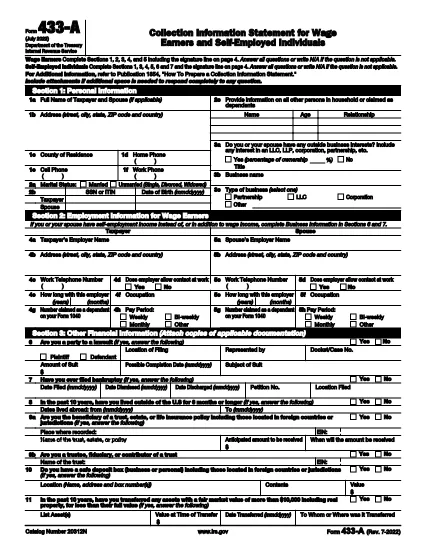
Form 433‑A is the IRS’s official financial statement used when you owe taxes, are negotiating an Offer in Compromise, or need to set up a payment plan. Traditionally it’s a static PDF you must print, fill out by hand, and mail back. With Formize’s fillable PDF solution you can complete the entire form directly in your browser – faster, cleaner, and error‑free.
What Is IRS Form 433‑A?
Form 433‑A collects detailed information about your income, assets, expenses, and liabilities. The IRS uses this data to assess your ability to pay outstanding tax debts and to determine eligibility for compromise or installment agreements.
Who Needs to File Form 433‑A?
- Taxpayers with delinquent tax balances.
- Individuals submitting an Offer in Compromise (OIC).
- Taxpayers requesting an installment agreement.
- Self‑employed persons or business owners who need to disclose personal financial details.
How to Complete the Form Online
Follow the simple steps below – no PDF editor required.
- Click the **"Fill out this form"** button on this page.
- Wait a few seconds while the Formize PDF Filler app loads the fillable version of Form 433‑A.
- Enter your information in each highlighted field. The app validates numbers and dates in real time.
- When you’re finished, click **Save**, **Download**, or **Print** to keep a copy for your records or to submit to the IRS.
Common Mistakes & Tips
Don’t leave fields blank. If a question does not apply, write “N/A” to avoid processing delays.
Round numbers to the nearest dollar. The IRS rejects entries with cents.
Double‑check asset values. Include bank accounts, retirement accounts, real estate, and personal property.
Using Formize’s fillable PDF eliminates most of these errors because the form highlights incomplete sections before you submit.