


Moduli fiscali
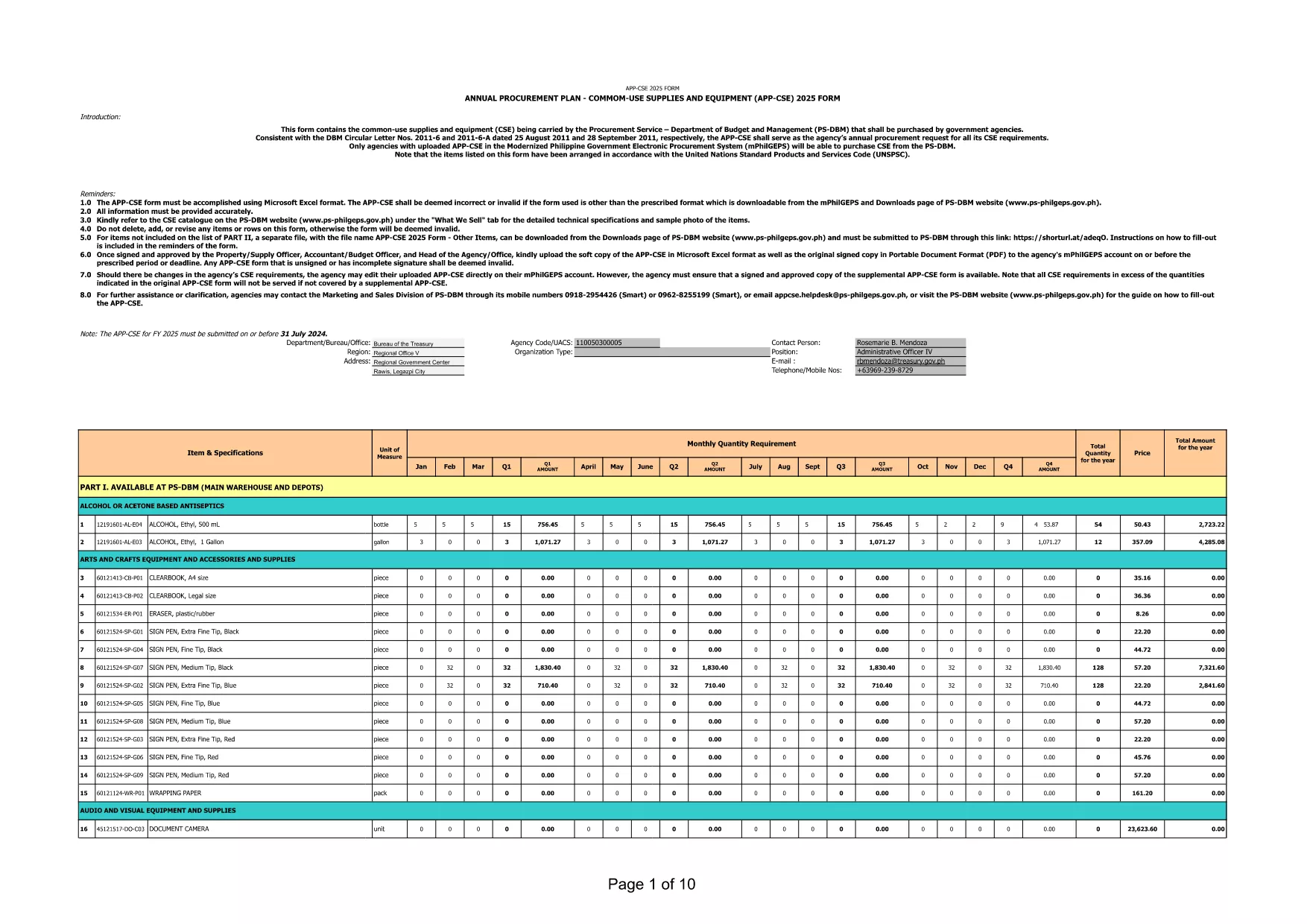
application form pdf è uno dei moduli fiscali che sono documenti utilizzati per segnalare redditi, detrazioni e passività fiscali all'autorità fiscale competente. Questi moduli costituiscono una parte essenziale del processo di dichiarazione dei redditi e vengono utilizzati per garantire che gli individui e le imprese rispettino le leggi fiscali e calcolino accuratamente i loro obblighi fiscali.
I moduli fiscali specifici richiesti possono variare a seconda di fattori quali lo stato di dichiarazione di un individuo, le fonti di reddito e le leggi fiscali del paese. Tuttavia, ecco alcuni tipi comuni di moduli fiscali:
Moduli per l'imposta sul reddito individuale: questi moduli, come la serie 1040 negli Stati Uniti, vengono utilizzati da parte degli individui per dichiarare il proprio reddito, richiedere detrazioni e crediti e calcolare la propria responsabilità fiscale.
Moduli fiscali aziendali: le aziende, comprese le imprese individuali, le società di persone, le società e i lavoratori autonomi, potrebbero dover compilare vari moduli per segnalare entrate, spese e imposte dovute. Gli esempi includono l'Allegato C (Profitti o perdite aziendali) e il Modulo 1120 (Dichiarazione dei redditi delle società statunitensi).
Moduli fiscali sul lavoro: i datori di lavoro sono tenuti a dichiarare le retribuzioni dei dipendenti e a trattenere e versare le imposte sui salari. A questo scopo vengono utilizzati moduli come W-2 (Dichiarazione salariale e fiscale) e 941 (Dichiarazione dei redditi federale trimestrale del datore di lavoro).
Moduli per conti pensionistici e di investimento: questi moduli vengono utilizzati per segnalare redditi da investimenti, plusvalenze e perdite, nonché contributi e distribuzioni dai conti pensionistici. Gli esempi includono il modulo 1099-DIV (Dividendi e distribuzioni) e Modulo 5498 (Informazioni sui contributi dell'IRA).
Moduli per imposte sulle successioni e sulle donazioni: quando una persona muore o fa donazioni significative, moduli specifici come il Modulo 706 (Dichiarazione dei redditi degli Stati Uniti sulle proprietà immobiliari (e trasferimento di generazione)) e Modulo 709 (Regali degli Stati Uniti (e generazione-trasferimento) Salto trasferimento) Dichiarazione dei redditi) vengono utilizzati per segnalare e calcolare eventuali imposte sulle successioni o sulle donazioni applicabili.
È importante notare che le leggi e i moduli fiscali possono cambiare nel tempo, pertanto i privati e le imprese dovrebbero consultare l’autorità fiscale competente o richiedere una consulenza fiscale professionale per garantire la conformità ai requisiti attuali.