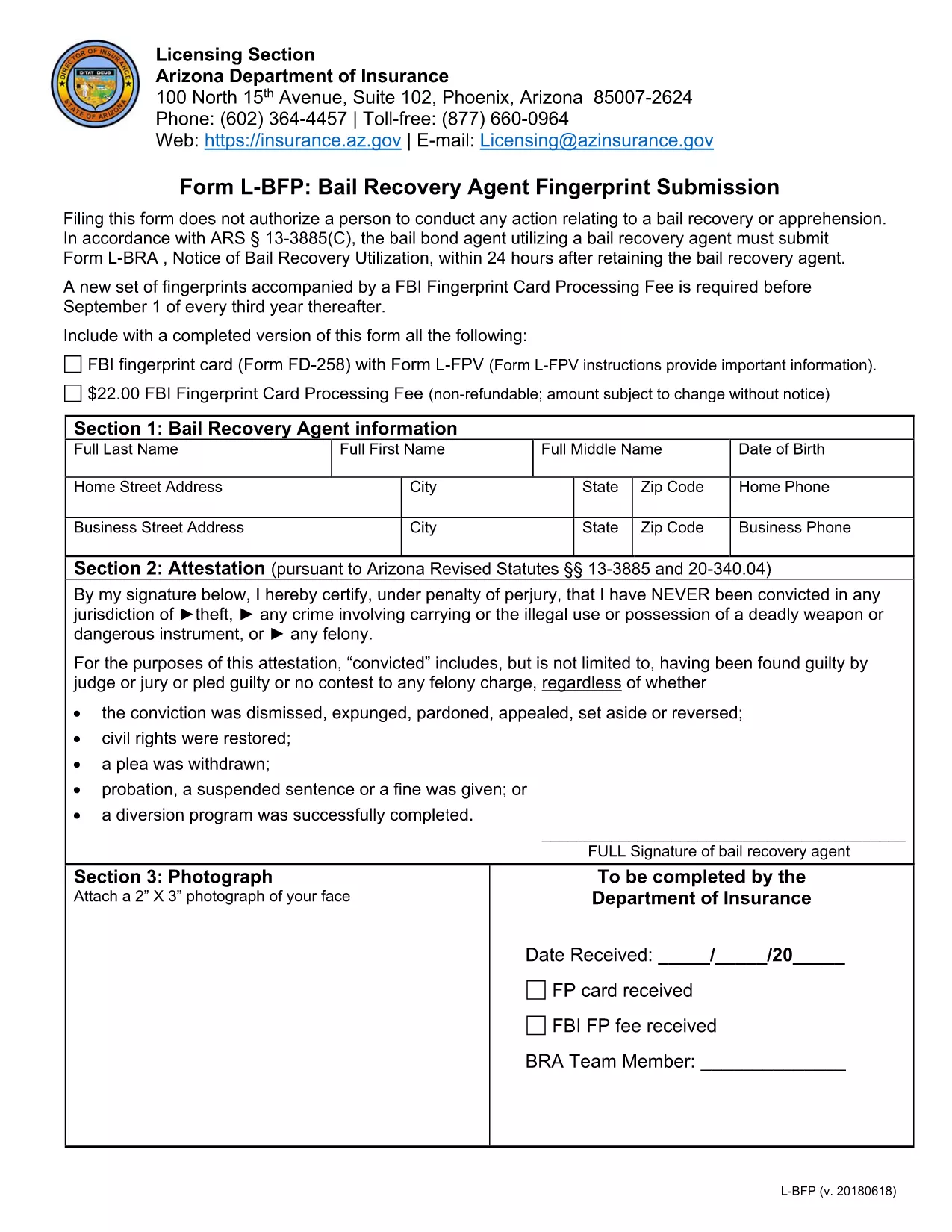
The Bureau of Fire Protection (BFP) requires a completed application form for fire‑safety permits, licenses, and other services. Our fillable BFP Application Form is hosted on Formize, so you can fill it out directly in your browser—no printing, scanning, or PDF editor needed.
What Is the BFP Application Form?
This form collects essential information about the applicant, the property or business, and the type of fire‑protection service requested. It is used by fire departments across the United States to verify eligibility, assess safety compliance, and issue permits.
How to Fill Out the BFP Form Online
Simply click the "Fill out this form" button on this page. The Formize PDF Filler app will load in a secure overlay. From there you can:
- Enter your personal or business details.
- Upload supporting documents (e.g., property plans, IDs).
- Sign electronically with your mouse or finger.
- Save or submit the completed form directly to the BFP office.
Common Mistakes to Avoid
- Leaving required fields blank. The form will highlight missing information before you can submit.
- Using an outdated version. Always use the PDF linked below; Formize always serves the latest version.
- Incorrect document formats. Upload PDFs or high‑resolution images only.
Required Documents for Submission
Depending on the permit type, you may need to attach:
- Government‑issued ID (driver’s license, passport).
- Proof of ownership or lease for the property.
- Previous fire‑safety inspection reports.
- Business license or corporate registration.
Download & Save the PDF
If you prefer to keep a copy, you can download the original fillable PDF using the link at the bottom of the page. The file is hosted securely and matches the online version exactly.
Start your application now—click the button, fill it out in minutes, and submit with confidence.