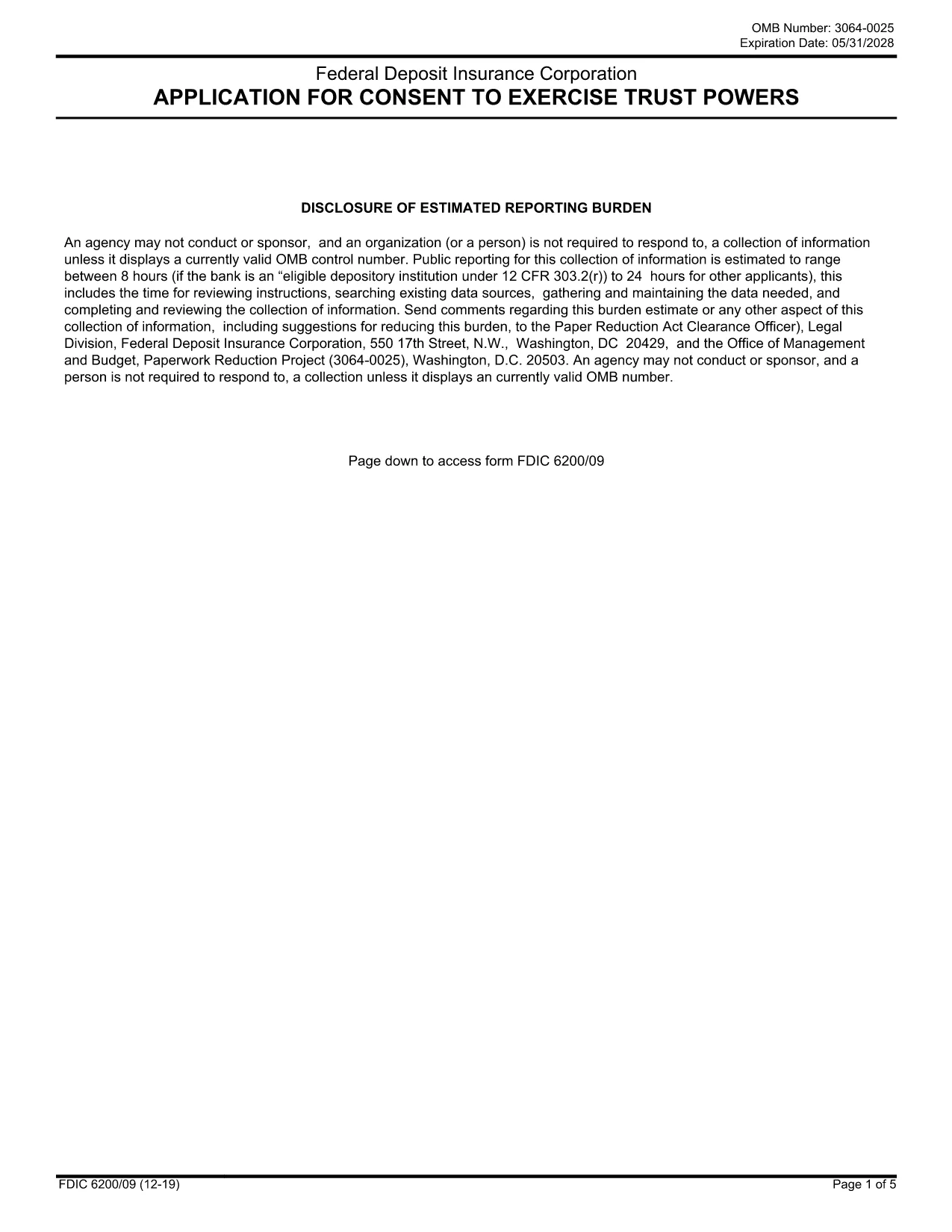
The JK Bank Consent Form is a standard document that authorizes the bank to obtain, share, or verify your personal and financial information. Whether you are applying for a loan, opening a new account, or updating existing records, a signed consent form is required to keep the process compliant with federal regulations.
Formize makes this paperwork painless. Instead of printing, scanning, or installing a PDF editor, you can complete the entire form directly in your browser. All fields are interactive, signatures are e‑signed, and the final document can be downloaded or emailed in seconds.
What Is the JK Bank Consent Form?
This form grants JK Bank permission to access credit reports, verify identity, and share necessary data with third‑party service providers. It complies with the Fair Credit Reporting Act (FCRA) and banking privacy standards.
How to Fill the JK Bank Consent Form Online
Follow the simple steps below to complete the form without leaving the page.
Common Mistakes to Avoid
- Leaving required fields blank – the form won’t save.
- Using an outdated signature style – digital signatures are accepted.
- Submitting the wrong version – make sure you are using the latest PDF (linked at the bottom).
Why Use Formize’s Fillable PDF Tool?
- Instant loading: No download, no install.
- Secure: End‑to‑end encryption protects your data.
- Compliance‑ready: e‑signatures meet ESIGN and UETA standards.
- Save time: Complete, sign, and submit in under five minutes.
Download the Original PDF
If you prefer the original, printable version, you can download it directly from the FDIC archive. The file is identical to the fillable version used by Formize.