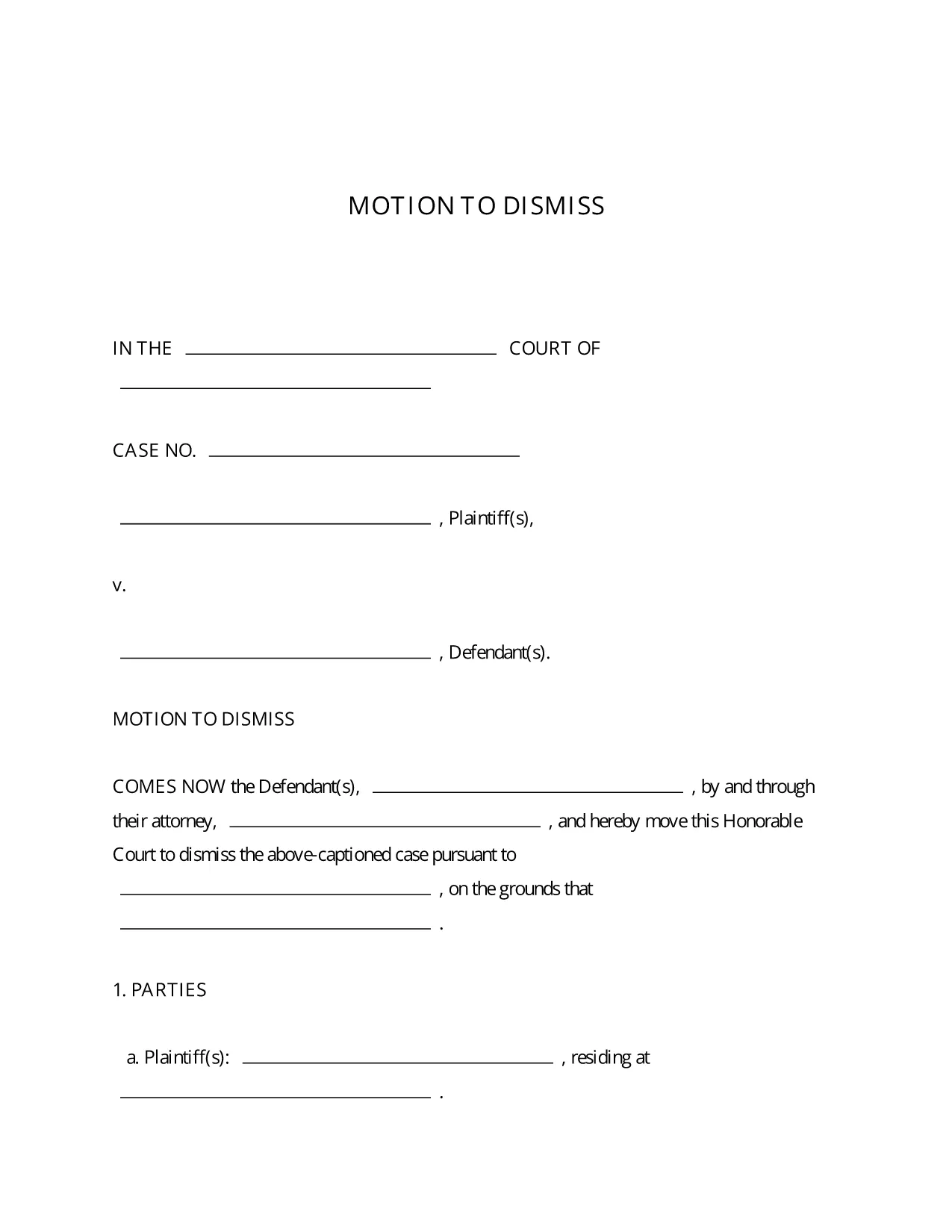
A Motion to Dismiss is a formal request to the court to throw out a case before trial. Whether you’re citing lack of jurisdiction, failure to state a claim, or an expired statute of limitations, the right template saves you time and ensures every required element is included.
What Is a Motion to Dismiss?
The motion asks the judge to dismiss the plaintiff’s complaint for legal reasons. It is typically filed early in the litigation process and must follow the procedural rules of the jurisdiction where the case is pending.
Key Sections of the Motion to Dismiss Form
- Caption: Court name, case number, and parties.
- Introduction: Brief statement of the request.
- Grounds for Dismissal: Detailed legal reasons with citations.
- Conclusion & Relief Sought: What you want the court to order.
- Signature Block: Attorney’s signature, bar number, and contact info.
How to Fill Out the Fillable PDF in Seconds
Instead of downloading the PDF and opening a separate editor, simply click the “Fill out this form” button on this page. The Formize PDF Filler app loads instantly, letting you type directly into each field, add your signature, and save the completed document with one click.
Common Mistakes to Avoid
- Leaving required fields blank – the court will reject an incomplete motion.
- Using the wrong jurisdictional language – double‑check the local rules.
- Failing to attach supporting case law or statutes.
- Missing the signature block or bar number.
Download, Complete, and Submit Your Motion
Once you’ve filled out the form, download the finished PDF, print it (if required), and file it with the clerk of the court. Many courts now accept electronic filing, so you can upload the PDF directly from your computer.
This fillable Motion to Dismiss PDF is free, fully editable, and compliant with standard court formatting requirements.