


affidavit form テンプレート
PDF ドキュメントを表示および入力するための従来の一連の機能に、Web アプリケーションおよびレスポンシブ レイアウトの利点を組み合わせることで、数分で affidavit form を完成させることができます。
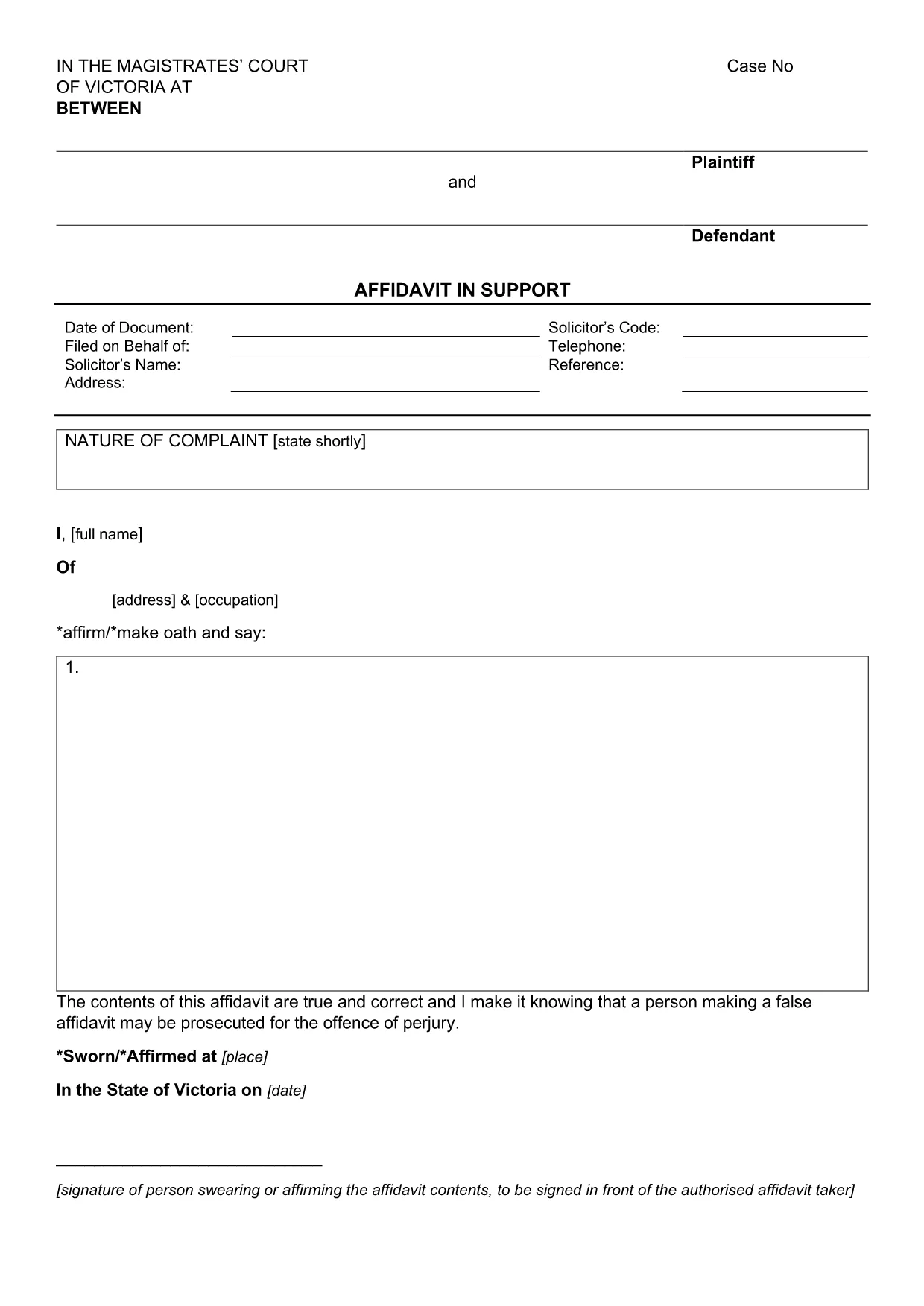
An affidavit is a written, sworn statement of facts that can be used as evidence in court or other legal proceedings. The Affidavit in Support of Application is specifically designed to accompany a court application, providing the tribunal with a clear, factual narrative.
This fillable PDF form meets the requirements of the Magistrates' Court of Victoria and can be completed entirely online using Formize’s PDF Filler app. No extra software is needed – just click the button, fill the fields, and download or print your completed affidavit.
Why choose a fillable PDF? It ensures consistent formatting, reduces the chance of missing information, and speeds up the filing process. Once completed, you can save a digital copy for your records or print a hard‑copy for submission.
Below you’ll find a step‑by‑step guide, tips for each section, and a checklist of common errors to avoid.
An affidavit is a written statement made under oath. It is used to present facts to a court or tribunal when you cannot appear in person.
Yes. The Formize PDF Filler works on all modern browsers, including mobile devices, so you can complete the form on a smartphone or tablet.
While legal advice is recommended for complex cases, the fillable PDF includes prompts and guidance to help you complete it yourself.
The standard Affidavit in Support of Application is a single‑page PDF with space for your personal details, case information, and a sworn statement.
Use the Formize editor’s “Undo” button or clear the field and re‑enter the correct information. Save a new copy before submitting.
Yes. In most Australian courts, an electronic signature created through a reputable PDF filler is accepted as a valid signature.
Check your local court’s filing rules. Many courts now accept electronic filings, but some still require a printed, signed copy.
No. The PDF is free to download, and the Formize filler is available at no charge for basic use.
PDF ドキュメントを表示および入力するための従来の一連の機能に、Web アプリケーションおよびレスポンシブ レイアウトの利点を組み合わせることで、数分で affidavit form を完成させることができます。
オンラインで PDF フォームに記入する最も簡単な方法
フィルセッションを削除
編集セッションを削除する