


DFA application form テンプレート
PDF ドキュメントを表示および入力するための従来の一連の機能に、Web アプリケーションおよびレスポンシブ レイアウトの利点を組み合わせることで、数分で DFA application form を完成させることができます。
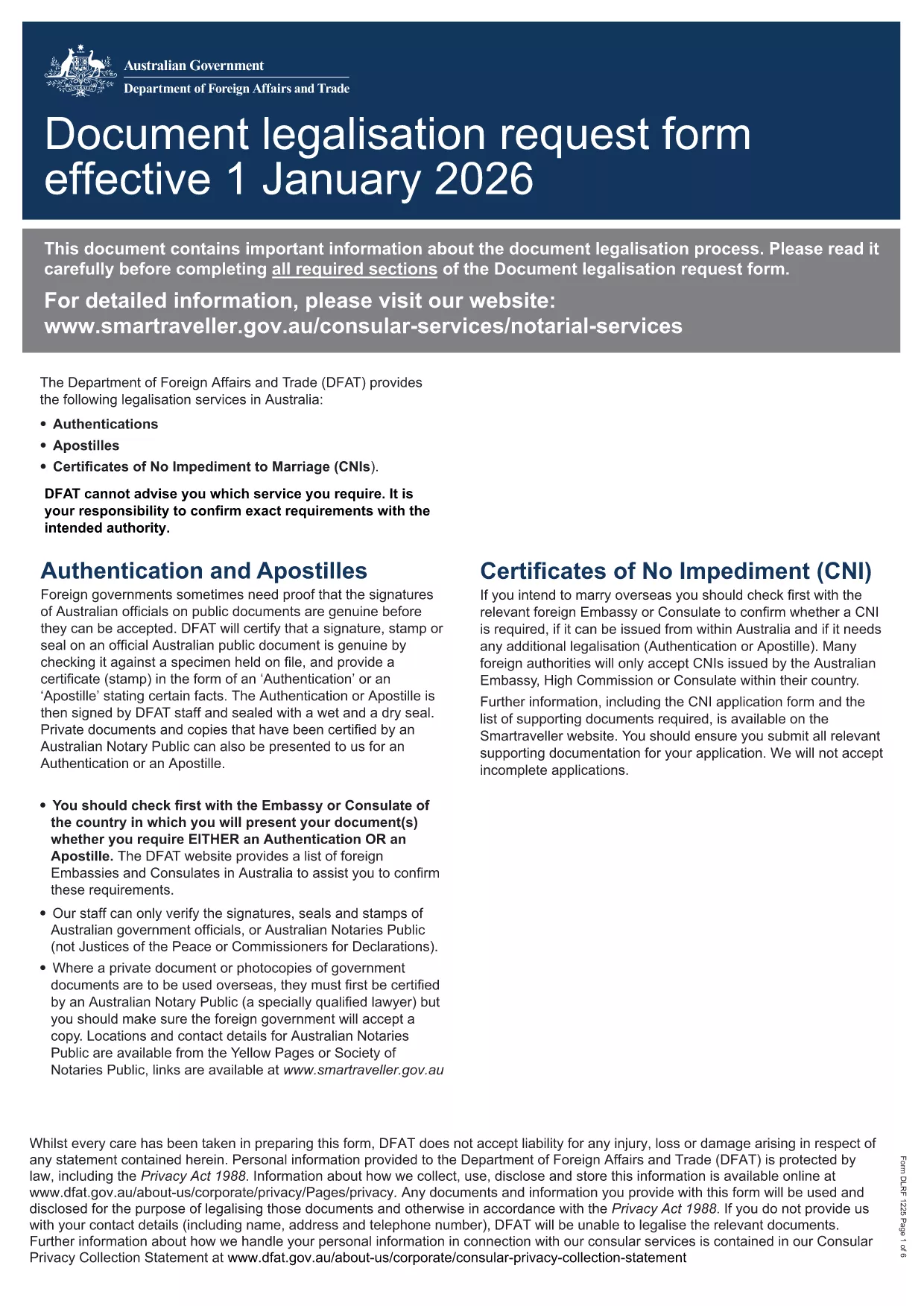
The Department of Foreign Affairs (DFA) requires a formal Document Legalisation Request Form for many overseas transactions. Instead of printing, scanning, or searching for a desktop PDF editor, you can fill this form directly in your browser with Formize’s secure PDF filler.
This official form is recognised by Australian embassies, consulates, and other government agencies. It captures all necessary details for document legalisation, including applicant information, document type, and purpose of use.
Our intuitive online tool turns the static PDF into a live, fillable document. You’ll see each field highlighted, can navigate with the Tab key, and receive real‑time validation.
After you download the completed PDF, follow the instructions on the DFA website or the specific consular office you are dealing with. Typically you will attach the form to an email or upload it through an online portal.
Ready to start? Click the button below, fill the form instantly, and download your completed application in seconds.
No. Formize works entirely in your web browser, so there’s no download or installation required.
Yes. All data is processed locally in your browser and never stored on our servers unless you choose to save it.
You can use the "Save Draft" button to download a partially completed PDF and reload it later in Formize.
The completed form is saved as a standard, searchable PDF that meets DFA’s submission requirements.
Simply reopen the downloaded PDF in Formize, correct the error, and download the updated version.
Filling and downloading the DFA application form is completely free.
Formize works with the latest versions of Chrome, Edge, Firefox, and Safari.
PDF ドキュメントを表示および入力するための従来の一連の機能に、Web アプリケーションおよびレスポンシブ レイアウトの利点を組み合わせることで、数分で DFA application form を完成させることができます。
オンラインで PDF フォームに記入する最も簡単な方法
フィルセッションを削除
編集セッションを削除する