


Application Form A テンプレート
PDF ドキュメントを表示および入力するための従来の一連の機能に、Web アプリケーションおよびレスポンシブ レイアウトの利点を組み合わせることで、数分で Application Form A を完成させることができます。
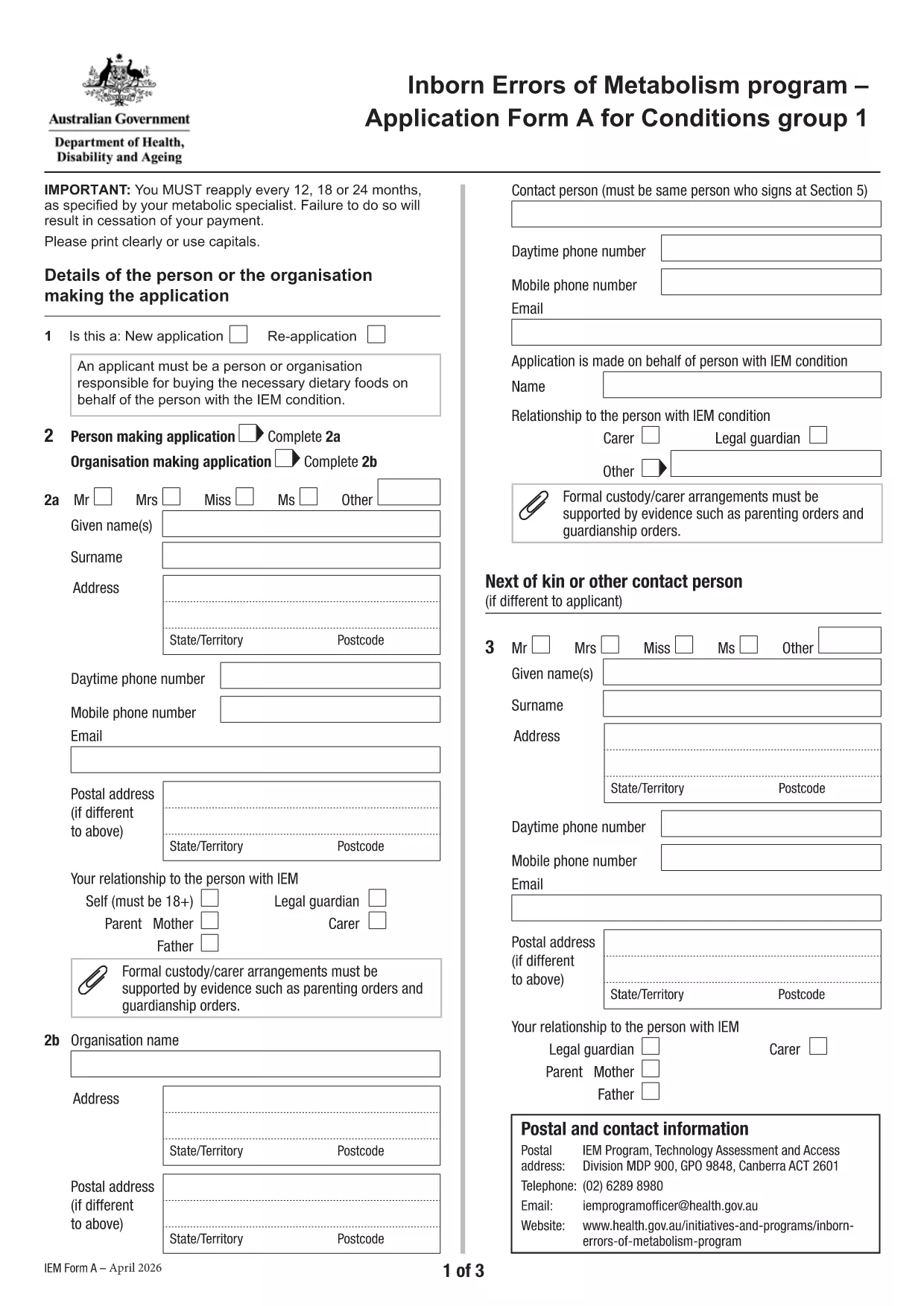
Application Form A is the official Australian Government form used to apply for financial assistance for individuals diagnosed with certain Inborn Errors of Metabolism, specifically dihydropteridine reductase (DHPR) deficiency, hyperphenylalaninemia, and phenylketonuria (PKU). The form must be completed and resubmitted every 12 months to maintain eligibility.
This PDF form collects personal details, medical diagnosis, treatment information, and financial data required by the Department of Health’s Inborn Errors of Metabolism program. It is a fillable PDF, meaning you can type directly into the fields without printing.
Instead of downloading the PDF and opening it in a separate editor, simply click the "Fill out this form" button on this page. The Formize PDF Filler app will load automatically, allowing you to complete the form directly in your browser.
After you finish filling out the form, click the Submit button within the Formize interface. Your application will be securely transmitted to the Department of Health’s processing team. You will receive a confirmation email with a reference number for future inquiries.
Need more help? Review the FAQs below or contact your local health service for assistance.
The form is only for DHPR deficiency, hyperphenylalaninemia, and phenylketonuria (PKU). Other metabolic conditions must use Application Form B.
You must reassess and submit a new Application Form A every 12 months to continue receiving assistance.
Yes, the Formize PDF Filler works on most smartphones and tablets, though a larger screen (tablet or desktop) is recommended for easier navigation.
Contact the Department of Health’s Inborn Errors of Metabolism program using the reference number from your confirmation email. They can guide you on how to correct the error.
No. The form is submitted electronically via Formize. Printing is only necessary if you want a hard copy for your records.
Chrome is the recommended browser for optimal performance. Firefox, Edge, and Safari also work but may have limited functionality.
Yes. Formize uses SSL encryption, and the Department of Health follows strict privacy guidelines to protect your data.
The Formize platform allows you to save a draft. Click the "Save Draft" button before exiting and return using the same link.
PDF ドキュメントを表示および入力するための従来の一連の機能に、Web アプリケーションおよびレスポンシブ レイアウトの利点を組み合わせることで、数分で Application Form A を完成させることができます。
オンラインで PDF フォームに記入する最も簡単な方法
フィルセッションを削除
編集セッションを削除する