


application form definition テンプレート
PDF ドキュメントを表示および入力するための従来の一連の機能に、Web アプリケーションおよびレスポンシブ レイアウトの利点を組み合わせることで、数分で application form definition を完成させることができます。
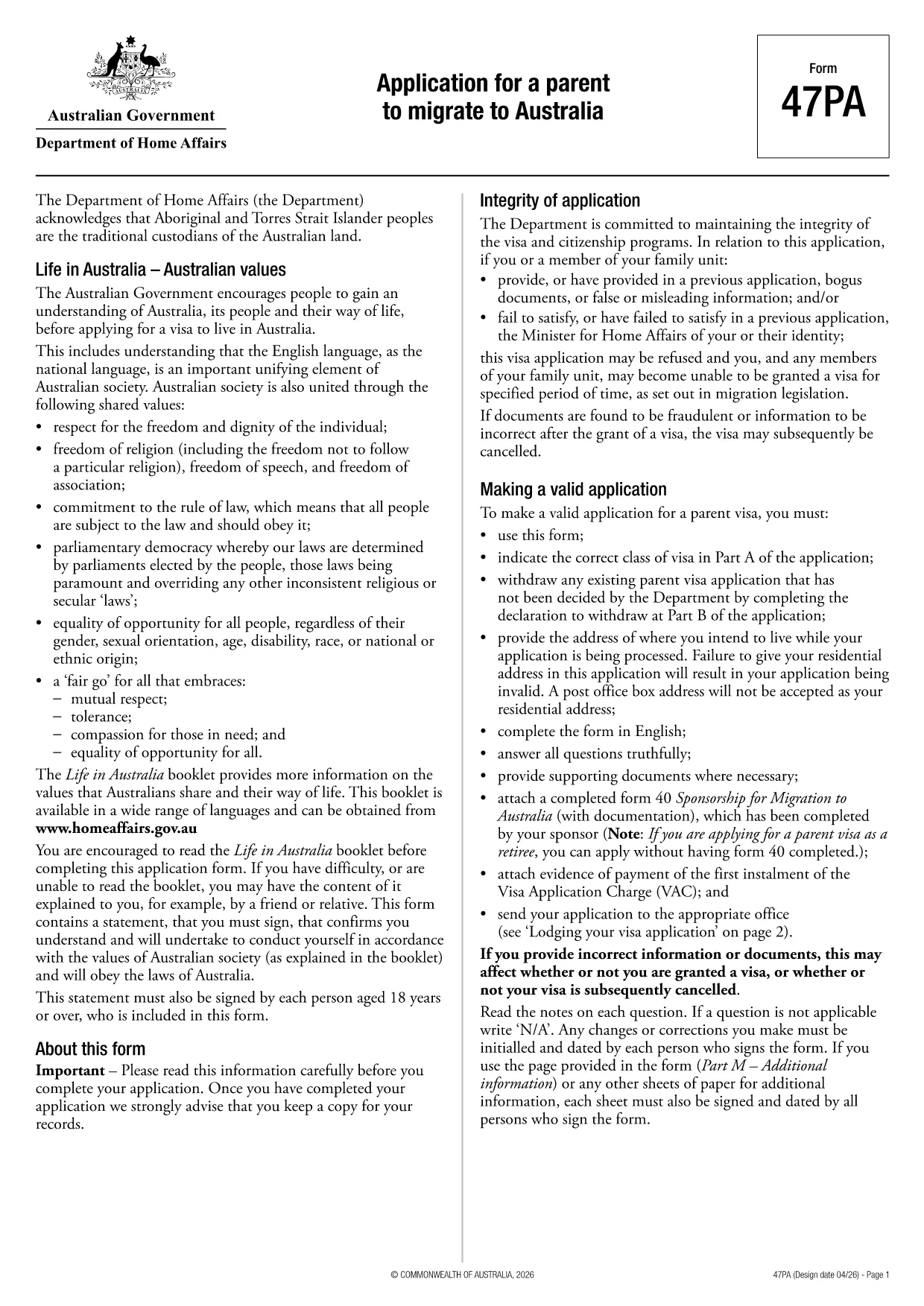
The Application for a Parent to Migrate to Australia (Form 47PA) is the official government document used by parents who wish to join their children living in Australia. This form captures personal details, family relationships, health and character information, and the supporting evidence required for a successful migration request.
Understanding the application form definition helps you gather the right documents, answer every question accurately, and avoid delays. Formize provides a seamless, fillable PDF version that works directly in your browser—no download, no extra software.
Below you’ll find step‑by‑step guidance, common pitfalls, and where to send your completed form. Use the information to ensure your application meets the Department of Home Affairs requirements.
It refers to the official description, purpose, and required content of a government form—in this case, Form 47PA, which defines the information needed for a parent migration request.
Any parent of an Australian citizen, permanent resident, or eligible New Zealand citizen who wishes to migrate permanently to Australia.
Proof of relationship (birth certificates, marriage certificates), identity documents, health checks, character certificates, and evidence of the sponsor’s Australian status.
Once submitted to the Department of Home Affairs, changes require a new application or a formal amendment request. Keep a saved copy of your completed PDF for reference.
Processing times vary, but most parent visa applications are assessed within 12‑24 months, depending on the completeness of the application and any additional checks.
Yes. Formize uses SSL encryption, and your data never leaves your browser unless you choose to submit it directly to the official government portal.
No. The Formize PDF Filler works in any modern web browser—no Adobe Acrobat or other PDF editor required.
PDF ドキュメントを表示および入力するための従来の一連の機能に、Web アプリケーションおよびレスポンシブ レイアウトの利点を組み合わせることで、数分で application form definition を完成させることができます。
オンラインで PDF フォームに記入する最も簡単な方法
フィルセッションを削除
編集セッションを削除する