


student enrolment form テンプレート
PDF ドキュメントを表示および入力するための従来の一連の機能に、Web アプリケーションおよびレスポンシブ レイアウトの利点を組み合わせることで、数分で student enrolment form を完成させることができます。
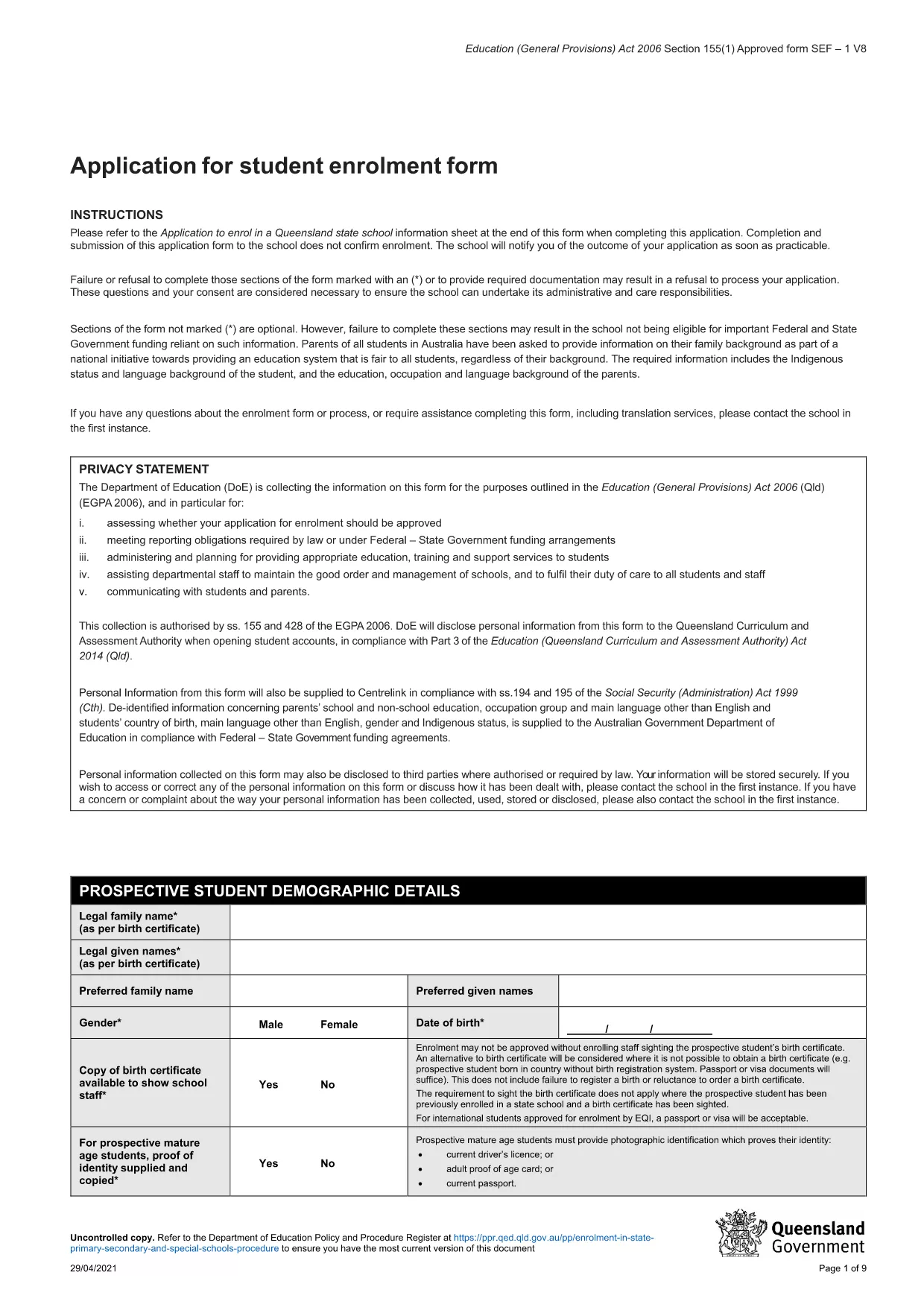
Looking for an easy way to submit a student enrolment application without the hassle of printing, scanning, or using Google Docs? Our fillable PDF version of the Queensland Student Enrolment Application Form lets you enter data directly in your browser, save progress, and export a clean, printable file.
Formize hosts the PDF securely and loads a fast, web‑based PDF filler that works on any device – Windows, macOS, iOS, Android, or Linux. No additional plugins or Adobe Acrobat are required.
Follow the simple steps below – you don’t need to download the file first. Just click the button on this page and let Formize do the rest.
Once all sections are filled, click Save PDF. You’ll receive a copy that matches the original government template, ready to be submitted to your Queensland school.
No. The Formize PDF Filler works completely in your web browser, so Acrobat or any other PDF editor is unnecessary.
Yes. Use the “Save Draft” button to download a partially‑filled PDF, then reopen it with Formize to continue.
Absolutely. The web‑based filler is responsive and works on smartphones and tablets as well as desktop computers.
Select the signature field and either draw your signature with a mouse/touchscreen or type your name to generate a digital signature.
Open the saved PDF again with Formize, edit the fields, and re‑save. The original file can be overwritten or saved as a new version.
Formize uses SSL encryption for all data transferred between your browser and our servers. No data is stored longer than necessary.
PDF ドキュメントを表示および入力するための従来の一連の機能に、Web アプリケーションおよびレスポンシブ レイアウトの利点を組み合わせることで、数分で student enrolment form を完成させることができます。
オンラインで PDF フォームに記入する最も簡単な方法
フィルセッションを削除
編集セッションを削除する