


job application form pdf テンプレート
PDF ドキュメントを表示および入力するための従来の一連の機能に、Web アプリケーションおよびレスポンシブ レイアウトの利点を組み合わせることで、数分で job application form pdf を完成させることができます。
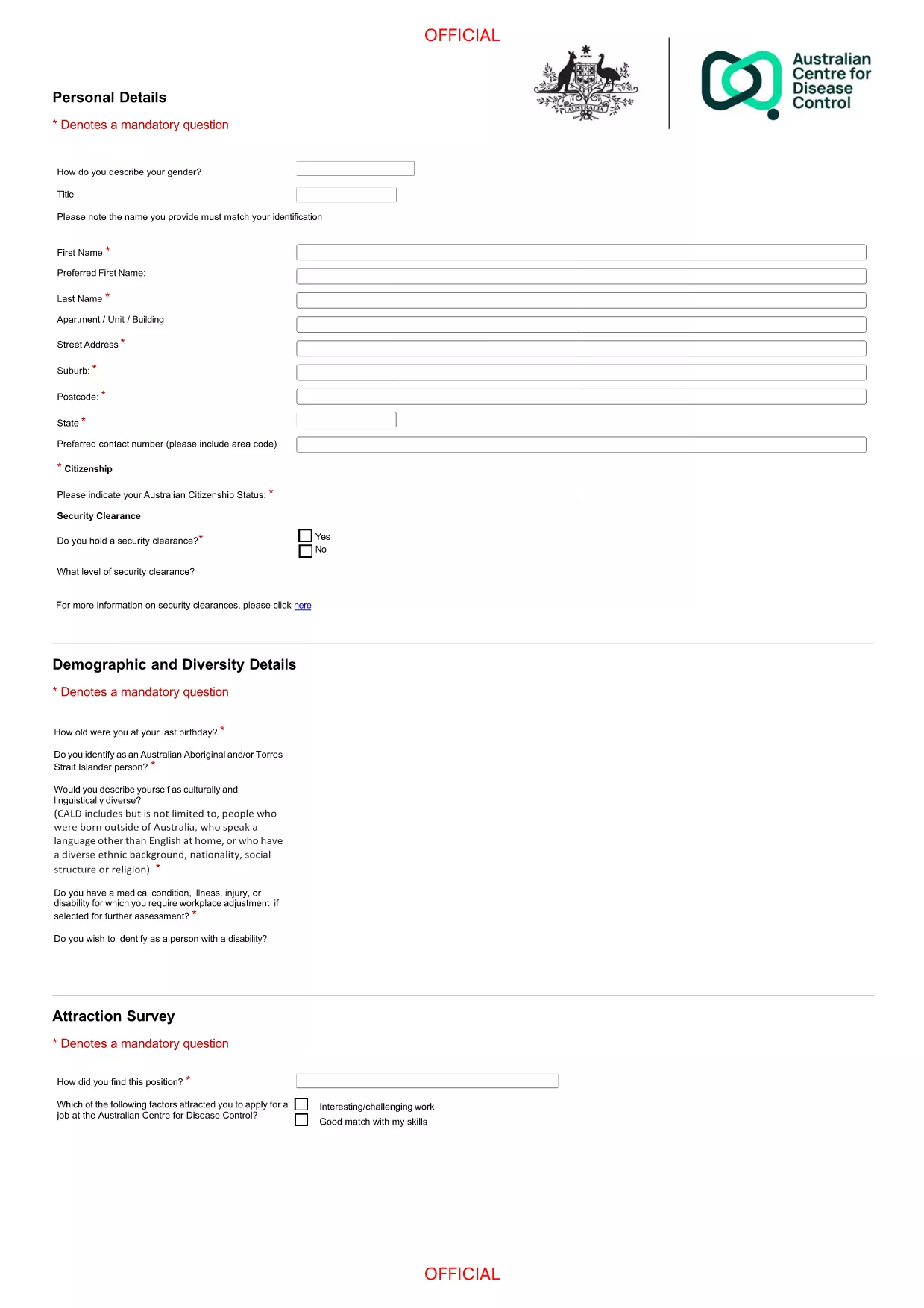
A fillable PDF lets you type directly into the form, eliminates handwritten errors, and keeps your application looking professional. Recruiters love the clean layout, and you can save a copy for your records.
Simply click the "Fill out this form" button on this page. The Formize PDF Filler app loads instantly, and you can start typing. No Adobe Acrobat or other editor is required.
Downloading the PDF gives you an offline copy, but filling it online with Formize ensures the data is saved automatically and can be submitted directly to the employer’s portal.
No. The Formize PDF Filler works in any modern browser, so you can complete the form without installing software.
Yes. Use the "Save" button in the filler to download a partially completed PDF and reload it later.
All data is processed locally in your browser; Formize does not store any information on its servers.
Simply click into the field and edit the text. Required fields turn red if left empty.
After filling out the form, click "Print" to produce a hard‑copy version for your records.
Most employers accept a standard job application PDF. Always check the employer’s instructions for any specific format.
PDF ドキュメントを表示および入力するための従来の一連の機能に、Web アプリケーションおよびレスポンシブ レイアウトの利点を組み合わせることで、数分で job application form pdf を完成させることができます。
オンラインで PDF フォームに記入する最も簡単な方法
フィルセッションを削除
編集セッションを削除する