


Australian passport form テンプレート
PDF ドキュメントを表示および入力するための従来の一連の機能に、Web アプリケーションおよびレスポンシブ レイアウトの利点を組み合わせることで、数分で Australian passport form を完成させることができます。
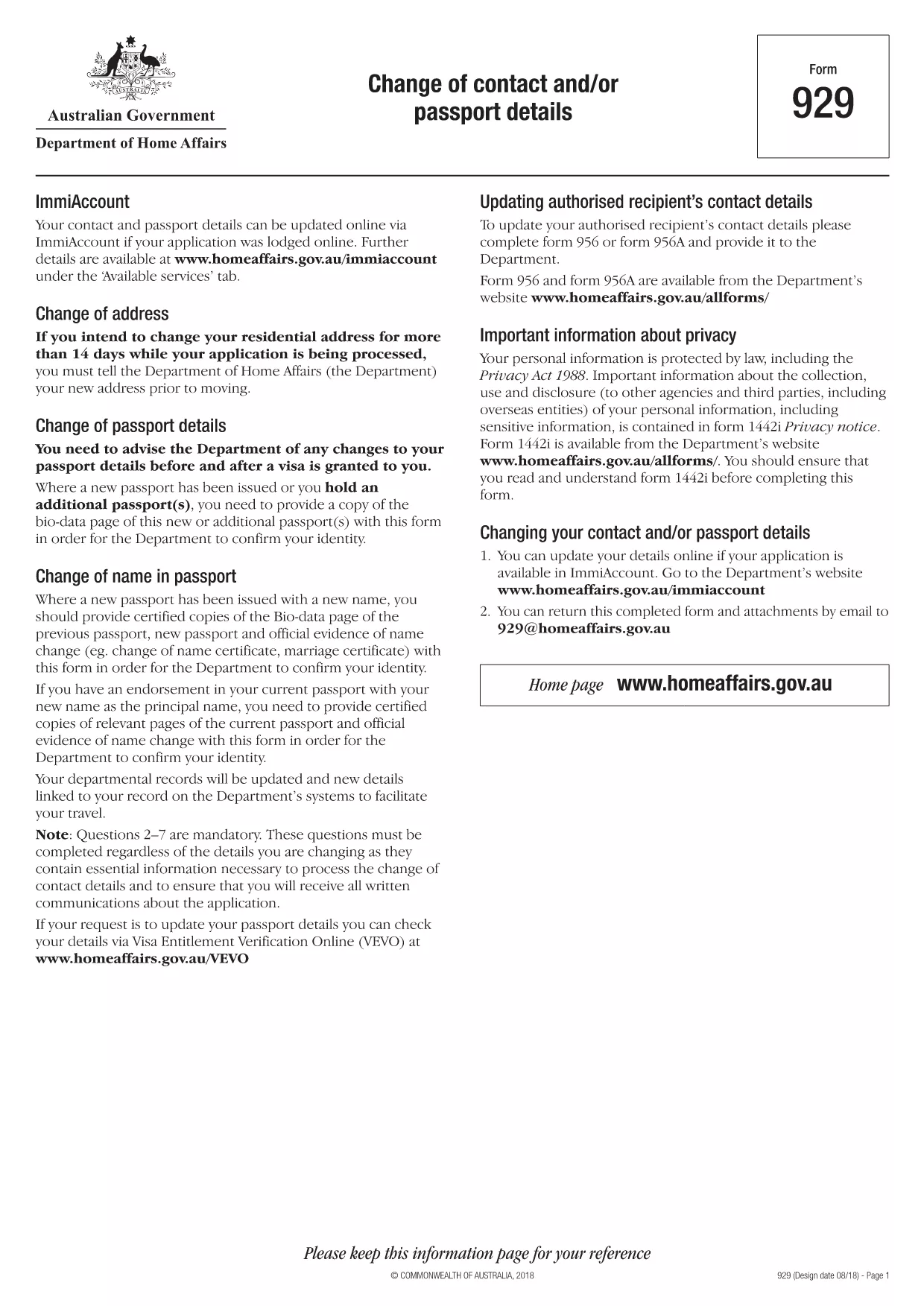
When you need to update your Australian passport – whether it’s a new name, a change of address, or a correction to personal details – you must use Form 929: Change of Contact and/or Passport Details. This official form from the Department of Home Affairs is now available as a fillable PDF, so you can complete it quickly from any device.
The Australian government requires a certified copy of the new passport bio‑data page together with Form 929 to verify any changes. Using the correct form helps avoid processing delays and ensures your passport reflects the most up‑to‑date information.
Instead of downloading the PDF and opening a separate editor, simply click the "Fill out this form" button on this page. The Formize PDF Filler app will load directly in your browser, allowing you to type into each field, attach required documents, and save your progress.
After completing the form, print the final PDF, sign where required, and attach certified copies of the new passport bio‑data page and any supporting evidence (e.g., marriage certificate). Mail the package to the address listed on the form or submit it in person at an Australian Passport Office.
If you prefer to work offline, you can download the official fillable PDF directly from the Department of Home Affairs using the link below.
No. Form 929 is only for updating existing passport details such as name, address, or contact information. New passport applications require a different form (Form 1410).
The Department of Home Affairs currently requires a printed and signed copy with certified passport pages. You can fill it out online, then print and mail it.
Attach a certified copy of the new passport’s bio‑data page and any official evidence of the change (e.g., marriage certificate, deed poll, change of address notice).
Processing times vary, but generally it takes 5‑10 business days once the complete form and supporting documents are received.
There is no separate fee for the form itself, but standard passport service fees apply when the updated passport is re‑issued.
If you notice an error after submission, you must fill out a new Form 929 and include a brief explanation of the correction.
Yes, as long as the scanned images are clear, legible, and meet the Department’s certification requirements.
PDF ドキュメントを表示および入力するための従来の一連の機能に、Web アプリケーションおよびレスポンシブ レイアウトの利点を組み合わせることで、数分で Australian passport form を完成させることができます。
オンラインで PDF フォームに記入する最も簡単な方法
フィルセッションを削除
編集セッションを削除する