


fillable PDF テンプレート
PDF ドキュメントを表示および入力するための従来の一連の機能に、Web アプリケーションおよびレスポンシブ レイアウトの利点を組み合わせることで、数分で fillable PDF を完成させることができます。
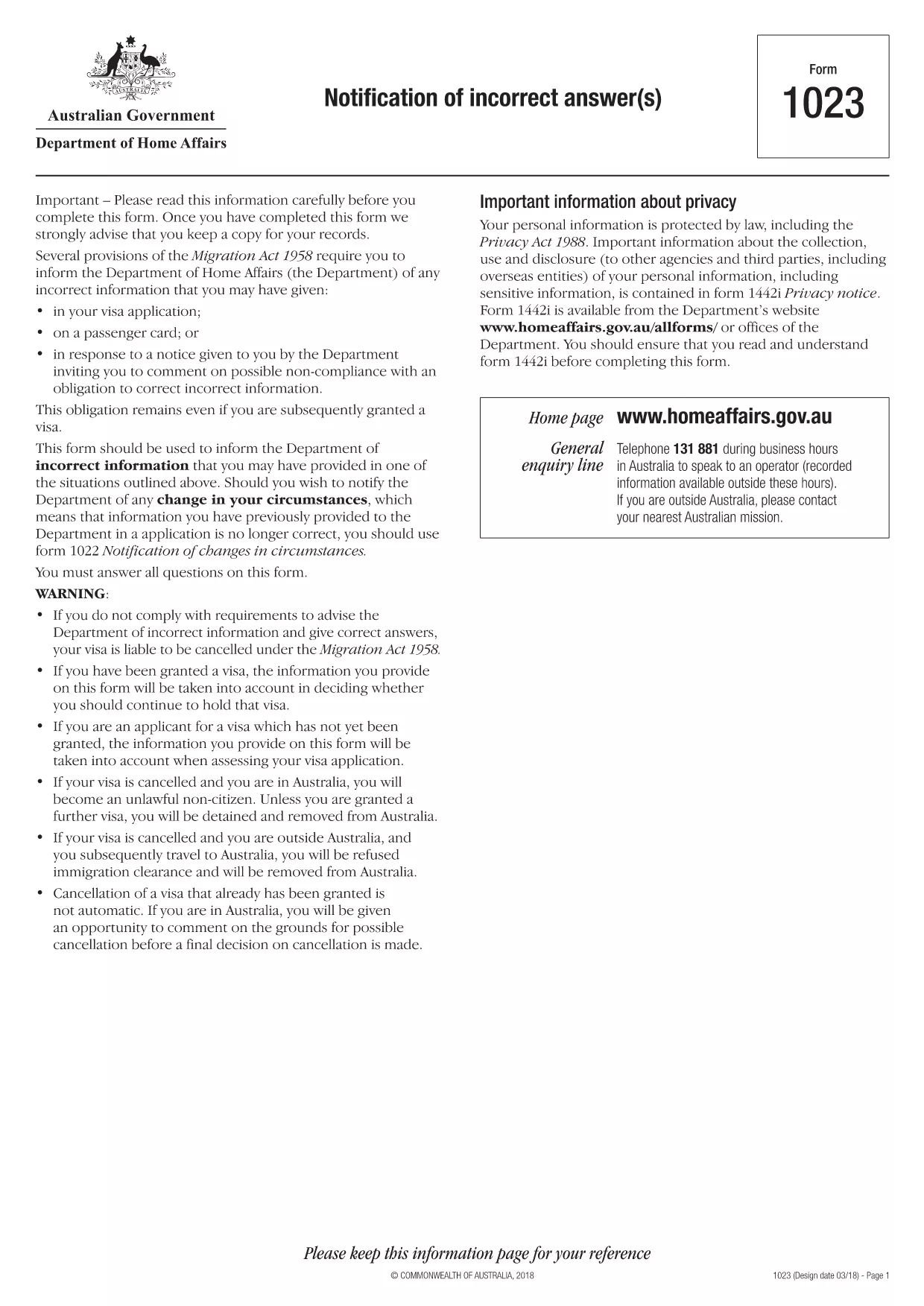
The Notification of Incorrect Answers form (Form 1023) is used by applicants who need to inform the Australian Department of Home Affairs that information previously provided is no longer correct. This fillable PDF is ideal for anyone looking for "application form listening answers" because it lets you correct details quickly and securely.
Form 1023 lets you notify the Department of any change in circumstances that affects a prior application. Typical reasons include a change of address, employment status, or personal details that were entered incorrectly.
Instead of downloading the PDF and opening it in a separate editor, simply click the "Fill out this form" button on this page. The Formize PDF Filler app will load in your browser, presenting a clean, fillable version of the document.
Formize provides a fast, secure, and mobile‑friendly environment. Your data never leaves the browser unless you choose to download the completed file, and the platform automatically validates entries to reduce errors.
After completing the form, you can either download the signed PDF and email it to the Department of Home Affairs or submit it directly through the online portal if you have an ImmiAccount.
Start correcting your information now – the process is quick, free, and fully compliant with Australian immigration regulations.
No. Formize PDF Filler runs entirely in your web browser, so there is nothing to install.
Yes. Use the "Save" button to download a draft copy, then reopen it later in Formize to continue.
Formize processes the PDF locally in your browser; your data is not uploaded to external servers unless you choose to download or email the file.
You can submit a new Notification of Incorrect Answers form with the corrected information. Keep a copy of both submissions for your records.
An ImmiAccount is required for online submission. If you prefer, you can email the completed PDF to the Department of Home Affairs.
No. The Notification of Incorrect Answers form is free of charge.
PDF ドキュメントを表示および入力するための従来の一連の機能に、Web アプリケーションおよびレスポンシブ レイアウトの利点を組み合わせることで、数分で fillable PDF を完成させることができます。
オンラインで PDF フォームに記入する最も簡単な方法
フィルセッションを削除
編集セッションを削除する