


leave application form テンプレート
PDF ドキュメントを表示および入力するための従来の一連の機能に、Web アプリケーションおよびレスポンシブ レイアウトの利点を組み合わせることで、数分で leave application form を完成させることができます。
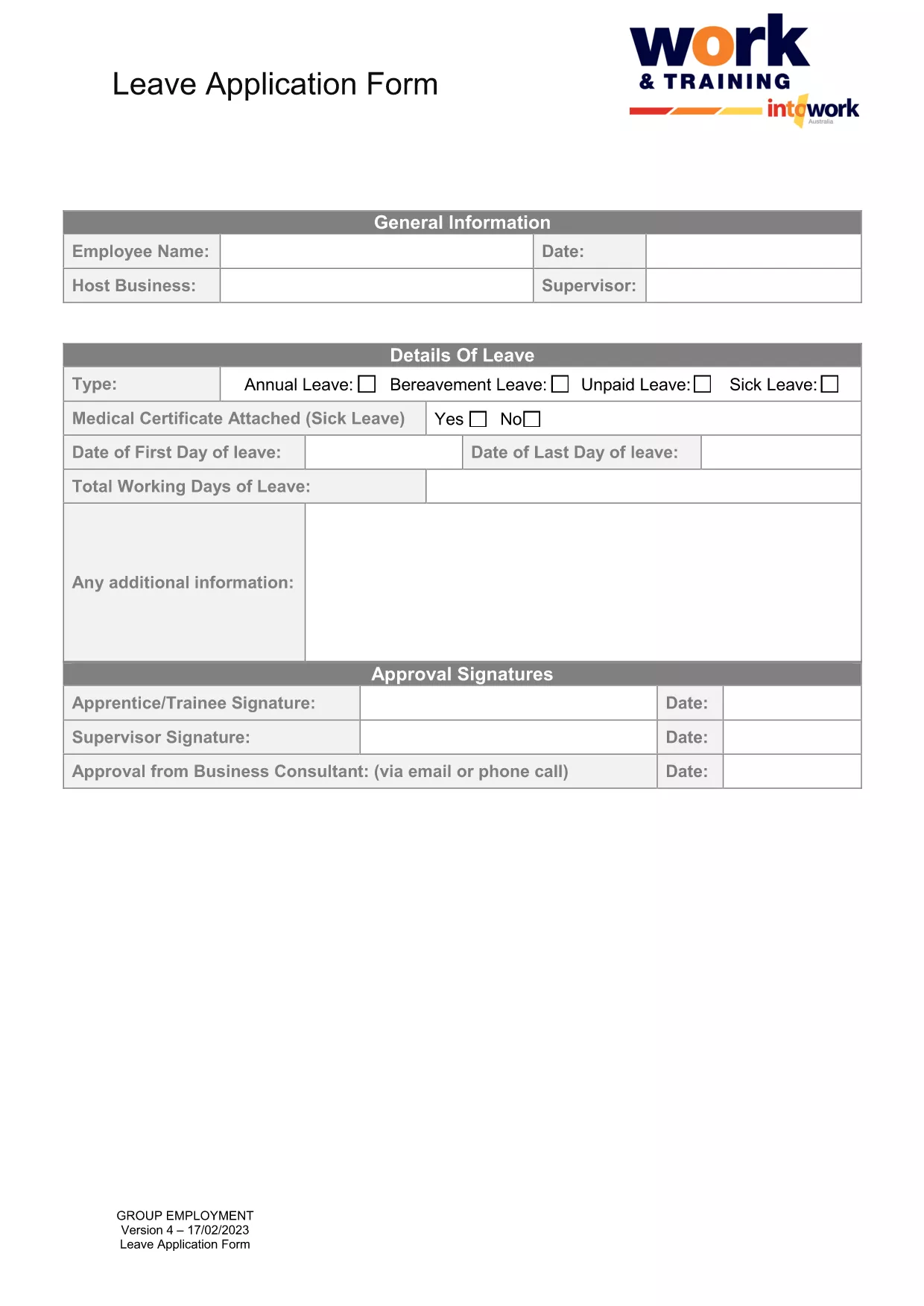
The Leave Application Form is a standard, fillable PDF used by employers across Australia to request paid or unpaid leave. It captures essential details such as employee information, type of leave, dates, and manager approval.
Formize lets you fill out the PDF directly in your browser—no download, print, or third‑party editor required. Simply click the button below, wait a few seconds for the Formize PDF Filler to load, and start typing.
After you finish, click the Save & Download button to get a PDF copy. Email the file to your HR department or upload it to your internal portal as instructed by your employer.
No. Formize’s online PDF filler works in any modern browser without additional software.
Yes, but it’s easier to make changes before downloading. The online filler lets you edit any field at any time.
Formize uses SSL encryption, so all data entered in the browser is transmitted securely.
The form supports annual leave, personal/carer’s leave, sick leave, parental leave, and any other leave type defined by your employer.
After filling it out, download the PDF and follow your company’s submission process—usually via email or an internal portal.
Simply click into the field again and correct the text. Formize saves changes in real time.
The completed form is under 200 KB, well within typical email attachment limits.
PDF ドキュメントを表示および入力するための従来の一連の機能に、Web アプリケーションおよびレスポンシブ レイアウトの利点を組み合わせることで、数分で leave application form を完成させることができます。
オンラインで PDF フォームに記入する最も簡単な方法
フィルセッションを削除
編集セッションを削除する