


legal form templates テンプレート
PDF ドキュメントを表示および入力するための従来の一連の機能に、Web アプリケーションおよびレスポンシブ レイアウトの利点を組み合わせることで、数分で legal form templates を完成させることができます。
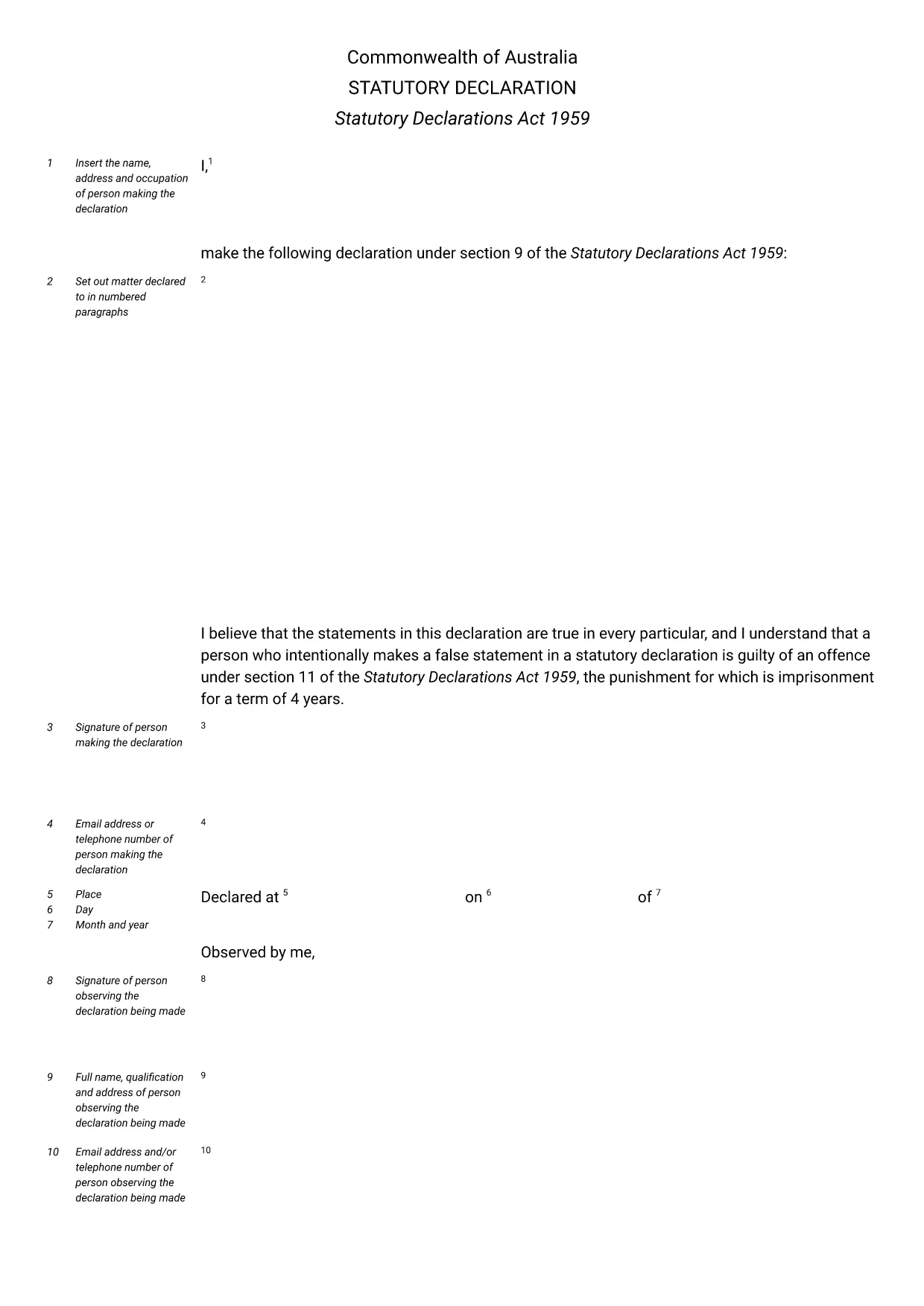
Need a reliable legal form template for an Australian Statutory Declaration? Our fillable PDF provides the exact format required by the Statutory Declarations Act 1959. The document is fully searchable, editable, and ready to be completed directly in your browser using the Formize PDF Filler app.
Statutory declarations are used for a wide range of official purposes – from confirming identity to attesting facts for government agencies, banks, and courts. By using a certified fillable PDF, you ensure the declaration meets legal standards, saves time, and eliminates the hassle of printing, writing, and scanning.
With Formize, you simply click the "Fill out this form" button, enter your details, and download a completed, printable PDF that can be signed and witnessed as required.
Below you’ll find step‑by‑step instructions, common pitfalls to avoid, and answers to the most frequently asked questions about statutory declarations in Australia.
A statutory declaration is a written statement of facts that you swear to be true before an authorized witness, such as a Justice of the Peace or solicitor.
Yes, the template complies with the Statutory Declarations Act 1959 and can be used for any purpose that requires a statutory declaration in Australia.
The declaration must be signed in ink on paper and witnessed. The fillable PDF allows you to complete all fields electronically before printing.
Absolutely. All data is processed locally in your browser; nothing is stored on our servers, ensuring privacy and security.
You can edit any field at any time before downloading. Simply click back into the field, correct the information, and re‑download.
A statutory declaration requires a handwritten signature and a qualified witness. The PDF can be printed after completion for this purpose.
No, the online filler is completely free for this legal form template.
PDF ドキュメントを表示および入力するための従来の一連の機能に、Web アプリケーションおよびレスポンシブ レイアウトの利点を組み合わせることで、数分で legal form templates を完成させることができます。
オンラインで PDF フォームに記入する最も簡単な方法
フィルセッションを削除
編集セッションを削除する