


application form テンプレート
PDF ドキュメントを表示および入力するための従来の一連の機能に、Web アプリケーションおよびレスポンシブ レイアウトの利点を組み合わせることで、数分で application form を完成させることができます。
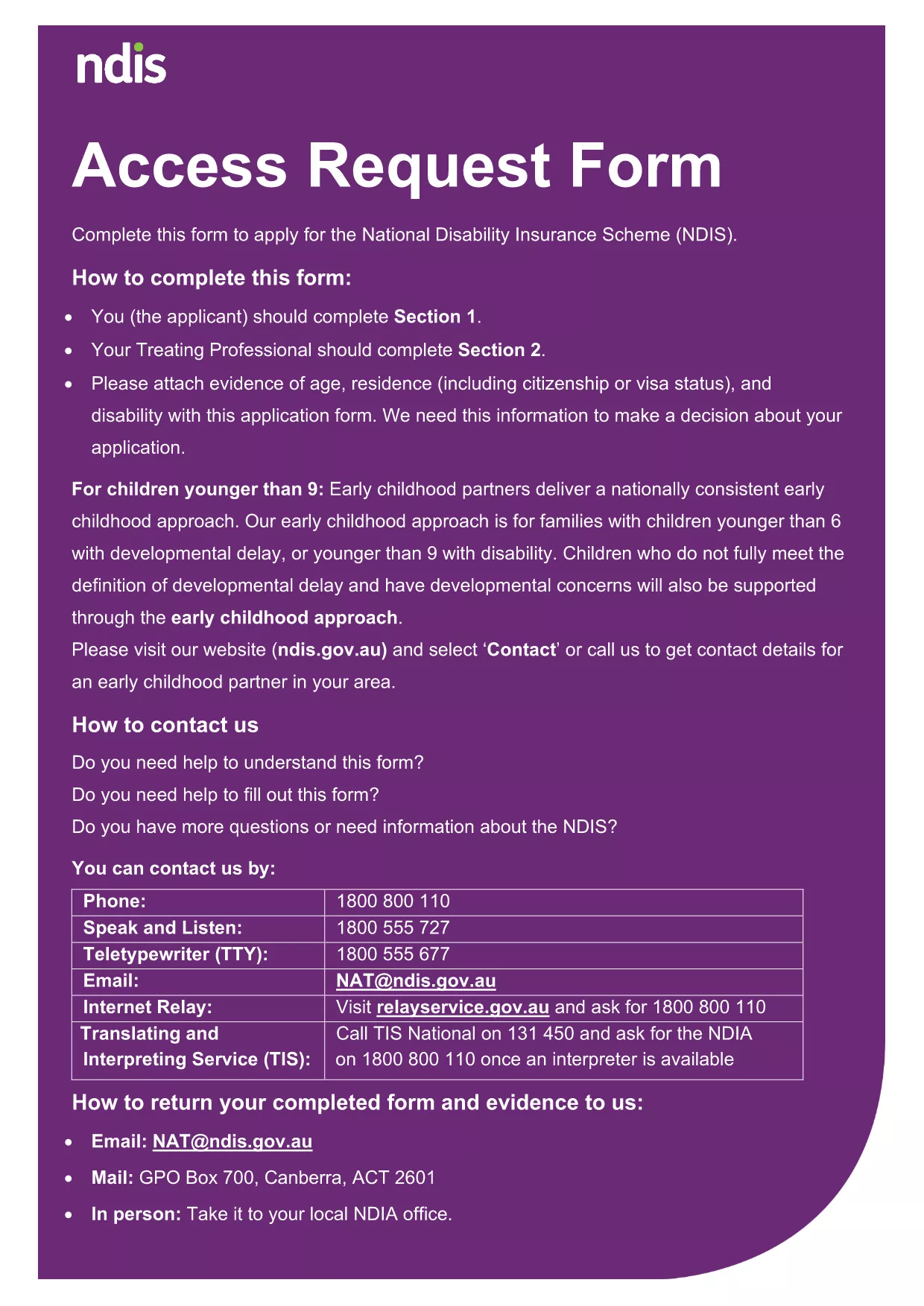
Looking for a quick way to complete an application form without installing any software? Our fillable application form is hosted on Formize, allowing you to edit the PDF directly in your browser. The form is fully searchable, auto‑saves your entries, and complies with accessibility standards.
Simply click the "Fill out this form" button below, and the Formize PDF Filler app will load. All fields—including text boxes, check boxes, and signature areas—are ready for you to complete. When you’re done, you can download the completed PDF, email it, or submit it through the agency’s portal.
Using an online filler saves time, reduces errors, and eliminates the need for a separate PDF editor. It also ensures that your data is stored securely during the session, giving you peace of mind while you work.
Below you’ll find step‑by‑step instructions, tips to avoid common pitfalls, and answers to the most frequently asked questions about this form.
No. The Formize PDF Filler runs completely in your web browser, so there’s nothing to download or install.
Yes. All data is encrypted during the session and is not stored on our servers after you download or submit the form.
You can download a partially completed PDF at any time and re‑upload it later to continue editing.
The filler works with the latest versions of Chrome, Firefox, Edge, and Safari.
The form is a standard PDF under 5 MB, well within the limits of the online filler.
After downloading the filled PDF, open it in any PDF viewer and use the standard print function.
Refresh the page and reload the filler. If the problem persists, try a different browser or clear your cache.
The form does not include an attachment field. If additional documents are required, you’ll need to submit them separately as instructed by the agency.
PDF ドキュメントを表示および入力するための従来の一連の機能に、Web アプリケーションおよびレスポンシブ レイアウトの利点を組み合わせることで、数分で application form を完成させることができます。
オンラインで PDF フォームに記入する最も簡単な方法
フィルセッションを削除
編集セッションを削除する