
言語を選択する

Application Form Not Available? Download the Fillable PDF Now

  1. 言語 英語
  2. 国 オーストラリア
  3. デパートメント National Disability Insurance Agency
  4. アクティビティ Disability Services
Application Form Not Available? Download the Fillable PDF Now

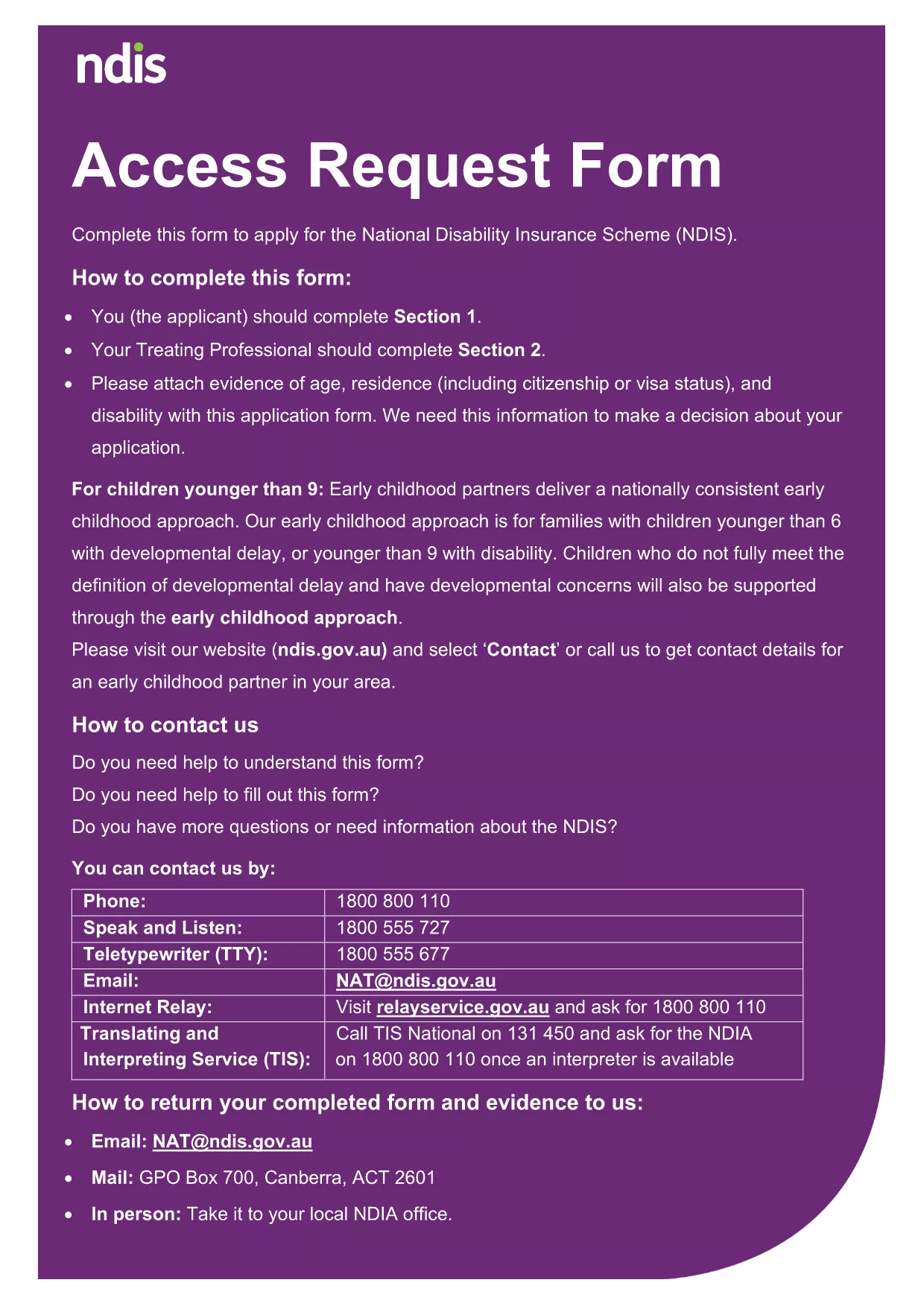
If you're searching for an official application form and the agency's website says it's unavailable, you're in the right place. Our page provides a direct download of the fillable PDF and lets you complete it instantly with Formize’s online PDF Filler.

Why This Form Might Be Missing Online

Websites are frequently updated, and older versions of forms are sometimes removed or hidden behind login walls. This can leave applicants stuck.

How to Fill the Form Using Formize PDF Filler

Instead of downloading, editing, and re‑uploading a PDF, simply click the Fill out this form button below. The Formize PDF Filler loads in your browser, preserving the original layout while allowing you to type, check boxes, and attach files.

Common Mistakes to Avoid

  • Leaving required fields blank.
  • Uploading files that exceed size limits.
  • Using a password‑protected PDF.

Supporting Documents You’ll Need

Prepare clear copies of identification, residency proof, and any disability evidence. All files must be under 5 MB and in PDF, JPG, PNG, GIF, or BMP format.

Where to Find Help

If you need assistance, contact the agency’s helpline or visit a local service centre. Our filler also includes built‑in accessibility tools.

よくある質問
  • I can't find the application form on the agency website. What should I do?

    Use this page to download the official fillable PDF directly. The Formize PDF Filler lets you complete it online without navigating the agency’s site.

  • Do I need special software to edit the PDF?

    No. The Formize PDF Filler works in any modern browser, so you can fill, sign, and save the form without installing additional programs.

  • What file types are allowed for supporting documents?

    Accepted formats are PDF, JPG, PNG, GIF, and BMP. Each file must be under 5 MB and not password‑protected.

  • Can I save my progress and return later?

    Yes. The filler includes a “Save Draft” option that lets you download a partially completed PDF and resume later.

  • Is the form free to use?

    Absolutely. The download and online filling are completely free of charge.

  • What if I make a mistake after submitting?

    Contact the agency’s support line immediately. Most agencies allow you to submit a corrected form or an amendment letter.

  • Is this form the same as the one on the official site?

    Yes. The PDF is the exact version provided by the National Disability Insurance Agency, ensuring compliance with all requirements.

方法

オンラインで 5 回の簡単なステップで application form download を無料で入力する方法:

  1. 1
    Click the Fill‑out Button
    Press the “Fill out this form” button on this page to launch the Formize PDF Filler.
  2. 2
    Wait for the Filler to Load
    The online filler loads in a few seconds. No download or installation is required.
  3. 3
    Enter Your Information
    Complete each section, typing directly into the fields or checking the appropriate boxes.
  4. 4
    Attach Supporting Files
    Use the uploader to add ID, residency proof, or disability evidence – each file must be under 5 MB.
  5. 5
    Save, Sign, and Submit
    When finished, save the completed PDF, add an electronic signature if required, and follow the agency’s submission instructions.
Formize PDF Filler アプリ
だいたい

application form download テンプレート

PDF ドキュメントを表示および入力するための従来の一連の機能に、Web アプリケーションおよびレスポンシブ レイアウトの利点を組み合わせることで、数分で application form download を完成させることができます。
特徴

PDFフィラー

オンラインで PDF フォームに記入する最も簡単な方法

  • application form download をすばやく入力してください
    application form download をオンラインですばやく入力する方法をお探しですか?オンラインの無料 PDF フォーム フィラーを使用すると、この PDF ドキュメントを 1 分以内に編集して入力する方法がわかります。
  • 使いやすいオンライン PDF エディター
    再スキャンして返送する前に、編集できるように PDF ファイルを印刷することにうんざりしていませんか? PDFドキュメントをオンラインで無料で編集.当社のオンライン PDF エディターを使用して、時間と紙を節約してください。
  • 優れたツール、すべてのプラットフォーム
    Mac で application form download を入力する方法や、PDF フィラーを無料で使用する方法を知りたいですか?当社のオンライン PDF ツールは、すべてのプラットフォームで動作します。
  • 安全なファイル ストレージ
    完成した「application form download」ファイルは、Amazon クラウド ホスティングが管理する安全なデータベースに保存されます。いつでもシステムからファイルを削除できます。いずれにせよ、これらのファイルは 24 時間後に自動的に削除されます。
  • {キーワード} とチャットする
    無料の PDF リーダー アシスタントである Chatize で「application form download」とチャットします。質問すると、「application form download」から回答が得られます。上の [ドキュメントとチャット] ボタンをクリックするだけです。

フィルセッションを削除

選択したフィルセッションを削除しますか?この場合、フォームへの記入の進捗状況は失われます。

編集セッションを削除する

選択した編集セッションを削除しますか?この場合、フォームの作成および編集の進行状況は失われます。