


Queensland application form テンプレート
PDF ドキュメントを表示および入力するための従来の一連の機能に、Web アプリケーションおよびレスポンシブ レイアウトの利点を組み合わせることで、数分で Queensland application form を完成させることができます。
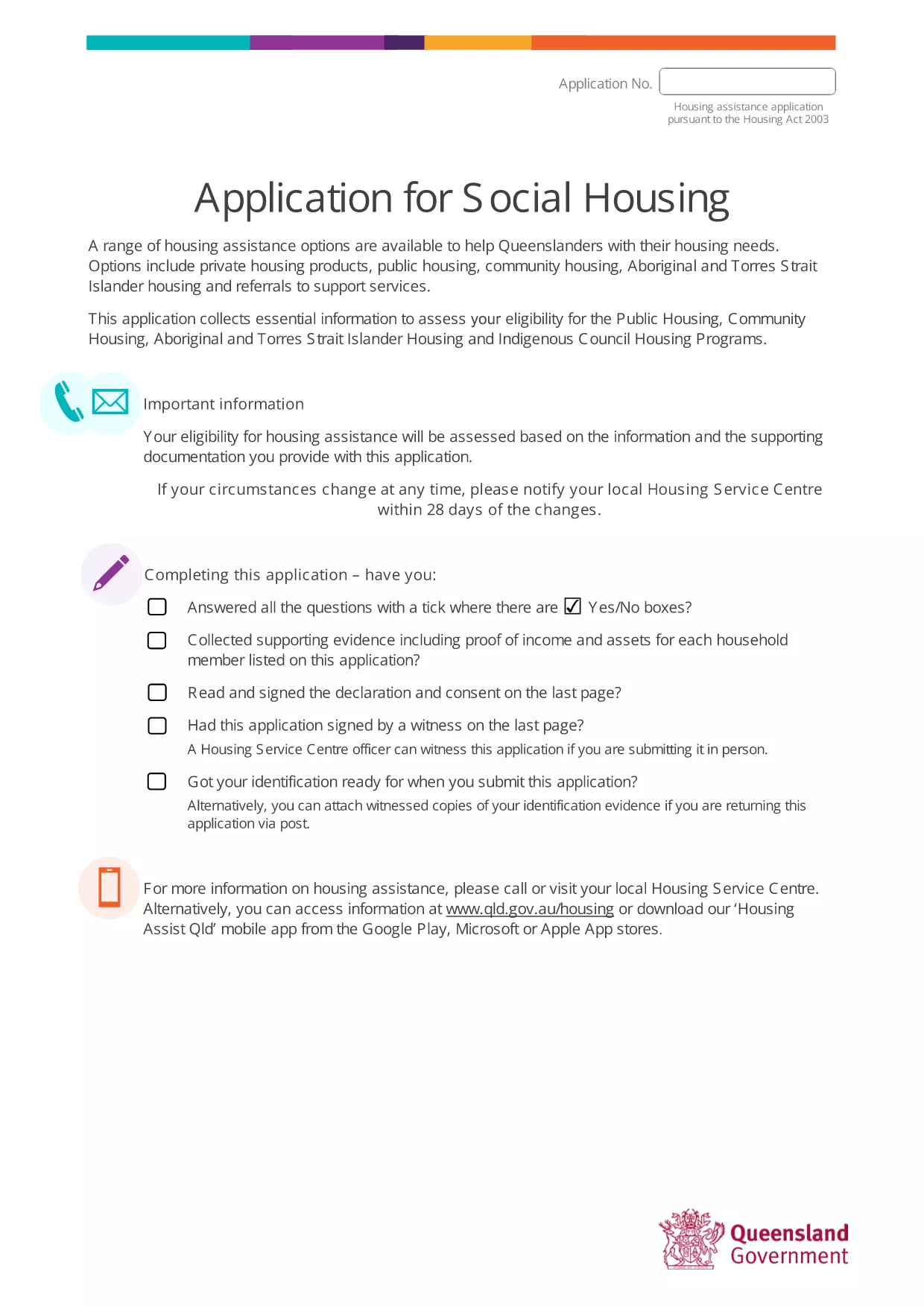
Looking for a quick and easy way to submit your Queensland application? Our fillable PDF version lets you complete the form directly in your browser, save your progress, and download a finished copy ready for submission.
Follow the simple steps below to fill out the form in minutes.
Once you have completed and saved the form, you can either:
Make sure to keep a copy for your records.
Yes. Both the fillable PDF and the Formize PDF Filler are completely free of charge.
No. The form is filled online using Formize’s web‑based filler, which works in any modern browser.
Absolutely. Click the "Save" button at any time to download a draft copy that you can reopen later.
Only PDF, JPG, and PNG files are accepted when you attach supporting documents.
After you submit, you will receive a confirmation screen with a reference number and an email receipt if you provided an email address.
Formize uses SSL encryption and does not store any personal data on its servers after the session ends.
PDF ドキュメントを表示および入力するための従来の一連の機能に、Web アプリケーションおよびレスポンシブ レイアウトの利点を組み合わせることで、数分で Queensland application form を完成させることができます。
オンラインで PDF フォームに記入する最も簡単な方法
フィルセッションを削除
編集セッションを削除する