


application for consent orders テンプレート
PDF ドキュメントを表示および入力するための従来の一連の機能に、Web アプリケーションおよびレスポンシブ レイアウトの利点を組み合わせることで、数分で application for consent orders を完成させることができます。
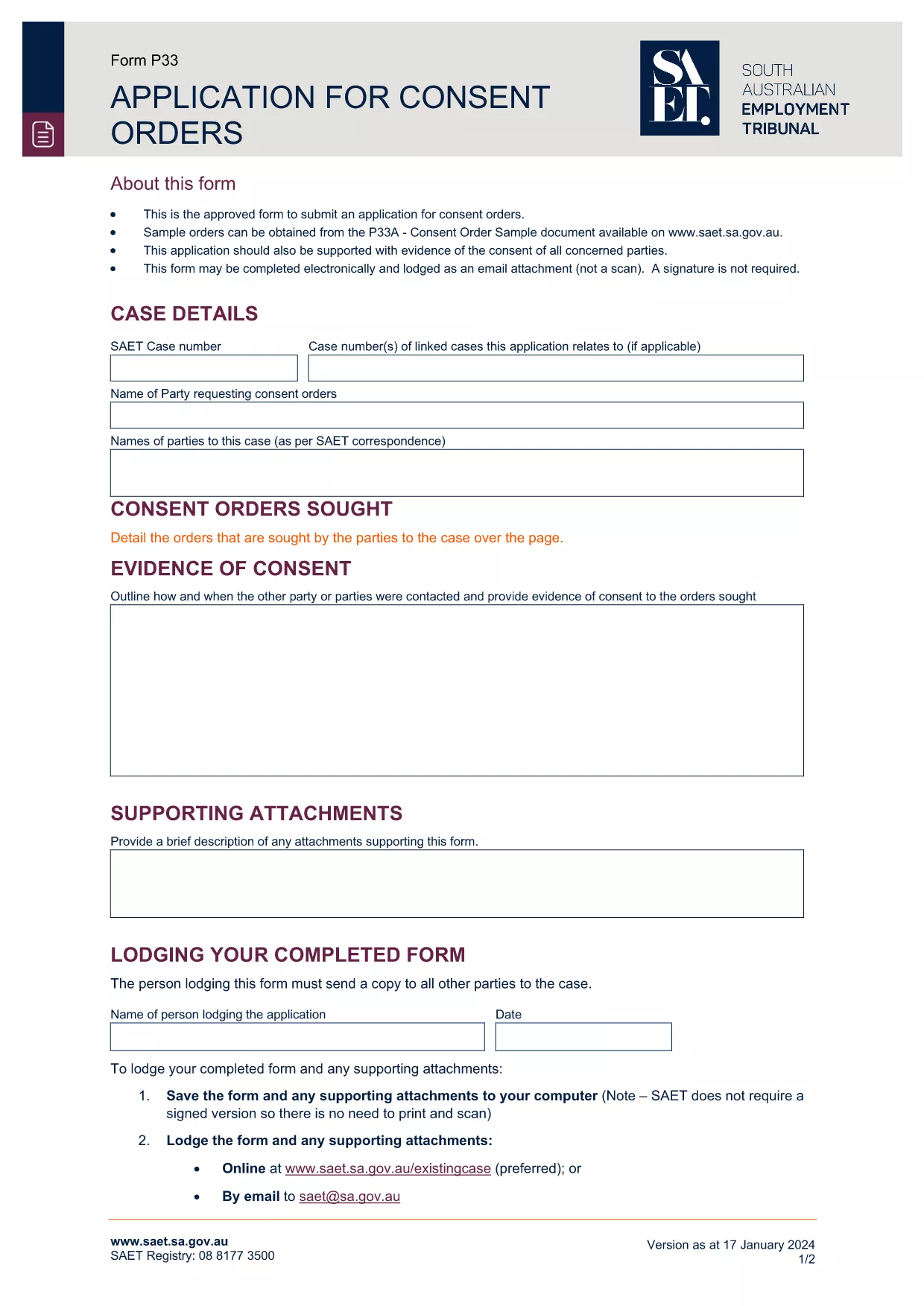
The Application for Consent Orders is the standard form used by tribunals and courts to record mutually‑agreed orders without a hearing. Whether you’re dealing with employment disputes, civil matters, or family law, this form lets the parties outline the terms they have settled on and have the tribunal approve them.
Our fillable PDF version is hosted on Formize, so you can complete the entire application directly in your browser – no extra software required. Simply click the “Fill out this form” button, enter the required information, and download the completed document ready for submission.
A consent order is a legally binding decision that both parties have agreed to. The application asks for details such as the parties’ names, the order’s subject matter, and any supporting documents. Once signed, the tribunal can make the order without a formal hearing.
Follow the step‑by‑step guide below to complete the form quickly and accurately. The Formize PDF Filler automatically saves your progress, so you never lose data.
If you prefer a hard copy, you can download the completed PDF and print it. The fillable version retains all your entered data, making it easy to keep a digital record.
Ready to start? Click the button below and let Formize handle the rest.
A consent order is a binding decision made by a tribunal or court that reflects an agreement reached by the parties without the need for a hearing.
Yes. The form requires the signatures of all parties involved. Missing signatures will cause the application to be rejected.
The fillable version lets you edit all fields before you download. Once downloaded, the PDF is locked unless you use a PDF editor.
No. Formize provides a free, secure online filler for this form. You only pay any filing fees that the tribunal may charge.
You can use the “Undo” button in the filler or simply delete the incorrect entry and re‑type it. The tool validates entries to reduce errors.
If the tribunal requires evidence (e.g., agreements, receipts), attach them using the “Add Attachment” button before submitting.
Follow your tribunal’s instructions – typically you upload the PDF through an online portal or deliver a printed copy to the registry.
The specific form shown is for the South Australian Employment Tribunal, but many states use a similar format. Always check your local tribunal’s requirements.
PDF ドキュメントを表示および入力するための従来の一連の機能に、Web アプリケーションおよびレスポンシブ レイアウトの利点を組み合わせることで、数分で application for consent orders を完成させることができます。
オンラインで PDF フォームに記入する最も簡単な方法
フィルセッションを削除
編集セッションを削除する