


YMCA application form テンプレート
PDF ドキュメントを表示および入力するための従来の一連の機能に、Web アプリケーションおよびレスポンシブ レイアウトの利点を組み合わせることで、数分で YMCA application form を完成させることができます。
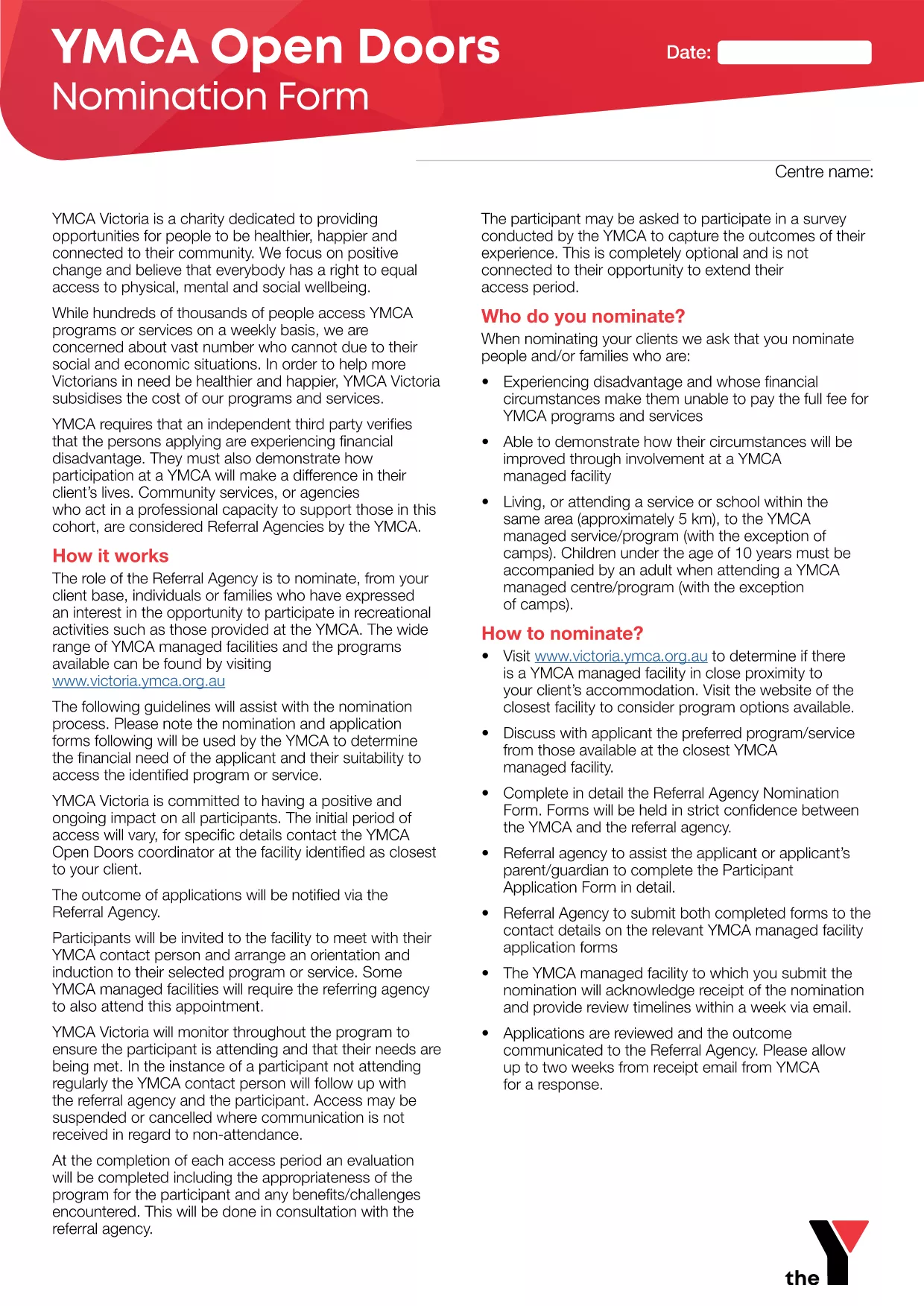
Looking for the correct YMCA application form to apply for program support, membership, or fee assistance? You’ve come to the right place. Our page hosts the official PDF, and thanks to Formize’s built‑in PDF filler you can complete the form directly in your browser—no extra software needed.
The YMCA offers a range of community programs, from fitness classes to youth development and financial assistance. Using the exact form provided by the YMCA ensures your application is processed quickly and meets all compliance requirements.
Follow the simple steps below. The process takes less than five minutes once you have your information ready.
Before you start, check the eligibility criteria for the specific YMCA program you’re applying for. Typical requirements include proof of residence, income statements, and a signed declaration. Gather these documents first to speed up the process.
When you finish, click the "Submit" button inside the Formize interface. Your completed form is encrypted and can be emailed directly to your local YMCA centre or printed for in‑person delivery.
Need help? Review the FAQs below or contact your local YMCA office for personalized assistance.
Yes, the PDF is provided at no cost. You can download or fill it online using Formize without any fees.
Absolutely. The Formize PDF filler works on all modern browsers, including mobile devices, so you can complete the form anywhere.
The validator will alert you to any missing attachments before you can submit. Simply click the "Add File" button next to the highlighted field.
Processing times vary by centre, but most applications are reviewed within 5‑7 business days after submission.
No. You can submit the completed PDF directly through the Formize interface, or download and print it only if your local YMCA requests a hard copy.
Formize uses SSL encryption for all data transmission. Your information is stored securely and is not shared with third parties.
Yes. Use the "Save Draft" option to download a partially completed PDF, then reopen it later in Formize to finish.
PDF ドキュメントを表示および入力するための従来の一連の機能に、Web アプリケーションおよびレスポンシブ レイアウトの利点を組み合わせることで、数分で YMCA application form を完成させることができます。
オンラインで PDF フォームに記入する最も簡単な方法
フィルセッションを削除
編集セッションを削除する