


Sinhala application form テンプレート
PDF ドキュメントを表示および入力するための従来の一連の機能に、Web アプリケーションおよびレスポンシブ レイアウトの利点を組み合わせることで、数分で Sinhala application form を完成させることができます。
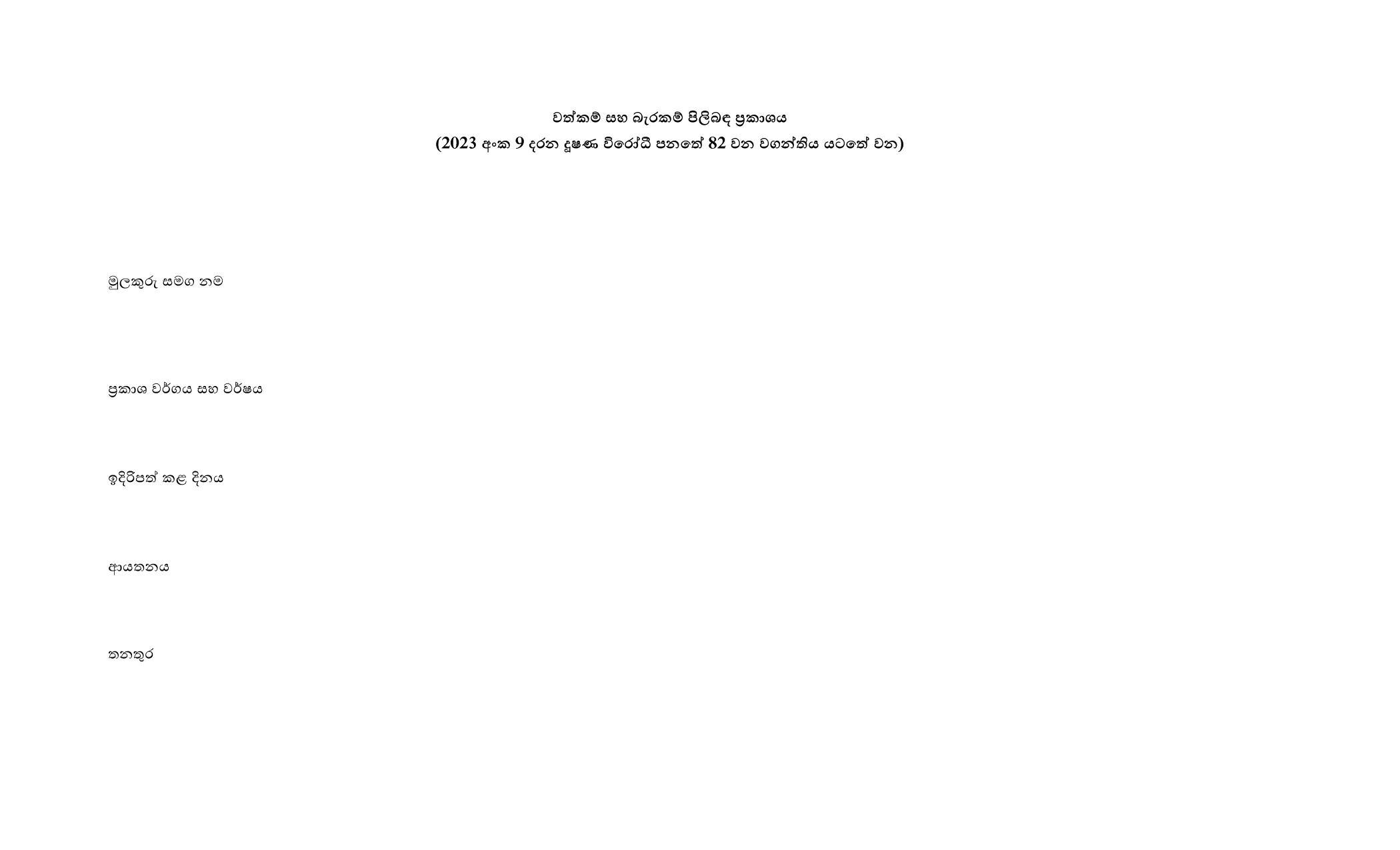
Looking for a quick and reliable way to complete the Sinhala Application Form? Formize offers a fully fillable PDF that loads directly in your browser, so you can fill it out, save, and print without installing any extra software.
This form is used by various Sri Lankan government agencies for applications such as permits, registrations, and official declarations. The document is originally provided in Sinhala and includes fields for personal details, contact information, and specific application data.
Simply click the "Fill out this form" button below. The Formize PDF Filler will load automatically. Follow the on‑screen prompts, enter your information, and click Save when you’re done.
If you need the original, non‑fillable version for reference, you can download it directly from the government site.
Ready to start? Click the button below and let Formize handle the rest.
No. Formize’s online filler works in any modern browser, so no additional software is required.
Yes. Use the "Save" button to download a partially completed PDF and reload it later in the filler.
The filler is responsive and works on smartphones and tablets, though a larger screen makes data entry easier.
You can edit any field before saving. If you have already saved, simply re‑upload the saved PDF and continue editing.
All data is processed locally in your browser; Formize does not store any information on its servers.
Yes. After saving, click the print icon in the filler toolbar or use your browser’s print function.
The original PDF is available via the government link provided in the "Download the Original PDF" section.
PDF ドキュメントを表示および入力するための従来の一連の機能に、Web アプリケーションおよびレスポンシブ レイアウトの利点を組み合わせることで、数分で Sinhala application form を完成させることができます。
オンラインで PDF フォームに記入する最も簡単な方法
フィルセッションを削除
編集セッションを削除する