


DTS form テンプレート
PDF ドキュメントを表示および入力するための従来の一連の機能に、Web アプリケーションおよびレスポンシブ レイアウトの利点を組み合わせることで、数分で DTS form を完成させることができます。
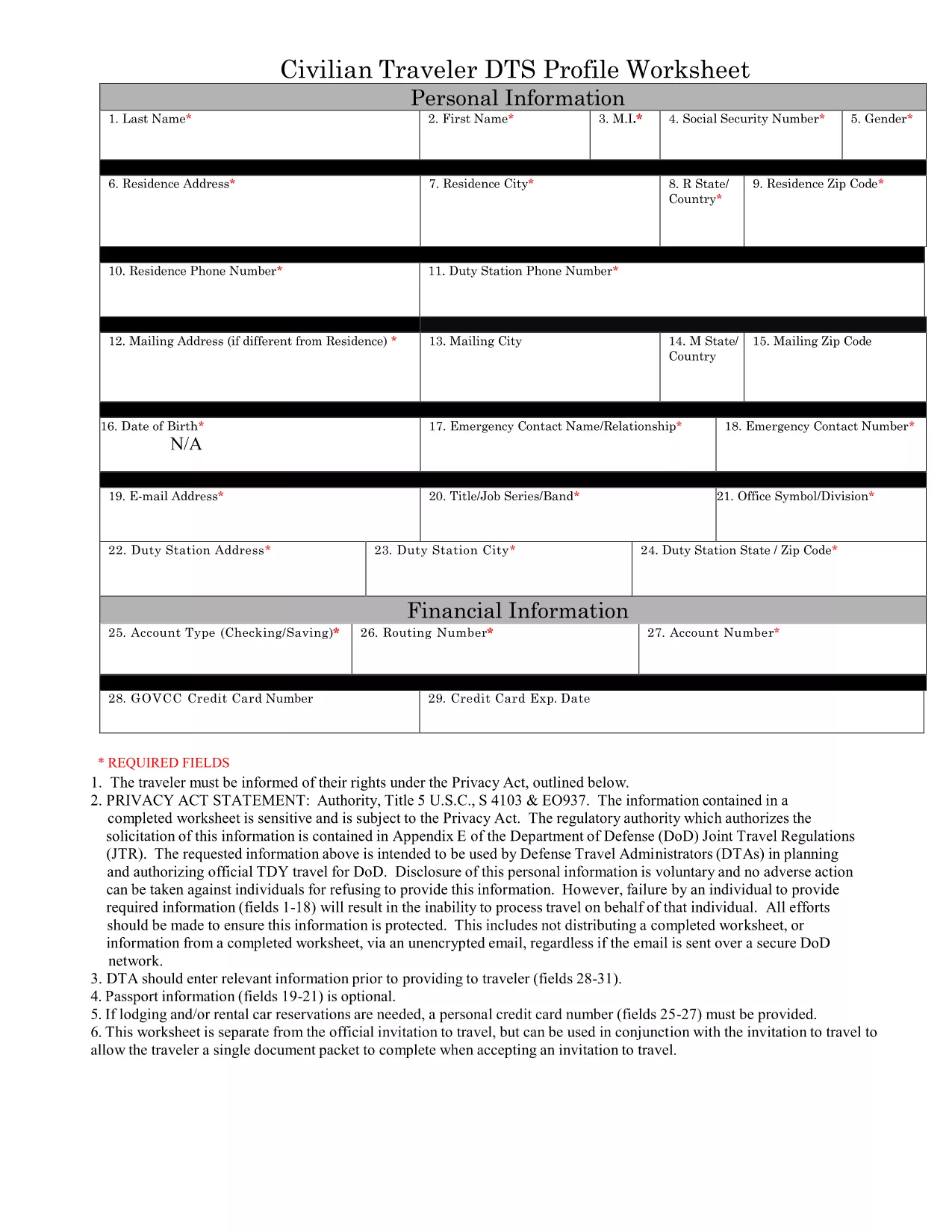
The Defense Travel System (DTS) Form 1, also known as the DTS Profile Worksheet, is the standard document used by U.S. Army personnel to capture personal, travel, and funding information before a trip is entered into the system. Having a fillable PDF version means you can complete the form quickly, accurately, and without printing.
DTS Form 1 collects essential data such as:
Understanding each section helps you avoid errors that could delay approval:
Instead of downloading and editing the PDF in a desktop editor, simply click the “Fill out this form” button on this page. The Formize PDF Filler will load the fillable document directly in your browser, allowing you to:
If you prefer to keep a local copy, you can download the original, government‑issued PDF below. The file is fully fillable and compatible with Formize’s online editor.
Yes. The official government PDF is free to download, and Formize’s online filler is also free to use.
Absolutely. The Formize PDF Filler works on all modern browsers, including smartphones and tablets.
No. The form is fully fillable in the browser via Formize, so you don’t need any additional software.
All fields in the official DTS Form 1 are editable. If a field appears locked, refresh the page or contact your unit’s travel administrator.
The worksheet reflects the current fiscal year’s format. Check with your command for any updates before submitting.
Yes. After you finish, use the “Print” button in the Formize interface to produce a hard copy.
PDF ドキュメントを表示および入力するための従来の一連の機能に、Web アプリケーションおよびレスポンシブ レイアウトの利点を組み合わせることで、数分で DTS form を完成させることができます。
オンラインで PDF フォームに記入する最も簡単な方法
フィルセッションを削除
編集セッションを削除する