


scholarship application form テンプレート
PDF ドキュメントを表示および入力するための従来の一連の機能に、Web アプリケーションおよびレスポンシブ レイアウトの利点を組み合わせることで、数分で scholarship application form を完成させることができます。
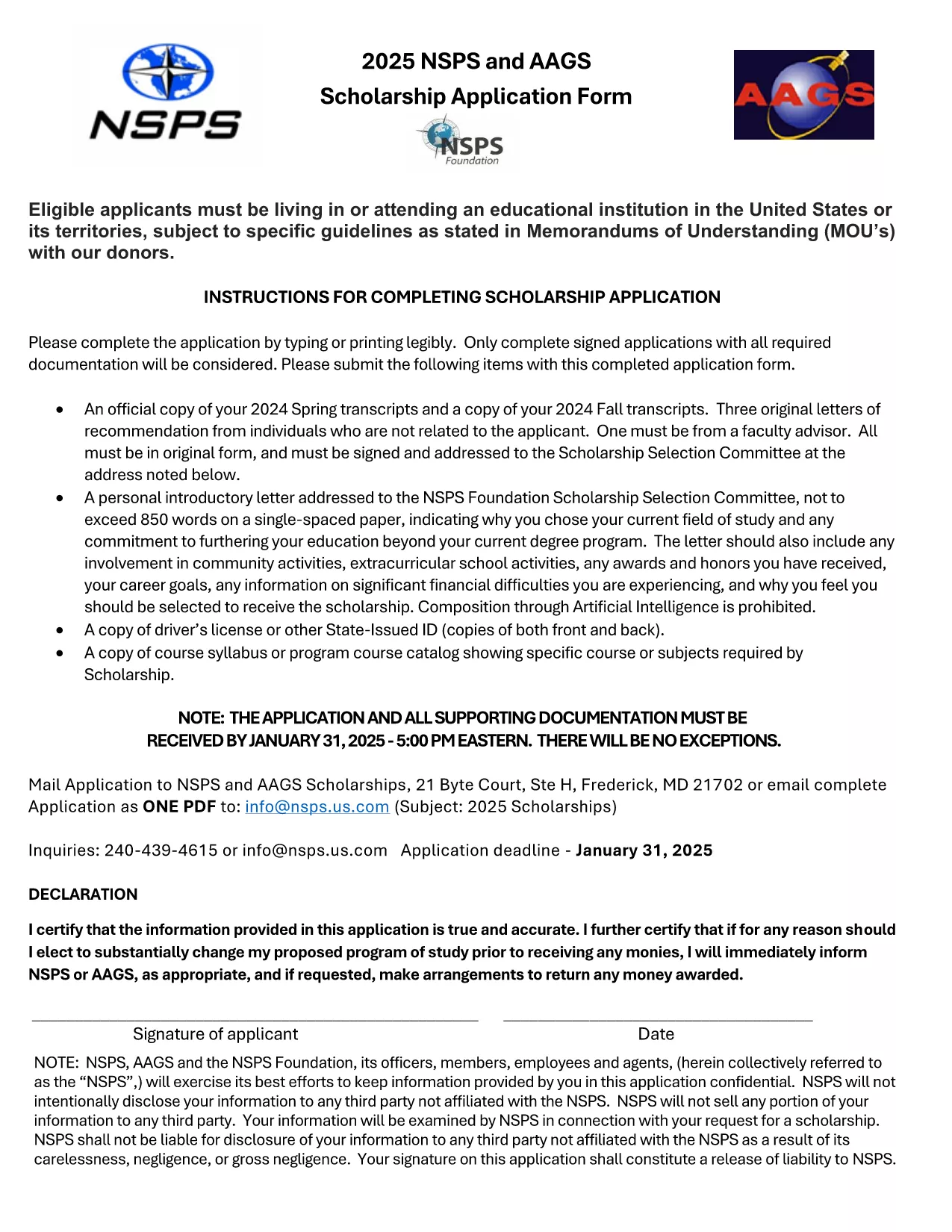
Looking for a hassle‑free way to apply for a scholarship? Our fillable scholarship application form lets you download a ready‑to‑use PDF, fill it out directly in your browser, and submit it with confidence. No printing, scanning, or re‑typing required.
Fillable PDFs preserve the exact layout of the original scholarship form while allowing you to type, select, and save your answers. This ensures:
Simply click the Fill out this form button on this page. The Formize PDF Filler app will load the document, and you can start entering your information right away.
Before you hit submit, double‑check these points:
After saving the filled PDF, follow the scholarship’s submission guidelines—usually an email attachment or an upload portal on the sponsor’s website. Keep the saved copy for future reference.
Ready to start? Click the button below and let Formize do the heavy lifting.
No. The Formize PDF Filler works in any modern browser, so you can complete the form without installing anything.
Yes. Use the "Save" button in the filler to download a partially completed PDF and reload it when you’re ready.
Formize uses SSL encryption, and the PDF is stored locally on your device unless you choose to upload it.
Open the saved PDF again in the Formize filler, correct the error, and re‑save the file.
A digital signature is accepted by most scholarship programs. Check the specific instructions of the scholarship you’re applying for.
Yes. Use the attachment fields in the form to upload transcripts, essays, or letters of recommendation.
PDF ドキュメントを表示および入力するための従来の一連の機能に、Web アプリケーションおよびレスポンシブ レイアウトの利点を組み合わせることで、数分で scholarship application form を完成させることができます。
オンラインで PDF フォームに記入する最も簡単な方法
フィルセッションを削除
編集セッションを削除する