
言語を選択する

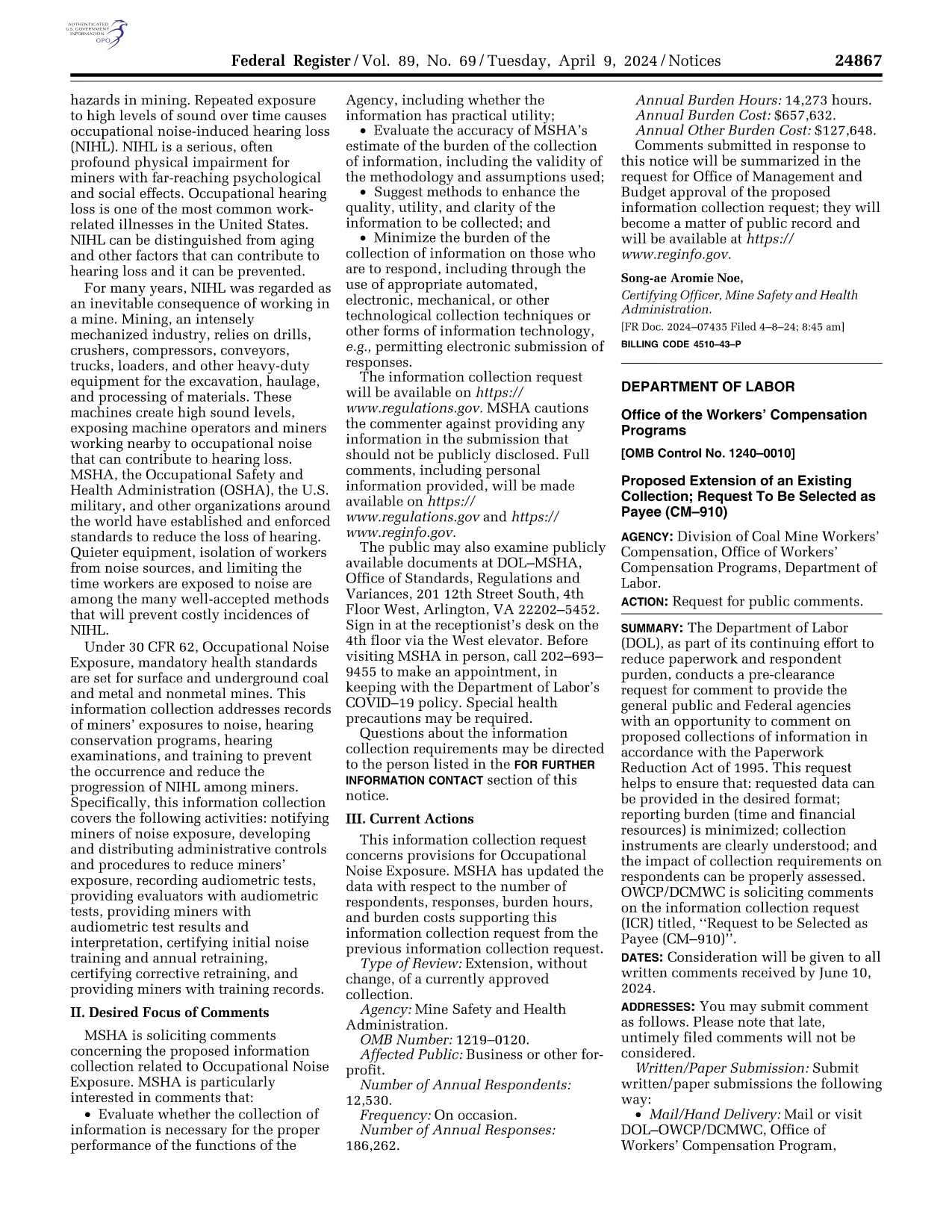
CM-910 Request to Be Selected as Payee – Fillable PDF Form

  1. 言語 英語
  2. アメリカ合衆国
  3. デパートメント 労働局
  4. エージェンシー 労働者災害補償プログラム局
このフォームに記入してください
CM-910 Request to Be Selected as Payee – Fillable PDF Form

The CM-910 is the official request used by individuals who want to be appointed as a representative payee for Social Security or Supplemental Security Income (SSI) beneficiaries. This form must be completed, signed, and submitted to the appropriate Office of the Workers' Compensation Programs.

What Is the CM-910 Form?

CM-910 gathers essential information about the applicant, the beneficiary, and the proposed payee arrangement. It is required by the Department of Labor and reviewed by the district office that has jurisdiction over the beneficiary’s claim file.

How to Complete the CM-910 Online

Instead of downloading and editing the PDF in a separate editor, simply click the "Fill out this form" button on this page. The Formize PDF Filler app will load the fillable version, allowing you to type, check boxes, and sign directly in your browser.

Common Mistakes to Avoid

  • Leaving any required field blank – the system will highlight missing information.
  • Using an outdated version of the form – our page always hosts the latest official PDF.
  • Signing with a scanned image instead of the electronic signature tool – Formize captures a legally acceptable e‑signature.

Where to Submit the Completed Form

After you finish and save the form, download the completed PDF and mail or fax it to the district office listed on the form’s instructions. Keep a copy for your records.

Frequently Asked Questions

Find quick answers to the most common queries about CM-910 below.

よくある質問
  • Who can file a CM-910?

    Any individual or organization seeking to become a representative payee for a Social Security or SSI beneficiary may submit a CM-910.

  • Do I need a paper copy of the form?

    No. The fillable PDF can be completed entirely online and saved as a digital file for submission.

  • Is an electronic signature accepted?

    Yes. The Department of Labor accepts electronic signatures created with Formize’s secure signature tool.

  • How long does the review process take?

    Processing times vary by district office, but most applications are reviewed within 4‑6 weeks after receipt.

  • Can I edit the form after I’ve saved it?

    You can reopen the saved PDF in the Formize filler to make changes, as long as the form has not been submitted to the agency.

  • What happens if I make a mistake on the form?

    Correct the error in the filler, re‑save the PDF, and resubmit. Do not submit a partially completed form.

  • Where do I send the completed CM-910?

    Mail or fax the PDF to the district office listed in the form’s instructions. The address is provided on page 2 of the PDF.

方法

オンラインで 5 回の簡単なステップで CM-910 を無料で入力する方法:

  1. 1
    Open the Fillable Form
    Click the "Fill out this form" button on this page. The Formize PDF Filler app will load the CM-910 PDF directly in your browser.
  2. 2
    Enter Your Information
    Complete each section—applicant details, beneficiary data, and payee agreement—using the on‑screen fields. Required fields are marked with an asterisk.
  3. 3
    Add Your Electronic Signature
    Use the built‑in signature tool to sign electronically. This is accepted by the Workers' Compensation Programs office.
  4. 4
    Save and Download
    When all fields are filled, click "Save" to generate a completed PDF. Download the file to your computer.
  5. 5
    Submit the Form
    Mail or fax the downloaded PDF to the district office indicated in the form instructions. Keep a copy for your records.
Formize PDF Filler アプリ
だいたい

労働省 (DOL) フォーム

CM-910 は、米国労働省とそのさまざまな機関が情報の収集、プログラムの管理、労働関連の法律や規制の施行に使用する公式フォームの 1 つです。労働省は、労働者の福祉の促進と保護、公正な雇用慣行の確保、米国の労働と雇用のさまざまな側面の監督を担当する連邦執行部門です。

労働省のフォームの例をいくつか示します。

雇用適格性確認 (フォーム I-9): フォーム I-9 は米国市民権移民局 (USCIS) によって管理されていますが、多くの場合、労働省に関連付けられています。これは、米国で雇用される個人の身元と雇用適格性を確認するために雇用主によって使用されます。

家族および医療休暇法 (FMLA) フォーム: DOL の賃金時間部門が FMLA を管理しており、医療認定を含むこの連邦法の規定を実施および遵守するためにさまざまなフォームが使用されます。プロバイダー フォームと FMLA の資格および権利と責任に関する通知フォーム。

労働安全衛生局 (OSHA) フォーム: DOL の一部門である OSHA は、特定の雇用主に対し、OSHA フォーム 300、OSHA フォーム 300A、OSHA などのフォームを使用して職場での傷害や病気の記録を維持することを義務付けています。フォーム301。

失業保険フォーム: DOL の雇用訓練管理局が失業保険 (UI) プログラムを監督しており、州の労働力機関が UI 給付金の請求を管理および処理するためにさまざまなフォームが使用されています。

賃金および時間の遵守フォーム: DOL の賃金および時間部門は、公正労働基準法 (FLSA) や家族および医療休暇法 (FMLA) などのさまざまな労働法を執行します。雇用主は、これらの法律の遵守を維持するために、労働時間、賃金率、その他の関連情報の記録など、特定のフォームを使用することが求められる場合があります。

これらの例は、労働省のフォームの一般的なカテゴリの一部を表していますが、DOL とそのさまざまな機関が労働と雇用に関連する責任を遂行するために使用するフォームは他にも多数あります。必要な具体的なフォームは、関連するプログラム、規制、または執行措置によって異なる場合があります。正確かつ最新の情報を入手するには、米国労働省の公式 Web サイト (www.dol.gov) にアクセスするか、関連する DOL 機関または法律専門家に相談することをお勧めします。労働関連のニーズまたはコンプライアンス要件に関連する特定の DOL フォームに関する日付情報。

特徴

PDFフィラー

オンラインで PDF フォームに記入する最も簡単な方法

  • CM-910 をすばやく入力してください
    CM-910 をオンラインですばやく入力する方法をお探しですか?オンラインの無料 PDF フォーム フィラーを使用すると、この PDF ドキュメントを 1 分以内に編集して入力する方法がわかります。
  • 使いやすいオンライン PDF エディター
    再スキャンして返送する前に、編集できるように PDF ファイルを印刷することにうんざりしていませんか? PDFドキュメントをオンラインで無料で編集.当社のオンライン PDF エディターを使用して、時間と紙を節約してください。
  • 優れたツール、すべてのプラットフォーム
    Mac で CM-910 を入力する方法や、PDF フィラーを無料で使用する方法を知りたいですか?当社のオンライン PDF ツールは、すべてのプラットフォームで動作します。
  • 安全なファイル ストレージ
    完成した「CM-910」ファイルは、Amazon クラウド ホスティングが管理する安全なデータベースに保存されます。いつでもシステムからファイルを削除できます。いずれにせよ、これらのファイルは 24 時間後に自動的に削除されます。
  • {キーワード} とチャットする
    無料の PDF リーダー アシスタントである Chatize で「CM-910」とチャットします。質問すると、「CM-910」から回答が得られます。上の [ドキュメントとチャット] ボタンをクリックするだけです。

フィルセッションを削除

選択したフィルセッションを削除しますか?この場合、フォームへの記入の進捗状況は失われます。

編集セッションを削除する

選択した編集セッションを削除しますか?この場合、フォームの作成および編集の進行状況は失われます。