


BSU application form テンプレート
PDF ドキュメントを表示および入力するための従来の一連の機能に、Web アプリケーションおよびレスポンシブ レイアウトの利点を組み合わせることで、数分で BSU application form を完成させることができます。
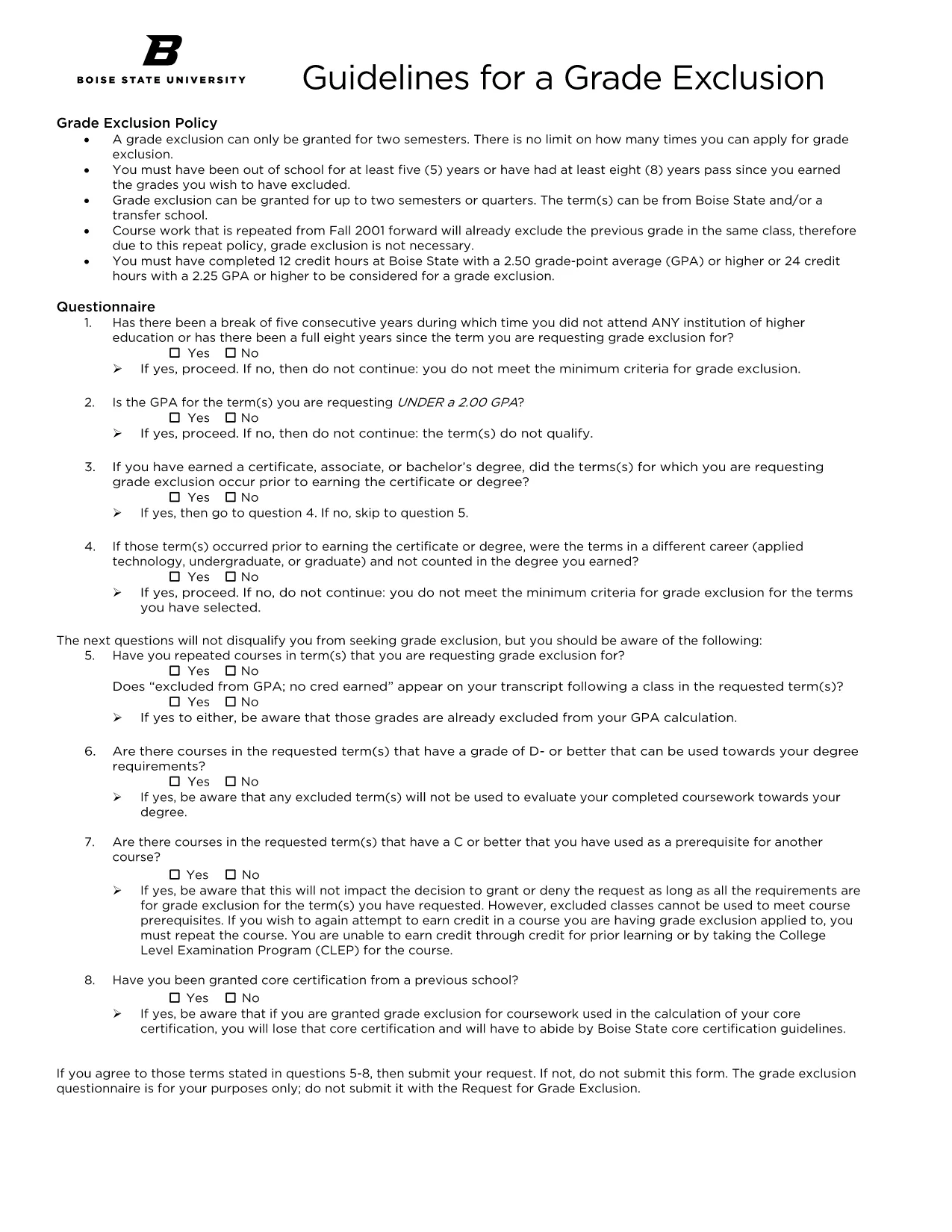
Welcome to the official landing page for the Boise State University (BSU) application form. Whether you are a prospective student, a transfer applicant, or need to update your records, this fillable PDF makes the process quick and error‑free.
Click the button below to download the PDF. The file is hosted securely and is fully compatible with the Formize PDF Filler.
Download BSU Application Form (PDF)
Instead of printing and scanning, use our built‑in Formize filler. Simply click the Fill out this form button on this page, wait for the Formize PDF Filler app to load, and start typing directly into each field.
After you have filled out the form and saved a copy, submit it through the BSU online portal or email it to the admissions office as instructed on the form’s last page.
For additional guidance, review the FAQs below or contact the Boise State Registrar’s Office directly.
No. The Formize PDF Filler works in any modern browser, so you can fill the form without installing additional software.
Yes. The filler automatically saves a draft in your browser. When you return, click "Load Draft" to continue.
Submit the completed form as a PDF. The filler exports a clean, searchable PDF ready for upload.
Absolutely. We update the PDF regularly and host the latest version directly on this page.
Reach out to the Boise State Registrar’s Office at registrar@boisestate.edu or call (208) 426‑1100.
Formize uses SSL encryption, ensuring that all information you enter is transmitted securely.
PDF ドキュメントを表示および入力するための従来の一連の機能に、Web アプリケーションおよびレスポンシブ レイアウトの利点を組み合わせることで、数分で BSU application form を完成させることができます。
オンラインで PDF フォームに記入する最も簡単な方法
フィルセッションを削除
編集セッションを削除する