


Qealis application form テンプレート
PDF ドキュメントを表示および入力するための従来の一連の機能に、Web アプリケーションおよびレスポンシブ レイアウトの利点を組み合わせることで、数分で Qealis application form を完成させることができます。
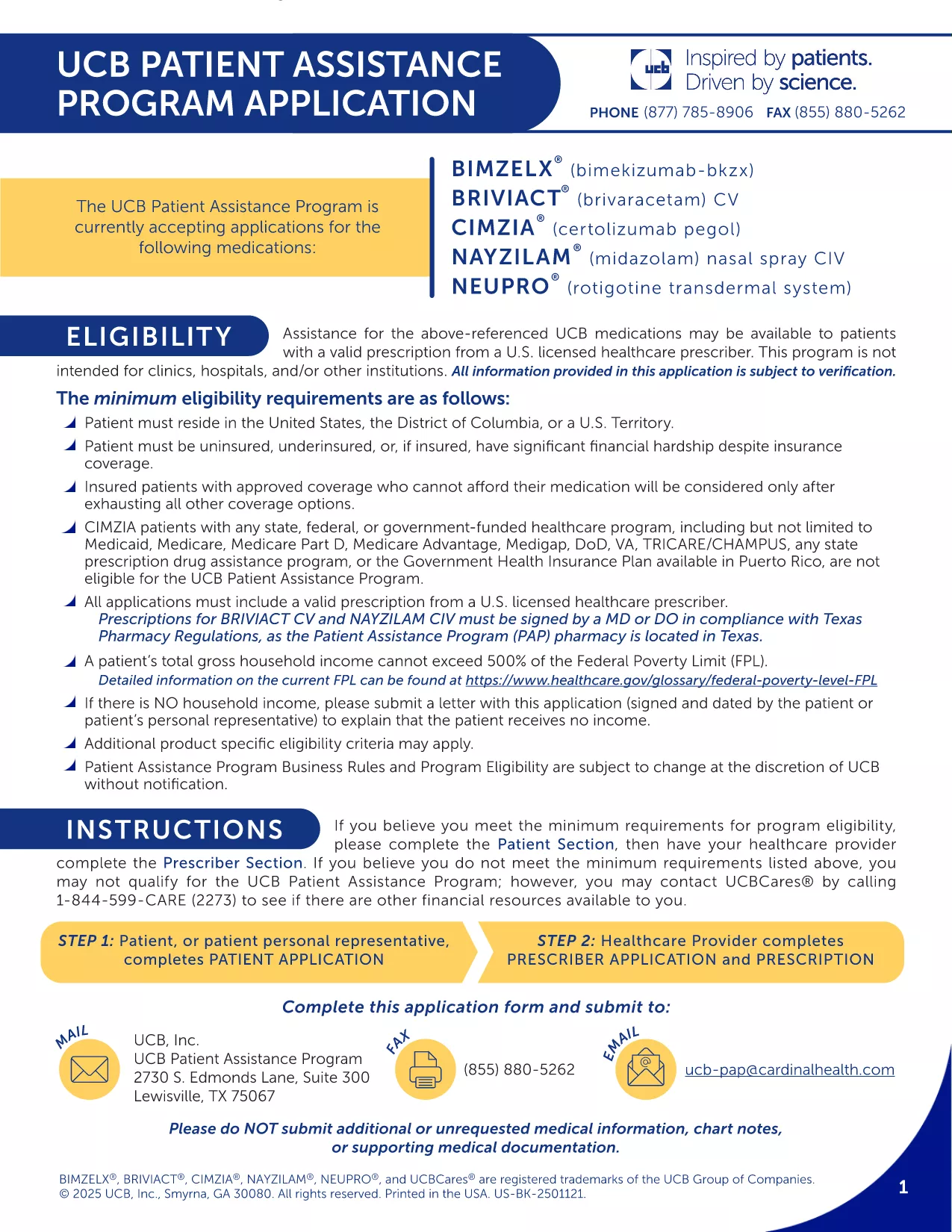
The Qealis application form is a standard PDF used for submitting your request to the Qealis program. With Formize’s built‑in PDF filler, you can complete the form directly in your browser—no Adobe Reader or extra software required.
This fillable PDF collects personal details, eligibility information, and supporting documentation needed for the Qealis program. It is designed to be clear, concise, and fully compatible with the Formize PDF Filler.
Just click the "Fill out this form" button on the page. The Formize PDF Filler loads automatically, presenting each field in a user‑friendly interface. You can type, select, and upload files with a single click.
After you finish, click Save & Download. Your completed PDF is stored on your device and can be submitted via email or uploaded to the Qealis portal.
Need a printable copy? Use the Print button in the Formize toolbar.
No. Formize’s online PDF filler works in any modern browser, so you can complete the form without installing software.
Yes. Use the "Save Draft" button to download a partially completed PDF, then reopen it later with Formize to continue.
PDF, JPG, and PNG files are accepted. Each file must be under 5 MB.
Absolutely. The Formize filler includes a secure electronic signature field that meets program requirements.
Simply reopen the downloaded PDF with Formize, correct the error, and download the updated version.
No. Filling and downloading the Qealis application form is completely free.
Yes. After saving, click the "Print" button in the Formize toolbar to produce a hard‑copy.
The download link on this page always points to the most recent PDF provided by the program.
PDF ドキュメントを表示および入力するための従来の一連の機能に、Web アプリケーションおよびレスポンシブ レイアウトの利点を組み合わせることで、数分で Qealis application form を完成させることができます。
オンラインで PDF フォームに記入する最も簡単な方法
フィルセッションを削除
編集セッションを削除する